5. Tap the Next button.
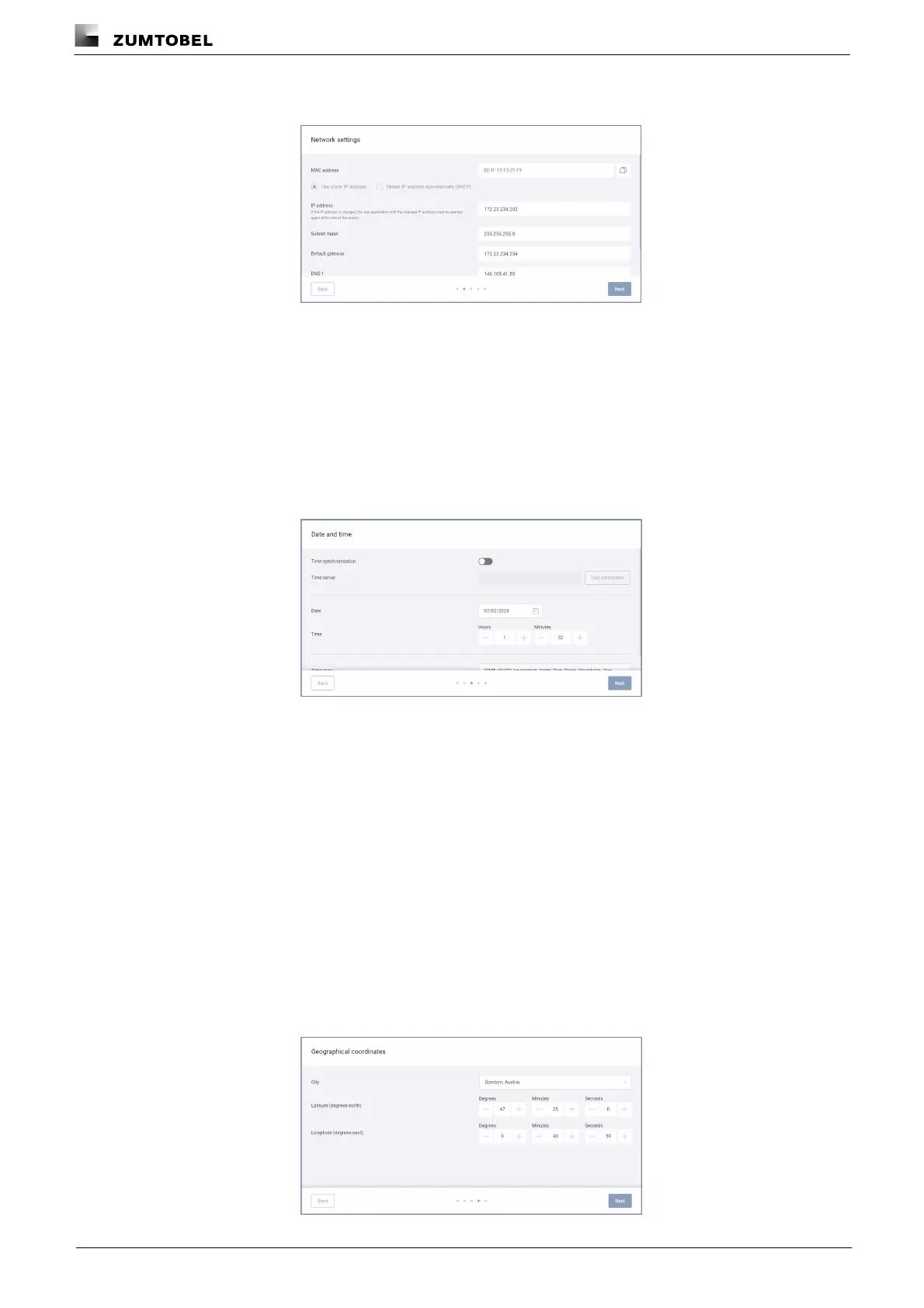
ÜThe Network settings view is displayed.
ÜThe Use static IP address option is enabled by default.
ÜThe IP address, subnet mask, default gateway, DNS 1 and DNS 2 are displayed
and can be changed.
6. Change the values.
– or –
6. Enable the Obtain IP address automatically (DHCP) option.
7. Tap the Next button.
ÜThe Date and time view is displayed.
8. Set the date.
9. Set the time.
10.Set the time zone.
– or –
8. Enable the Time synchronisation option.
9. Enter the time server.
10.Tap the Test connection button.
ÜFeedback is displayed about whether the connection was successful or has
failed.
11.Set the time zone.



 To Next Page