107 XFC G4 2103335 Rev AB
IMPORTANT NOTE: For you to be able to view various display items, those items must be pre-programmed for
keypad entry. You may either program all the display items for an application or individual display items within the
application using PCCU32.
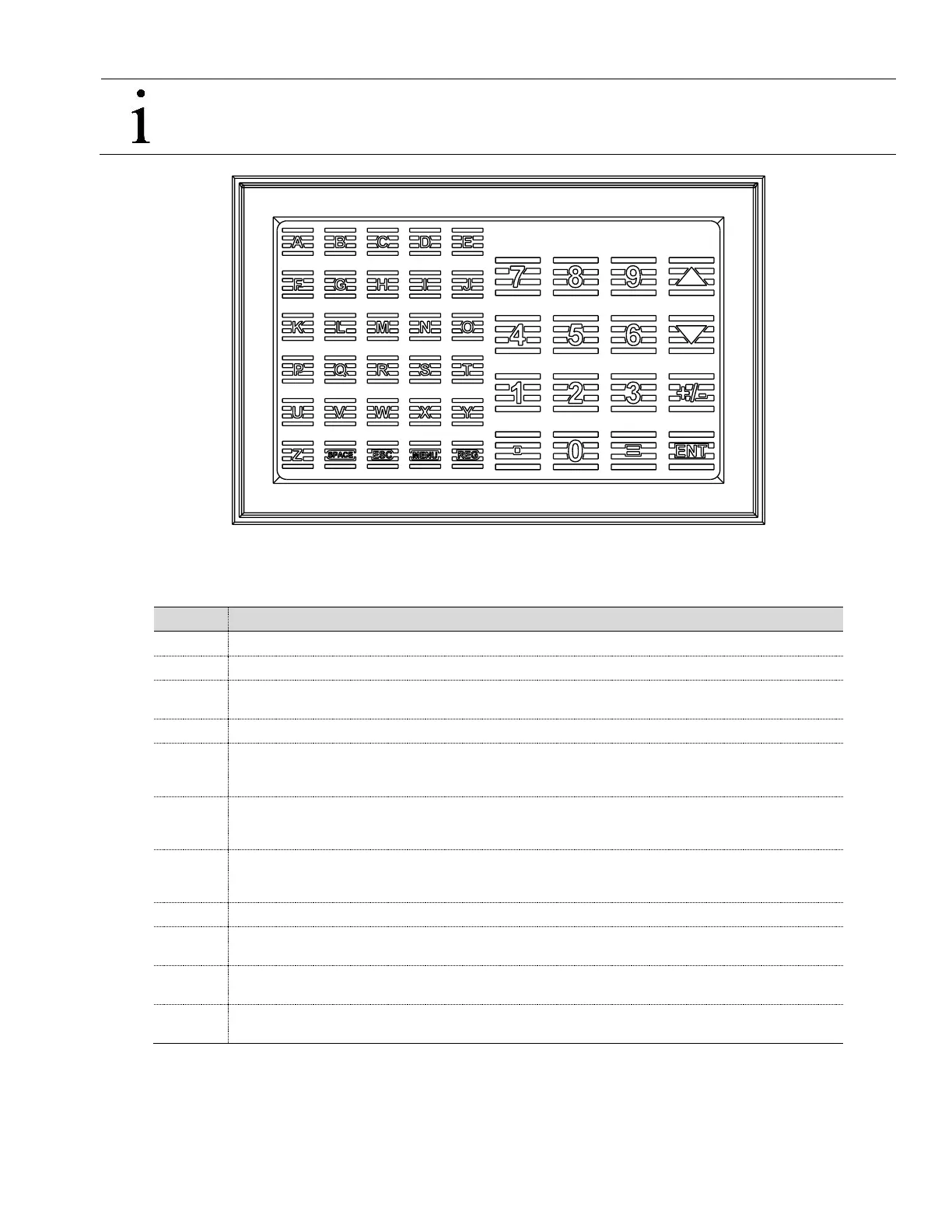
Figure 83 Optional Keypad (P/N 2100652-xxx)
Table 14 Optional Keypad Commands
Press the ENT button in the lower right hand corner of the keypad.
When prompted, enter the 4-digit security code.
Use the up and down arrow keys located in the upper right hand corner to scroll through the various
instantiated applications (Multiple Tube Device).
When you have located the item you wish to change/display, press the ENT button.
After viewing the item for change, press the = key located in the lower right corner of the keypad. If entering
a negative figure, press the ± key to toggle the minus sign on or off. Enter the new figure. Press Enter.
NOTE: You may only change those values that are not live from this screen.
When setting up the XFC
G4
Display items, you may also set Data Limits so that when you change a
programmed value, it must be valid between the high and low limit; otherwise it will return an invalid code.
This is called Validate Keypad Entry and must be set to yes to be active.
Based on how you have programmed the display setup, you may set the Scroll Lock Timeout. After the
programmed time has elapsed, it will return to regular operation. This includes exiting the security system.
To re-enter the keypad program, you will need to re-enter your security code.
Pressing this button will have the effect of leaving a blank space(s) between characters during data entry.
Pressing the MENU button and then the group number and item number will take you directly to the
specified screen.
Pressing the REG button and then entering the application.array.index of the register you would like
displayed will take you directly to the specified register.
To exit the program, press the ESC key in the lower left corner once for each level you are viewing. When
the screen begins to scroll again, you have exited the program completely.



 To Next Page