139 XFC G4 2103335 Rev AB
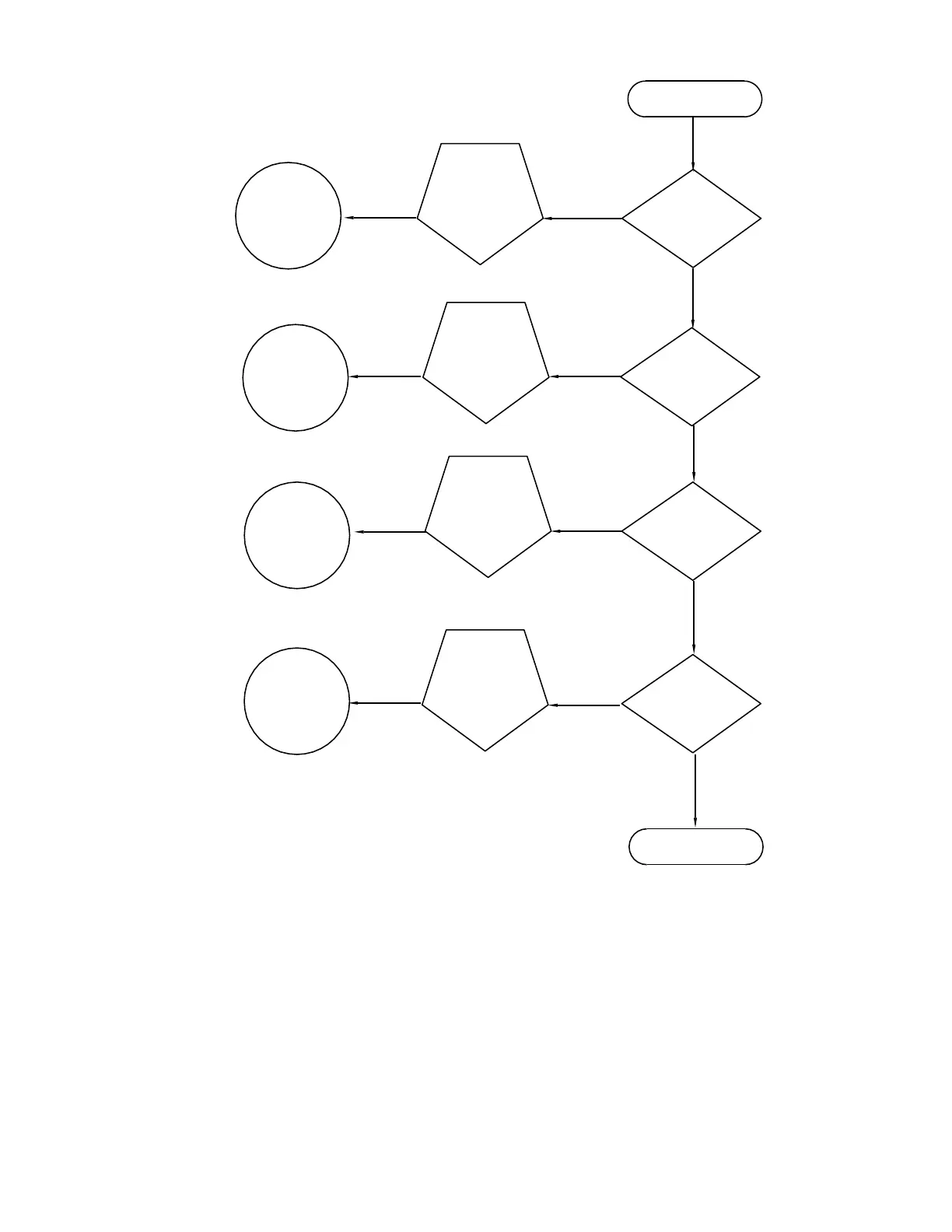
Figure 94: Troubleshooting Flowchart
7.2 Troubleshooting Visual Alarm Codes
When a visual indicator is present (Figure 95:) the following section will assist in determining the probable cause and steps
required to correct the condition.
For the purpose of troubleshooting, only those codes considered alarms or codes used to assist troubleshooting are discussed
here. The entire list of status and alarm codes may be found in Chapter 1. Table 17: contains a description of each alarm code.
An alarm can be a word, character, letter or symbol.
An application can be assigned to an annunciator and any alarms or status codes associated with that application will be
displayed.
Go To
Troubleshooting
Alarm Codes
START
Call Totalflow
Technical
Support
Return to
START
END
Go To Power
Troubleshooting
Go To COMM
Troubleshooting
YES
NO
Receive
Alarm?
Batteries
Dead?
COMM
Trouble?
Still
Having
Trouble?
YES
NO
YES
NO
YES
NO
Return to
START
Return to
START
Return to
START



 To Next Page