87 XFC G4 2103335 Rev AB
Configure the IP parameters. Select one of the options based on your addressing method.
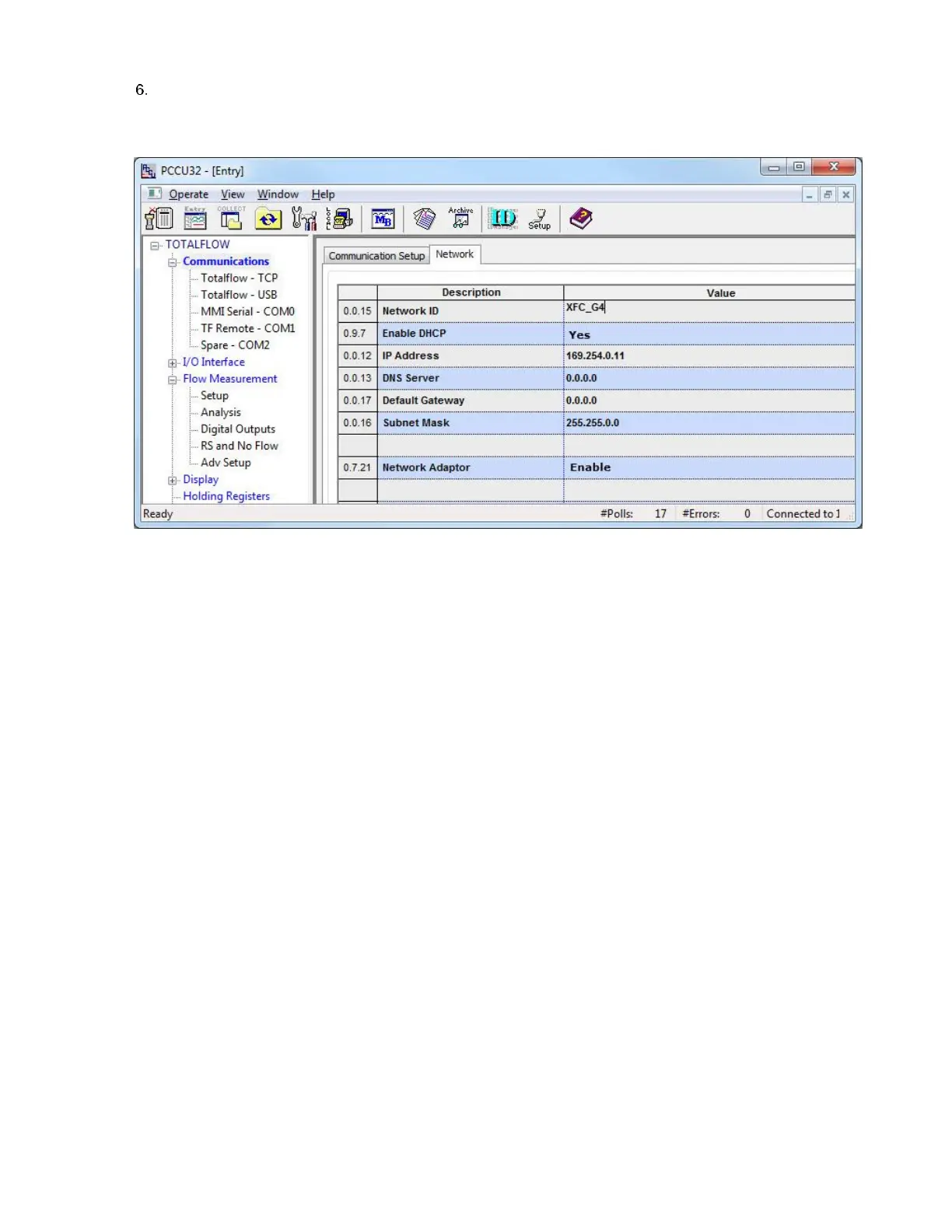
a. If using DHCP for dynamic addressing, set Enable DHCP to Yes (Figure 67). Leave the additional default IP
configuration intact as it will auto-configure after Ethernet is activated.
Figure 67 Network tab: Configure to use DHCP for addressing
b. If using static addresses, make sure to set Enable DHCP to No (Figure 68). Type the IP Address, Subnet Mask,
and Default Gateway, provided by the IT administrator.



 To Next Page