97 XFC G4 2103335 Rev AB
Insert the credit key into an available USB port.
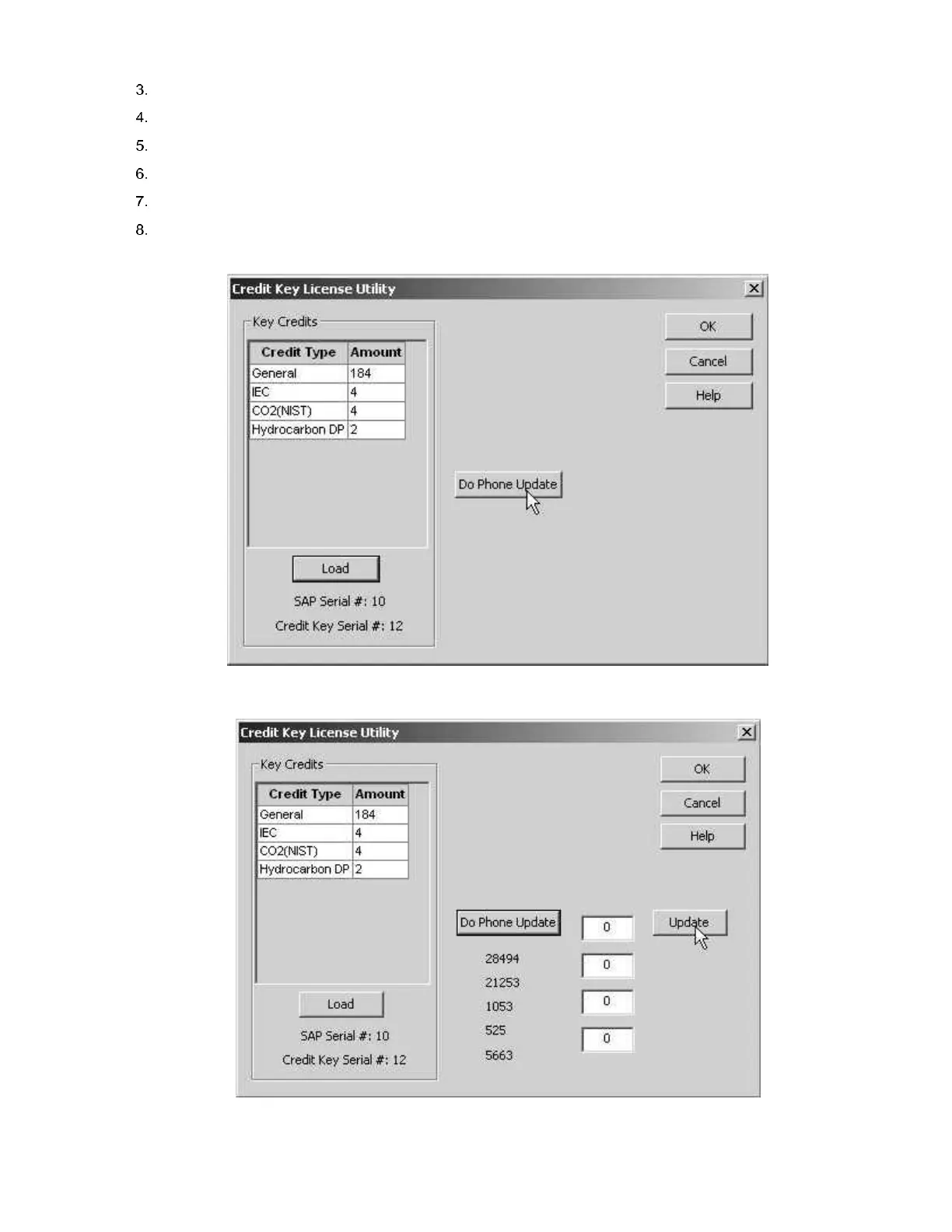
Select Do Phone Update (see Figure 76).
Ensure that the credit key is plugged in.
Call Totalflow Order Entry.
Click OK when you have connected with an Order Entry clerk.
The clerk will ask for the five (5) encrypted codes that appear directly beneath the Do Phone Update. Read them
from top to bottom (see Figure 77).
Figure 76 Credit Key Telephone Update
Figure 77 Application Credit Entry Screen



 To Next Page