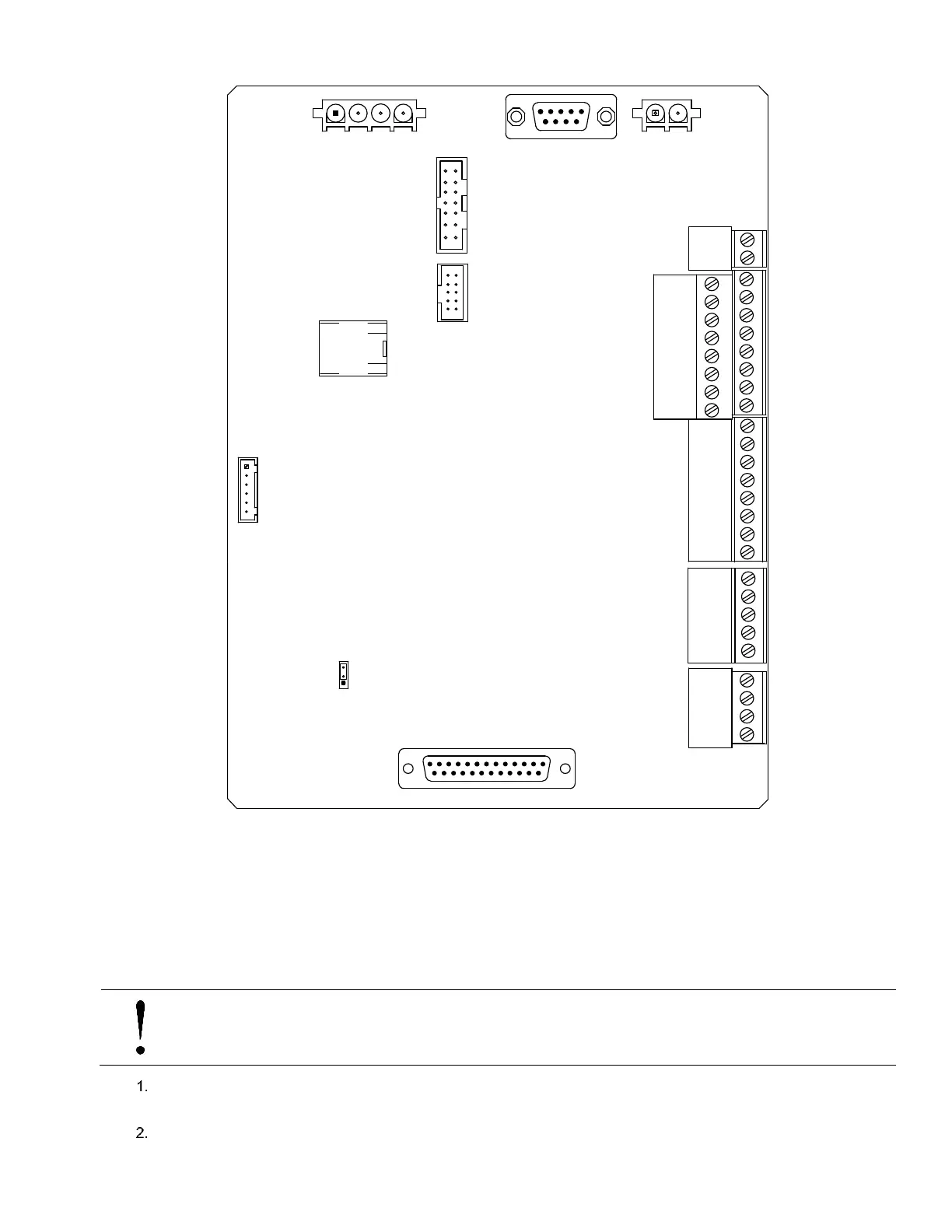
119 XFC G4 2103335 Rev AB
Figure 89: XFC
G4
Removable Board Connections for Maintenance
6.9 Replacing the CPU Engine Card
One of the major differences in the XFC
G4
is the incorporation of a 32-bit CPU engine card. This engine card holds the main
processor, as well as the Flash, RAM and serial EEPROM. Should the engine card require replacing, perform the following
procedure.
To replace the CPU Engine Card:
NOTICE – Loss of data. The engine card holds configuration data. The configuration is in non-volatile Flash, but
it is always a good idea to keep a copy of your configuration files on your laptop. See section 6.2.2, Back up
configuration files (save), on page 108 and section 6.2.3, Restoring configuration files (Restore), on page 109.
Connect the PC running PCCU32 to the flow computer with either an MMI cable (RS-232), a USB cable or an
Ethernet cable.
Open PCCU
KEYPAD
J16
XIMV INTERFACE
J8
J4
J15
I/O EXP to TFIO
MODULES
J3
MMI
CHARGER INPUT
J5
BATTERY
J1
9
6
5
1
1
J13
3
1
13
14
25
J9
J6
J7
ETHERNET J17
J2
J18
USB
DISPLAY
COMMUNICATION WIRING
DIGITAL I/O
RTD INPUT
ANALOG INPUT
LITHIUM BATTERY ENABLE



 To Next Page