v XFC G4 2103335 Rev AB
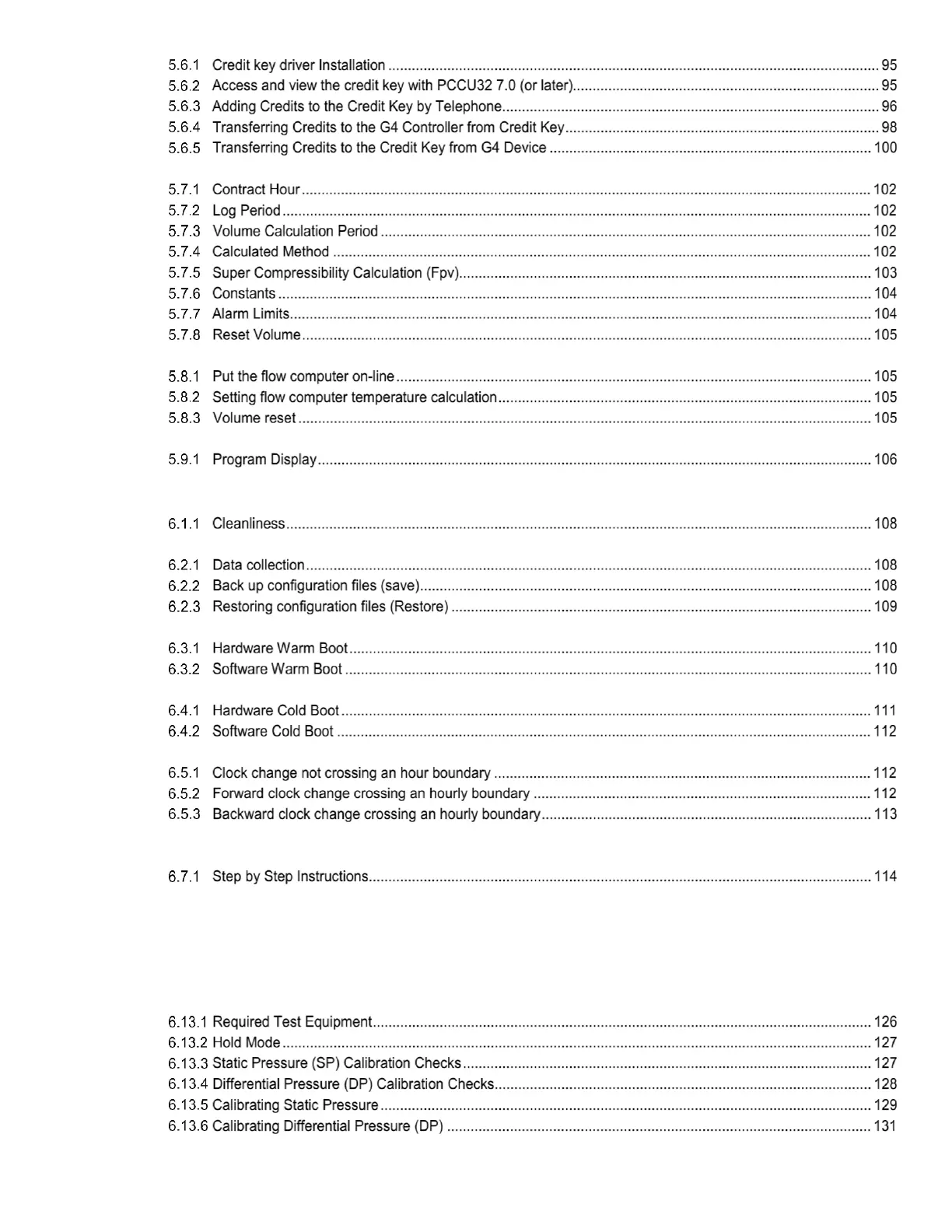
5.7 XFCG4 Configuration................................................................................................................................................. 102
5.8 Startup the flow computer .......................................................................................................................................... 105
5.9 XFCG4 Standard Displays ......................................................................................................................................... 106
5.10 Key Pad ..................................................................................................................................................................... 106
6 Service and maintenance ............................................................................................................................... 108
6.2 Data preservation ...................................................................................................................................................... 108
6.3 Performing a Warm Boot ........................................................................................................................................... 109
6.4 Performing a Cold Boot.............................................................................................................................................. 111
6.5 Changing XFCG4 Clock ............................................................................................................................................. 112
6.6 Replacing the lithium battery ...................................................................................................................................... 113
6.7 Replacing XFCG4 Battery Pack ................................................................................................................................. 113
6.8 Replacing the Main Electronic Board ......................................................................................................................... 117
6.9 Replacing the CPU Engine Card ............................................................................................................................... 119
6.10 Replacing Liquid Crystal Display (LCD) Board .......................................................................................................... 121
6.11 Replacing XIMV ......................................................................................................................................................... 122
6.12 Replacing Static Pressure Transducer....................................................................................................................... 124
6.13 Calibration .................................................................................................................................................................. 126
6.14 On-Board I/O Calibration Overview ........................................................................................................................... 132



 To Next Page