11-16
n
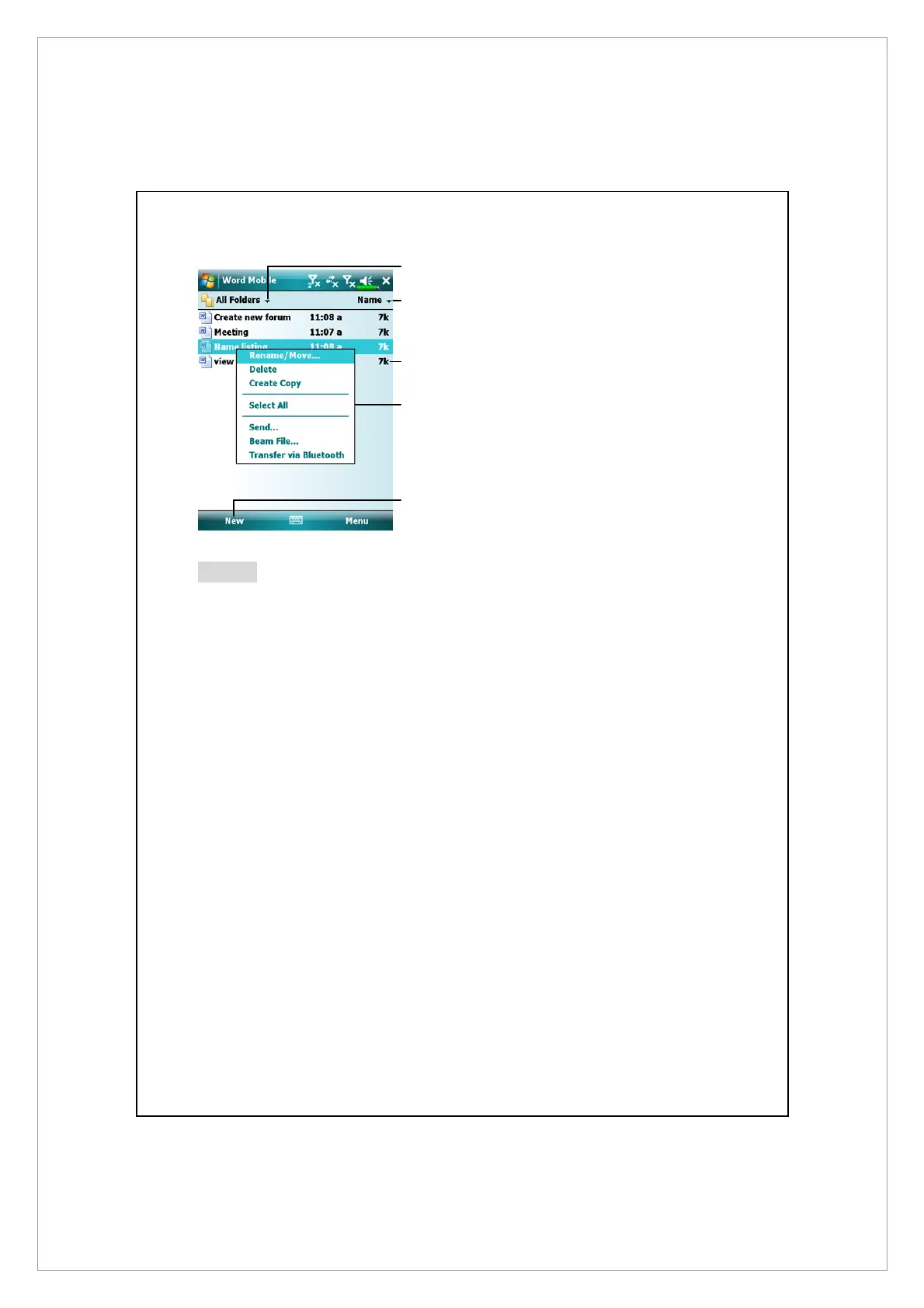
Select the type of folder you want
displayed in the list.
o
Tap to change the sort order of
the list.
p
Tap to open a document.
q
Tap and hold an item to see a
pop-up menu of actions.
r
Tap to create a new document.
Notes
You can change the zoom magnification by tapping View and then Zoom. Then
select the percentage you want. Select a higher percentage to enter text and a
lower one to see more of your document.
If you’re opening a Word document created on a desktop computer, check
Wrap to Window on the View menu so that you can see the entire document.
n
o
r
p
q



 To Next Page