Companion Programs 11-17
Using the input panel, enter typed text into the document. For more
information on entering typed text, see “Enter Information on Your Pocket PC.”
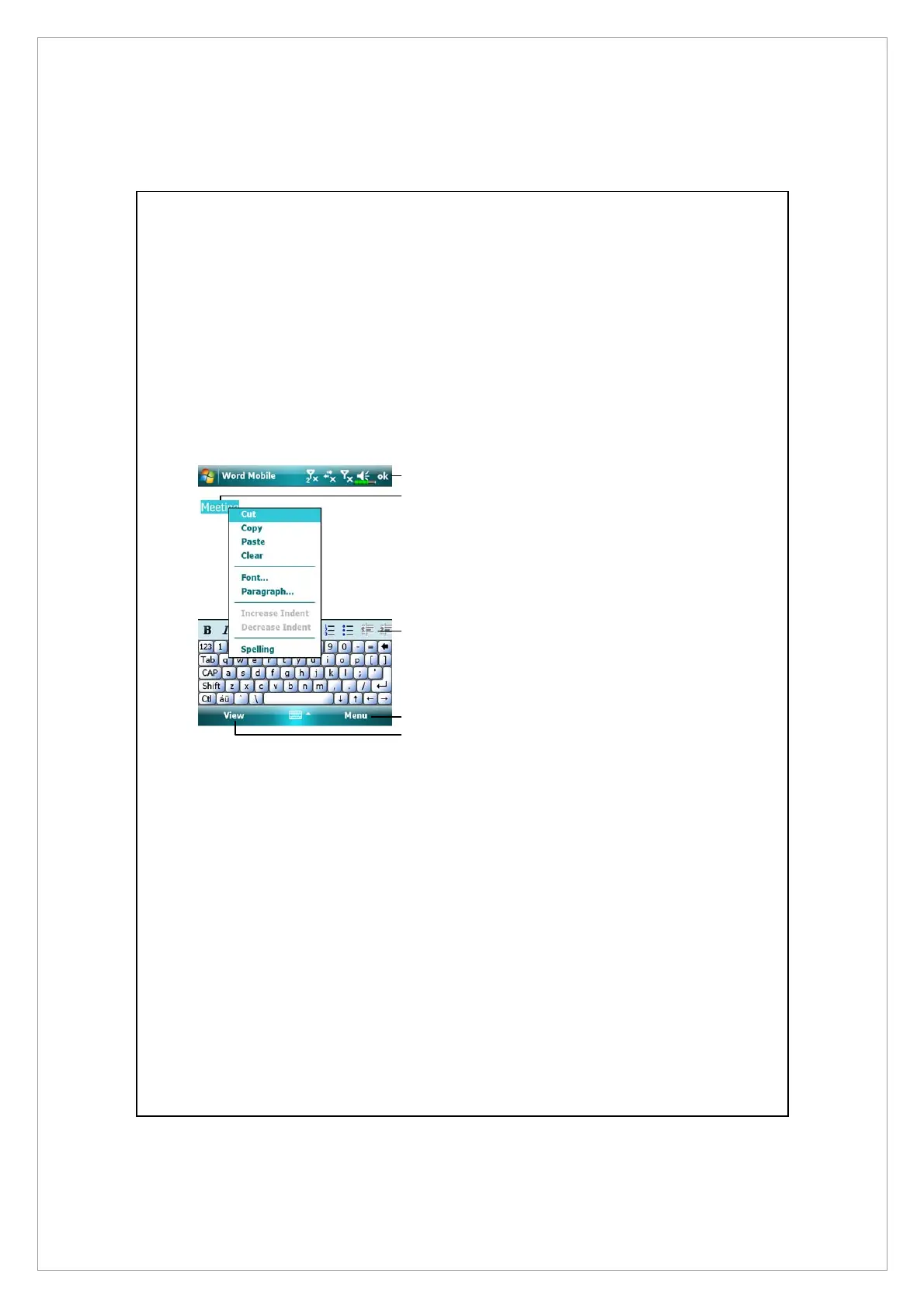
To format existing text and to edit text, first select the text. You can select text
as you do in a Word document, using your stylus instead of the mouse to drag
through the text you want to select. You can search a document to find text by
tapping Menu, Edit and then Find/Replace.
n
Tap to return to the document list
(changes are saved
automatically).
o
Tap and hold to see a pop-up
menu of actions.
p
Tap to format text.
q
Provides the relevant menu.
For example, select Format to
change formatting options.
r
Tap View and then check Toolbar
to show the toolbar.
n
o
r
p
q



 To Next Page