1-17
Reset
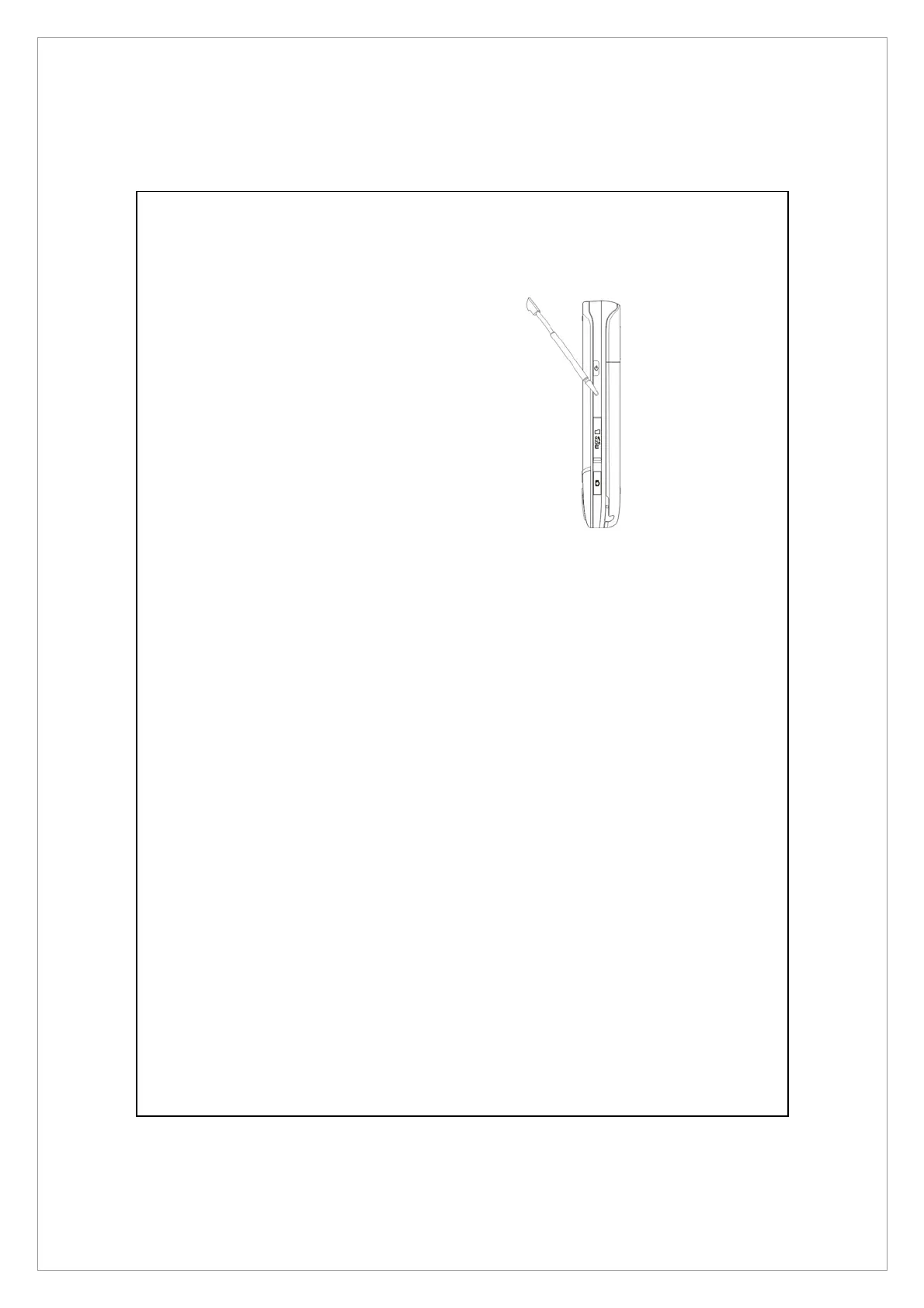
Reset method: Press the RESET button
of Pocket PC with the tip of the stylus.
z
Appropriate situation: If the Pocket PC is unable to maintain normal
operation, has no response, or if the screen is frozen.
z
Result: In a moment, when Pocket PC automatically completes the system
startup process, the last display will be the Today screen. This will retain
the Microsoft Windows, factory pre-installed applications, and user’s
input data, newly installed programs, and user custom settings.



 To Next Page