1-18
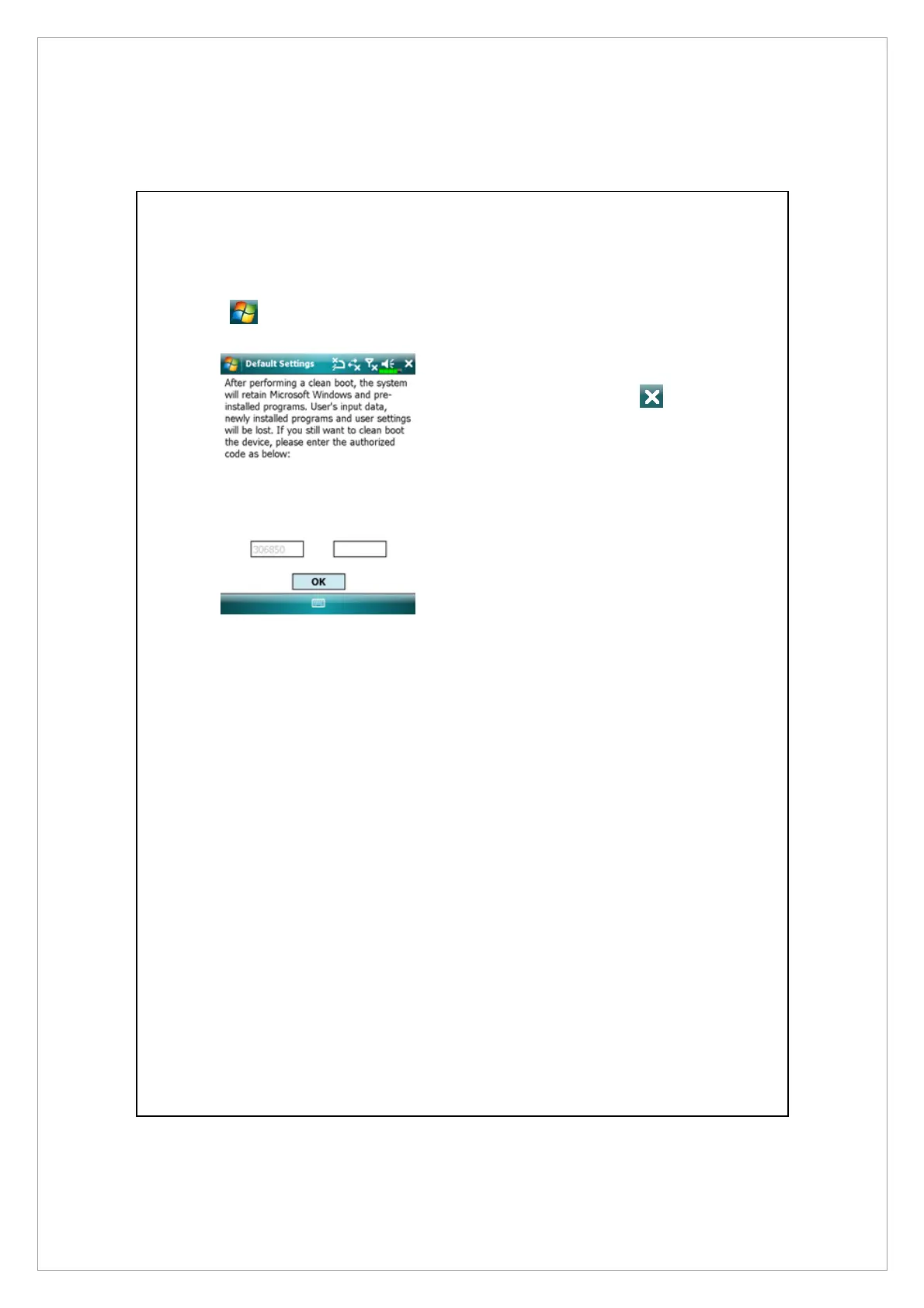
Default Settings
Tap
> Programs > Utilities > Default Settings.
1. If this application is inadvertently
accessed, please select the
to the upper right of the screen to
exit, the system will not be
affected.
2. If you are certain that you wish to
perform this action, please select
the data input block on the right,
and enter the authorized code in
the block to the left. Then tap
OK.
z
Appropriate situation: If the Pocket PC is unable to maintain normal
operation, but the touch screen is functional. Please refer to the
instructions in this section to troubleshoot.
z
Result: This will retain only the Microsoft Windows, and factory
pre-installed applications. Other settings such as user’s input data, newly
installed programs, and user custom settings will all be cleared.



 To Next Page