4-22
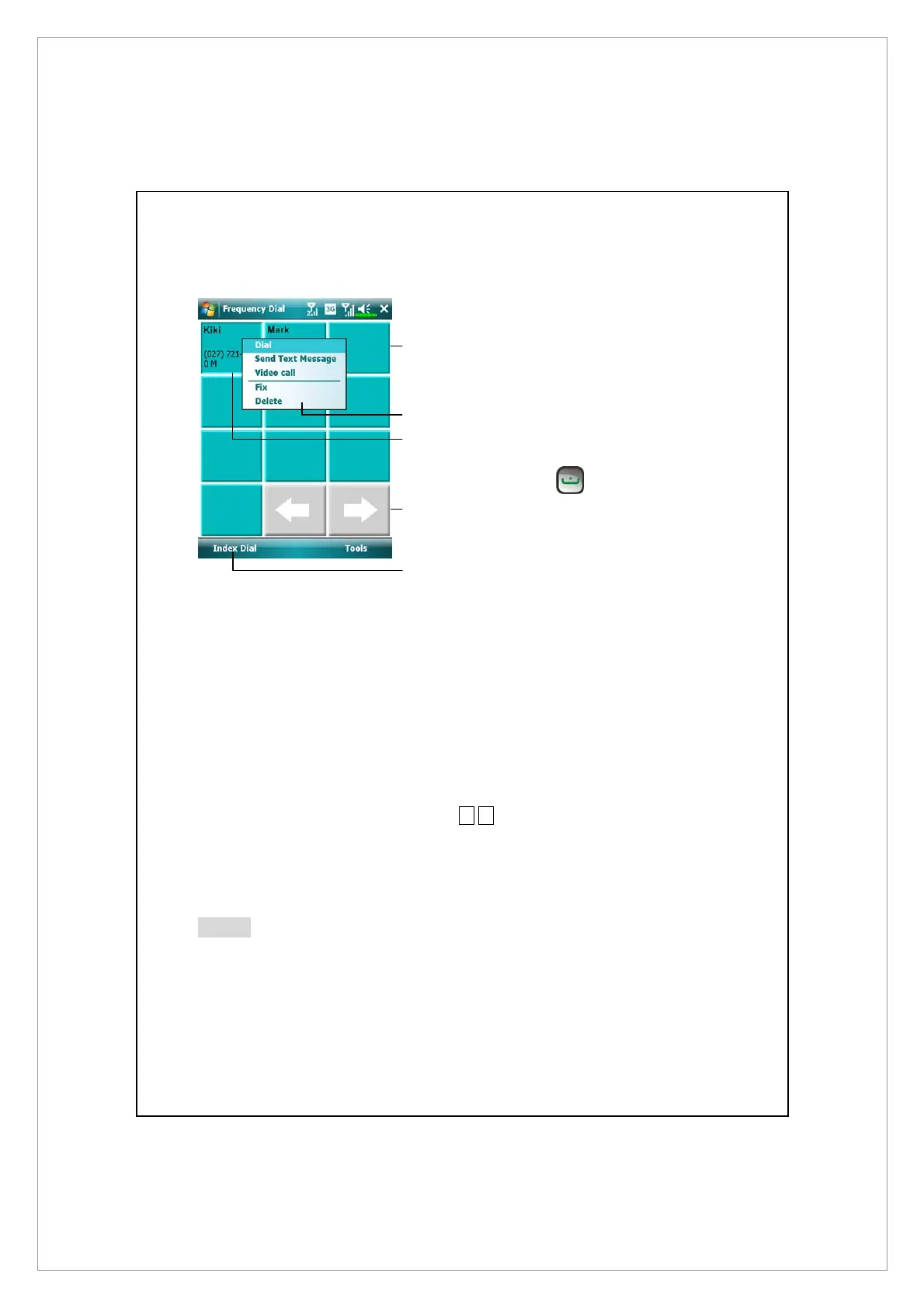
Frequently Dialed Screen
Á
Frequency Dial screen
n
Tap any phone entry box to
speed dial. You will make a call on
the number currently selected by
your device. To select the other
number, press
to enter
Phone screen, tap Menu > Phone
Dialer Selection
o
Tap and hold the box, then select
appropriate command from the
pop-up menu.
p
Sort according to the number of
calls in descending order. The
upper left corner has the most
number of calls while the lower
right corner has the least
number.
q
§
¨
: Tap to view the previous or
next page.
r
Tap to switch to the Frequency
Dial screen as shown on the left.
Note
To make a video call from Speed Dial, please install your 3G SIM card in SIM1
slot and activate Phone1.
o
n
r
p
q



 To Next Page