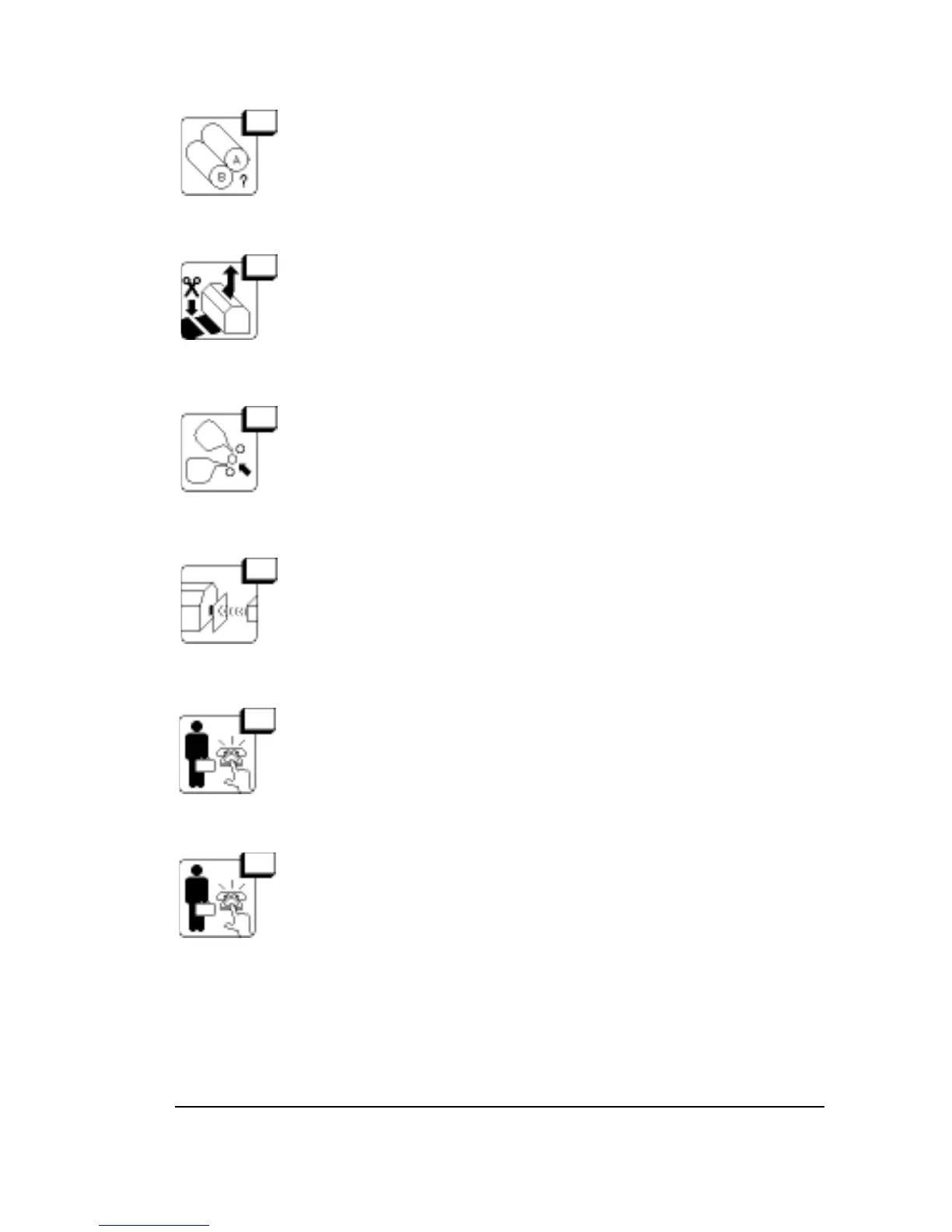
33 No Media Currently Loaded
Go to the Pause Screen and load a media supply.
34 Media in Take-up Cassette
There is cut media in the take-up cassette. Remove the
cassette. Put an empty cassette in the imagesetter in its
place.
36 Supply Cassette Jam
Check to make sure that the supply cassette is positioned
correctly. If necessary, unload and load the supply again.
If the error persists, call for service.
37 Take-up Cassette Jam
Make sure that the take-up cassette is positioned cor-
rectly and that nothing is blocking the end of the cassette
from the sensor.
38 Focuser Jam
Hardware error.
Reset. Call for service if the error persists.
39 Polarizer Error
Hardware error.
Reset. Call for service if the error persists.
Diagnostics and Error Messages
•
6–7



 To Next Page