40 Diagnostic Error
Hardware error.
Reset. Call for service if the error persists.
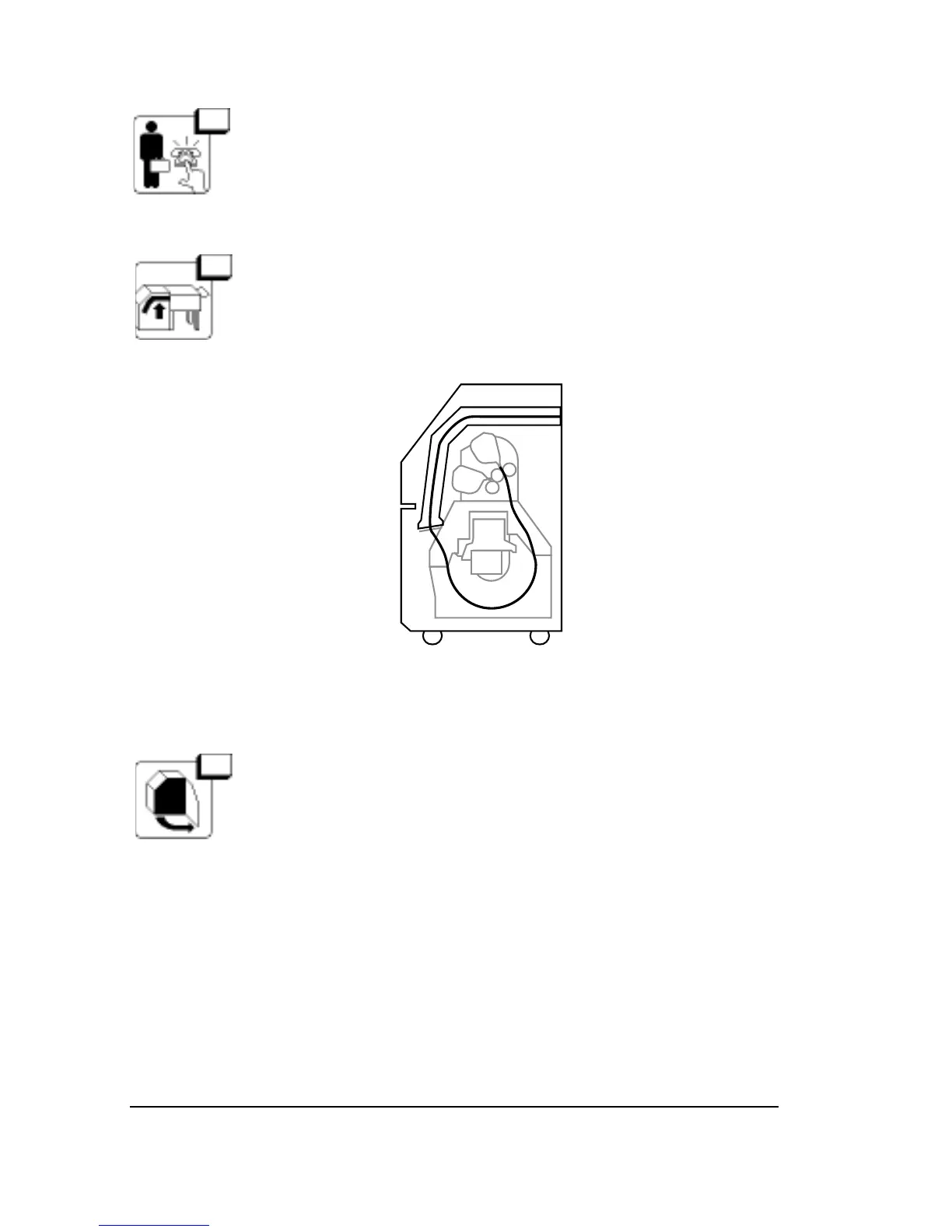
41 Bridge not in Position
Open the media compartment and make sure that the
bridge to the processor is completely lowered.
Figure 6.1. Make sure that the bridge is completely lowered.
42 Right Side Door Open
The right door is not securely closed.
Close the door. When you clear the message, the image-
setter resets itself.
➡
6–8
•
SelectSet Avantra User Guide



 To Next Page