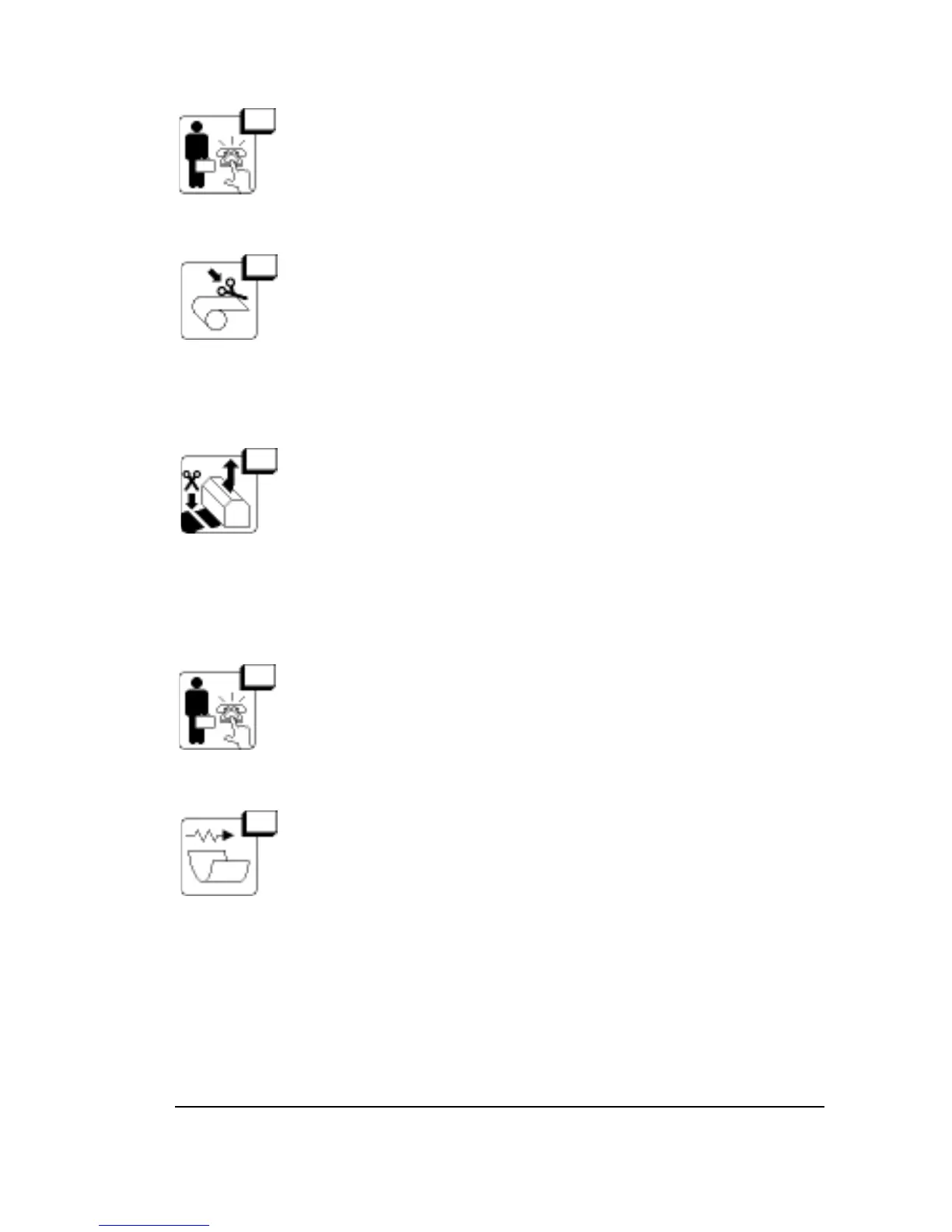
43 Internal Error
Reset. Call for service if the error persists.
44 Cut Not Allowed
Not enough media has been fed past the cutter.
If this message appears when you use Cut in the Utilities
Screen, clear the message, press Feed, then press Cut
again.
45 Feed and Cut Before Changing Supply
A media supply is already loaded and media from that
supply has been imaged and advanced into the take-up
cassette.
Feed and cut the media and remove the take-up cassette.
Unload the current supply, then load the other supply.
46 Laser Bad
Hardware error.
Reset. Call for service if the error persists.
47 Carriage Speed Error
Motion of the carriage has been blocked.
Open the side panel to find the problem.
Diagnostics and Error Messages
•
6–9



 To Next Page