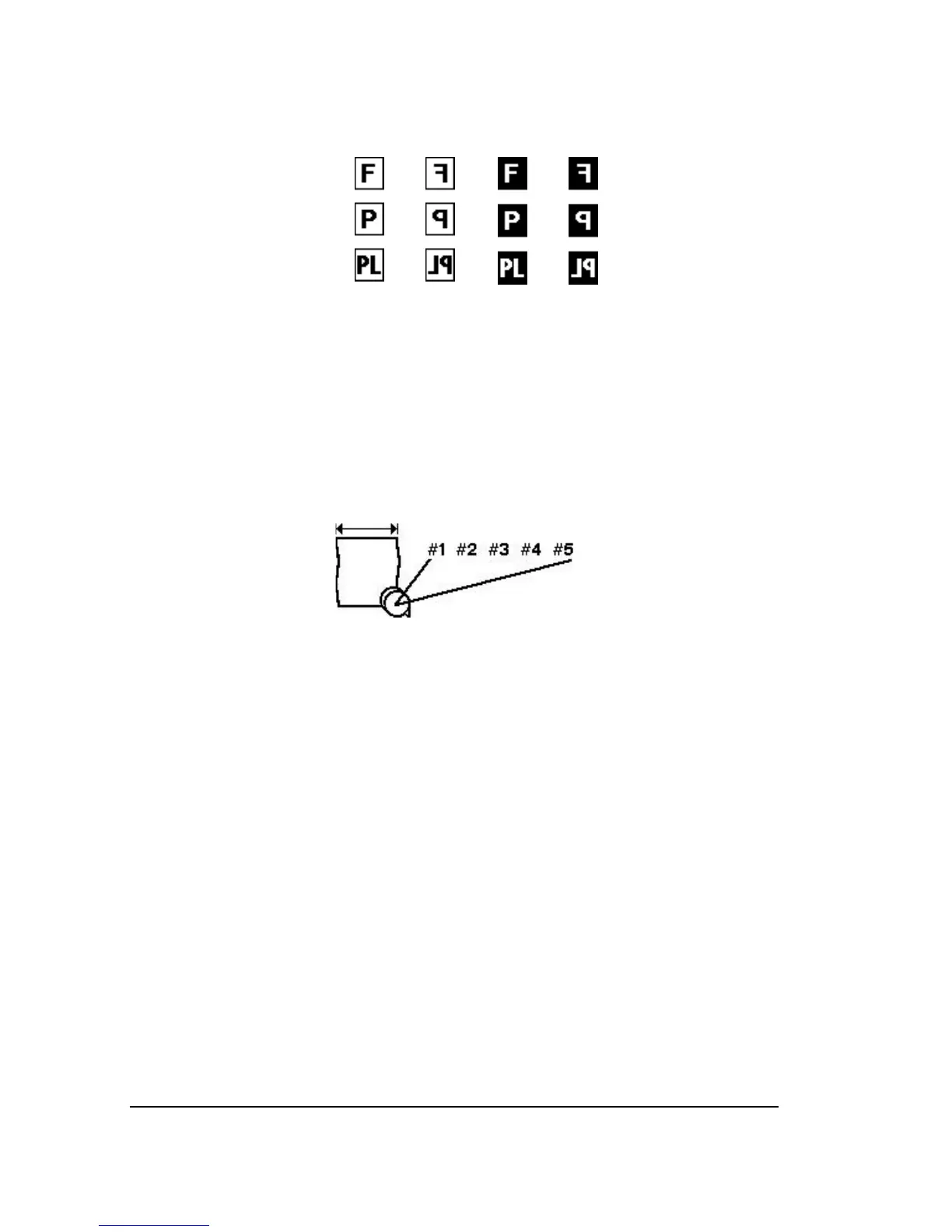
Figure 3.8. The four Imaging modes are listed left to right.
You change imaging mode in the Configuration Screen.
➀
—Positive right reading.
➁
—Positive wrong reading.
➂
—Negative right reading.
➃
—Negative wrong reading.
The three media types are listed top to bottom.
You change media type in the Cassette Screen.
A—Film. B—Paper. C—Plate.
Figure 3.9. Cassette number. Adjust in Cassette Screen.



 To Next Page