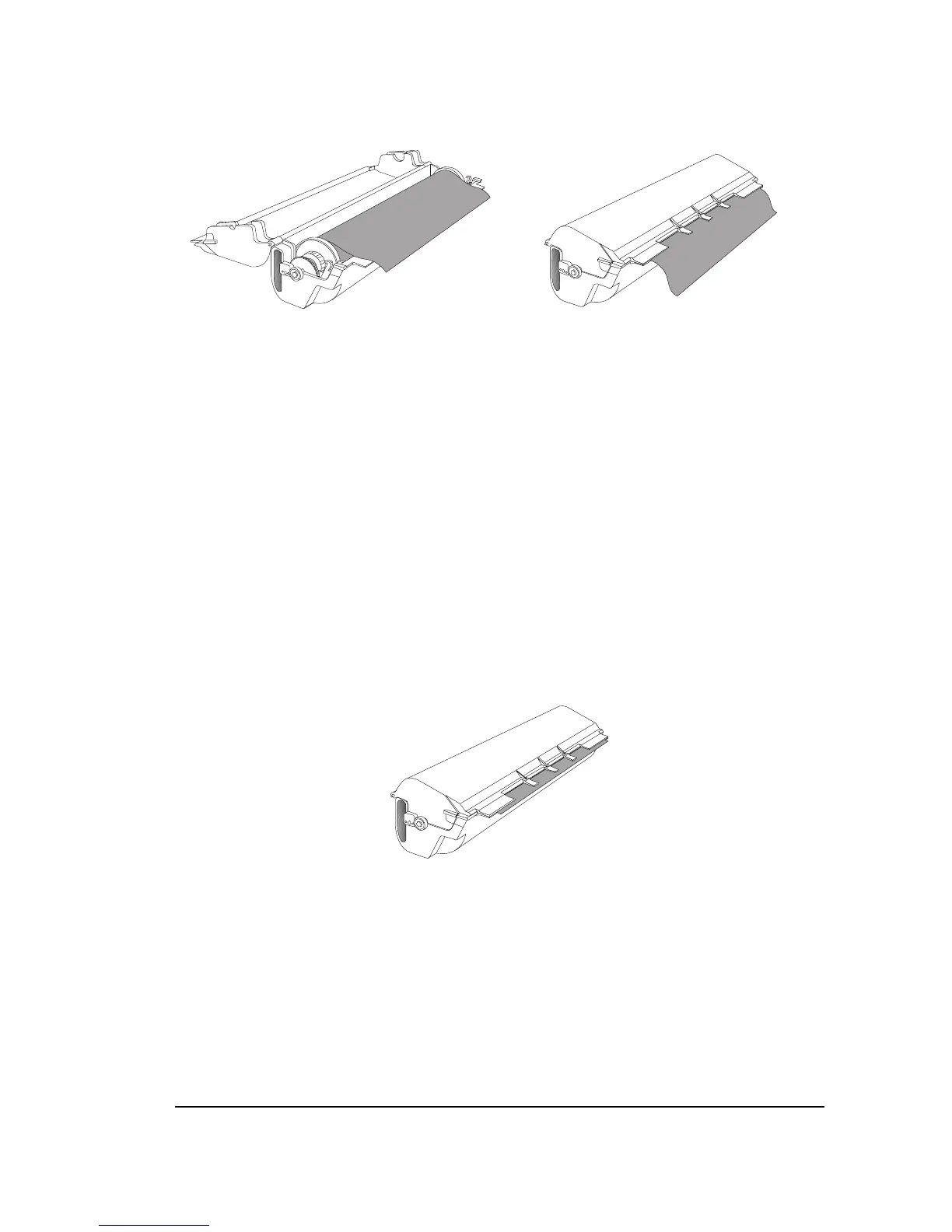
Step 5. Open the media wrapper and close the cassette.
Figure 4.8. Close the cassette and pull the media wrapper out of the cassette.
Remove the tape that secures the media wrapper. Pull the
wrapper so that it hangs over the edge of the supply cassette.
Close the cassette, then slowly pull the wrapper out of the
cassette until you see the media.
Note: Pull the wrapper out of the cassette gently
and slowly. The media roll turns freely and you
could pull too much media out of the cassette.
Remove the wrapper and adjust the media so that it extends
approximately
1
/4" (6 mm) beyond the supply cassette fin-
gers. See Figure 4.9.
Figure 4.9. The media extends approximately
1
/4" (6 mm) beyond the
supply cassette fingers.
Media Operations
•
4–5



 To Next Page