ALIEN MEGA/MAX USER MANUAL
34
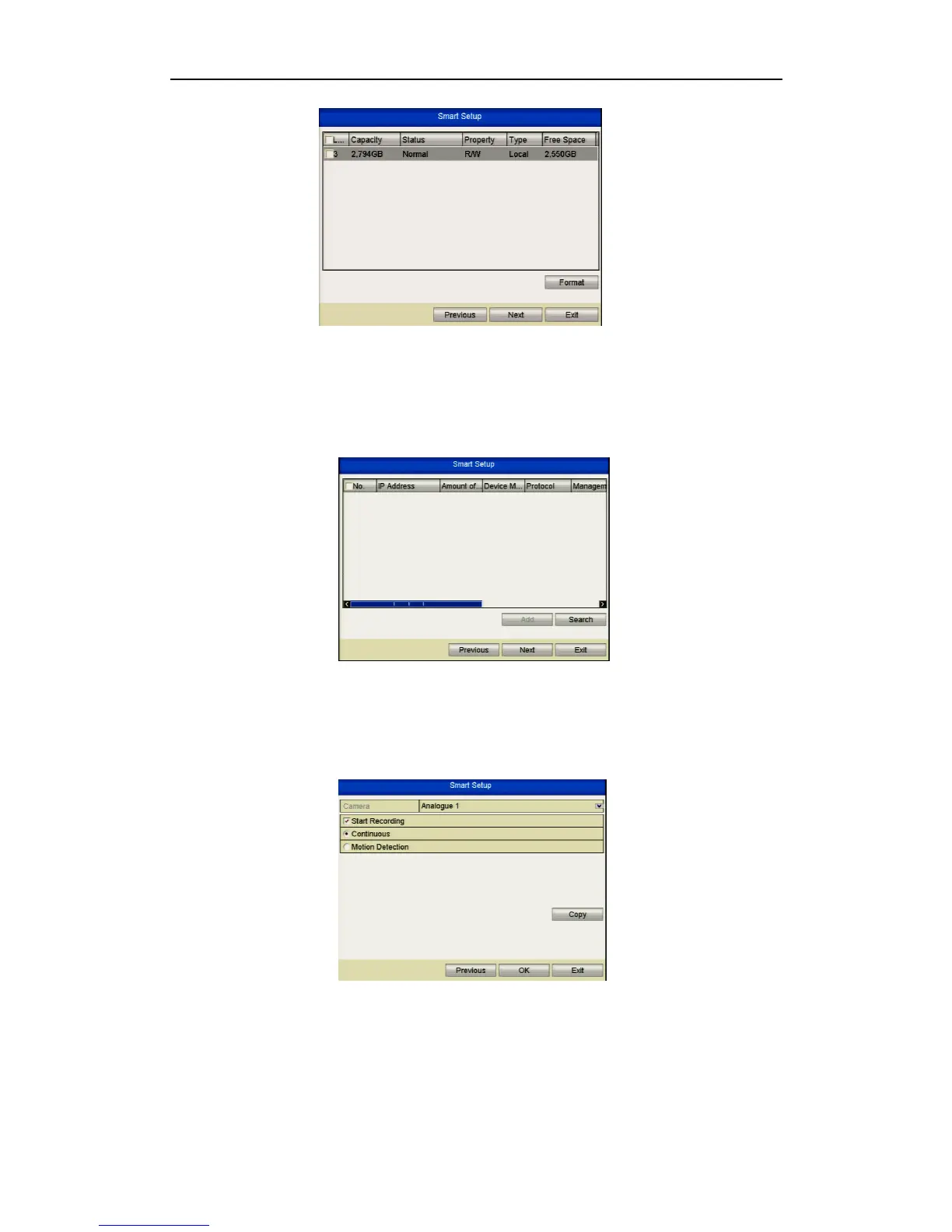
Figure 2.2.7 HDD Management
7. To initialise the HDD, click the Init button. Initialisation will remove all the data
saved in the HDD.
8. Click Next button to enter the IP
Figure 2.2.8 IP Settings
9. Click Next button to enter the Record Settings window.
Figure 2.2.9 Record Settings
10. Click Copy to copy the recording setting to other cameras.
11.Click OK to save the settings and Exit Smart Setup.



 To Next Page