6-81
Sterilizer Operation Operator Manual 387366-389
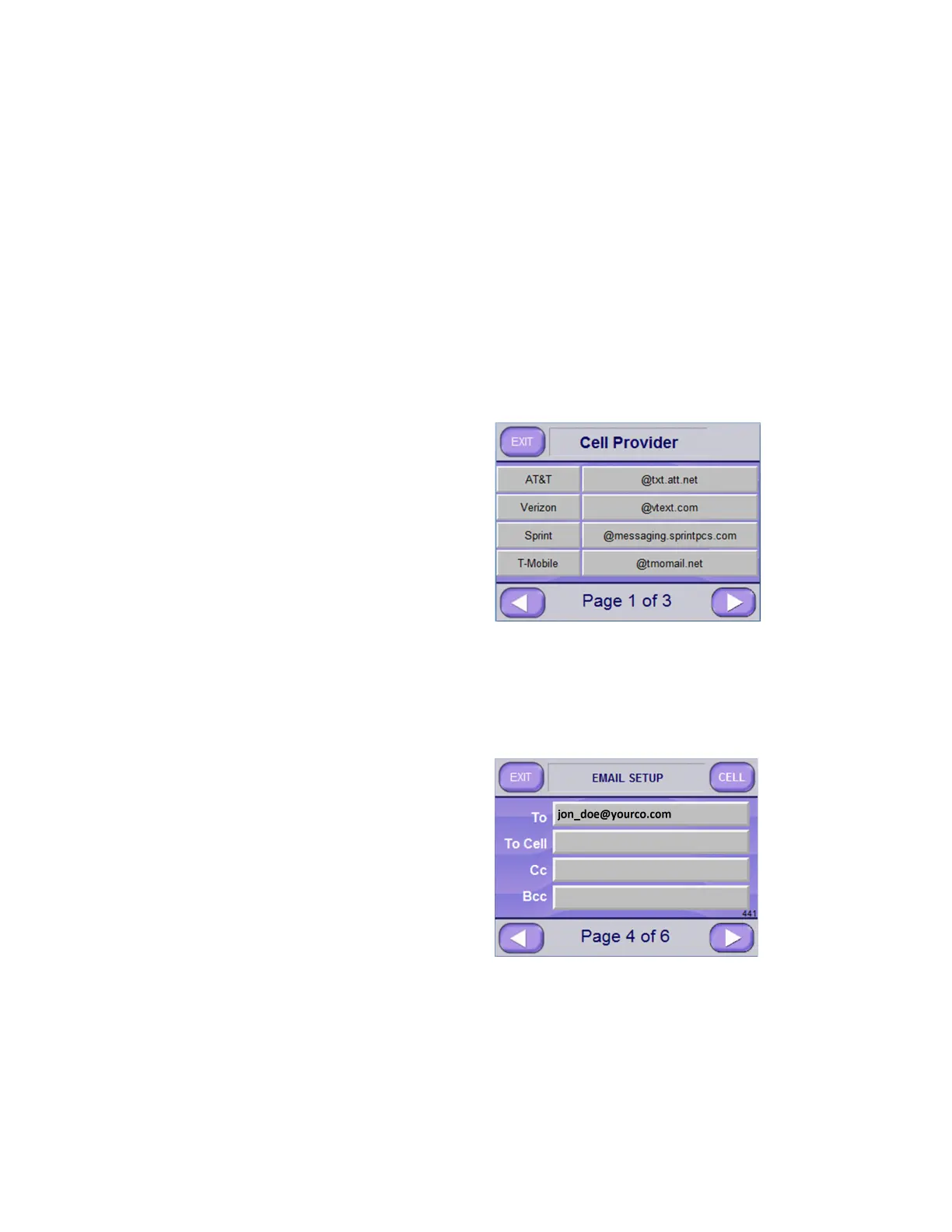
9. To setup Cell Provider, push appropriate button and then press
SETUP button (upper right of screen).
To access additional providers, push RIGHT ARROW button to
advance screen.
An example of a Cell Provider setup screen follows:
10. From Cell Provider screen, press EXIT button (upper left of
screen) to return to higher level provider screen; then press EXIT
on that screen.
The Email Setup Screen Page 4 of 6 (Screen 441) displays.
11. Press RIGHT ARROW button to advance screen. Email Setup
Screen Page 5 of 6 (Screen 443) appears.
Providers available at time of this publication are:
• AT&T • Virgin • EMEA2
• Verizon • Boost
• Sprint • US Cellular
• T-Mobile • EMEA1






 To Next Page