6-82
387366-389 Operator Manual Sterilizer Operation
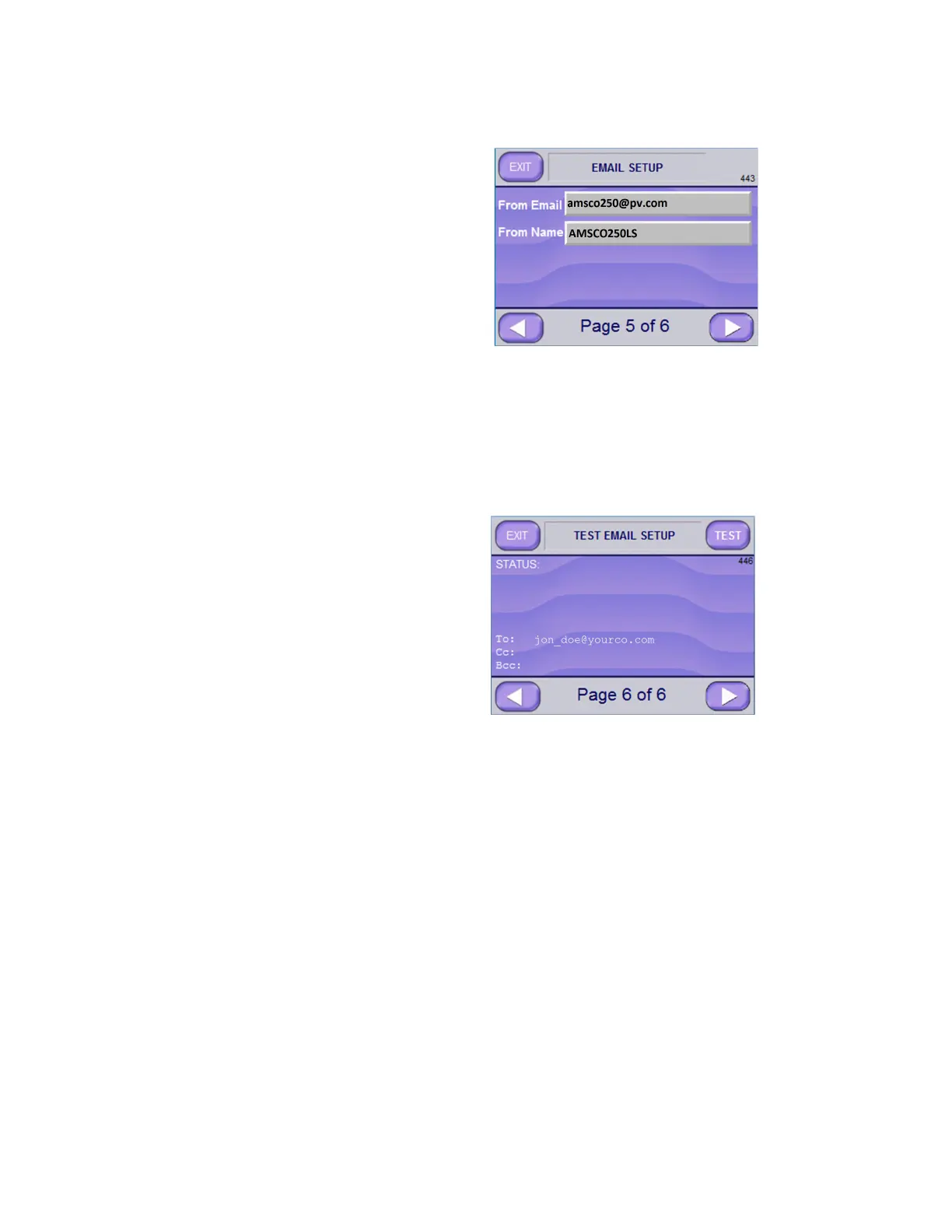
12. Enter supervisor’s email address in From Email text box; and
enter his or her name in From Name text box.
NOTE: A different email address and name can be entered, but
as the sterilizer can receive emails, use of the supervisor’s
contact information is recommended.
13. Press the RIGHT ARROW button to advance to the Test Email
Setup Screen Page 6 of 6 (Screen 446).
14. Press TEST button (upper right). If setup is correct, STATUS
displays:
“EMAIL SENT SUCCESSFULLY”
15. Verify the “To” address receives the email.
NOTE: If the STATUS indicates an error, use the LEFT ARROW
button to view earlier setup screens and correct the error. Involve
IT Department and Network Administrator if needed.
16. After test completes successfully, press EXIT button to reach
Supervisor Mode Page 5 of 7 Screen (Screen 603).






 To Next Page