6-83
Sterilizer Operation Operator Manual 387366-389
Setting E-Mail Options
The email alert system which can notify users, by email, of certain
sterilizer conditions and when preventive maintenance is due.
After the system has been configured for the network, as described
in the preceding section, e-mail options can be set on an individual
basis, in other words, multiple recipients can receive different types
of information from the sterilizer.
NOTE: Before setting e-mail options, system must be set as
previously described.
To configure email options, proceed as follows:
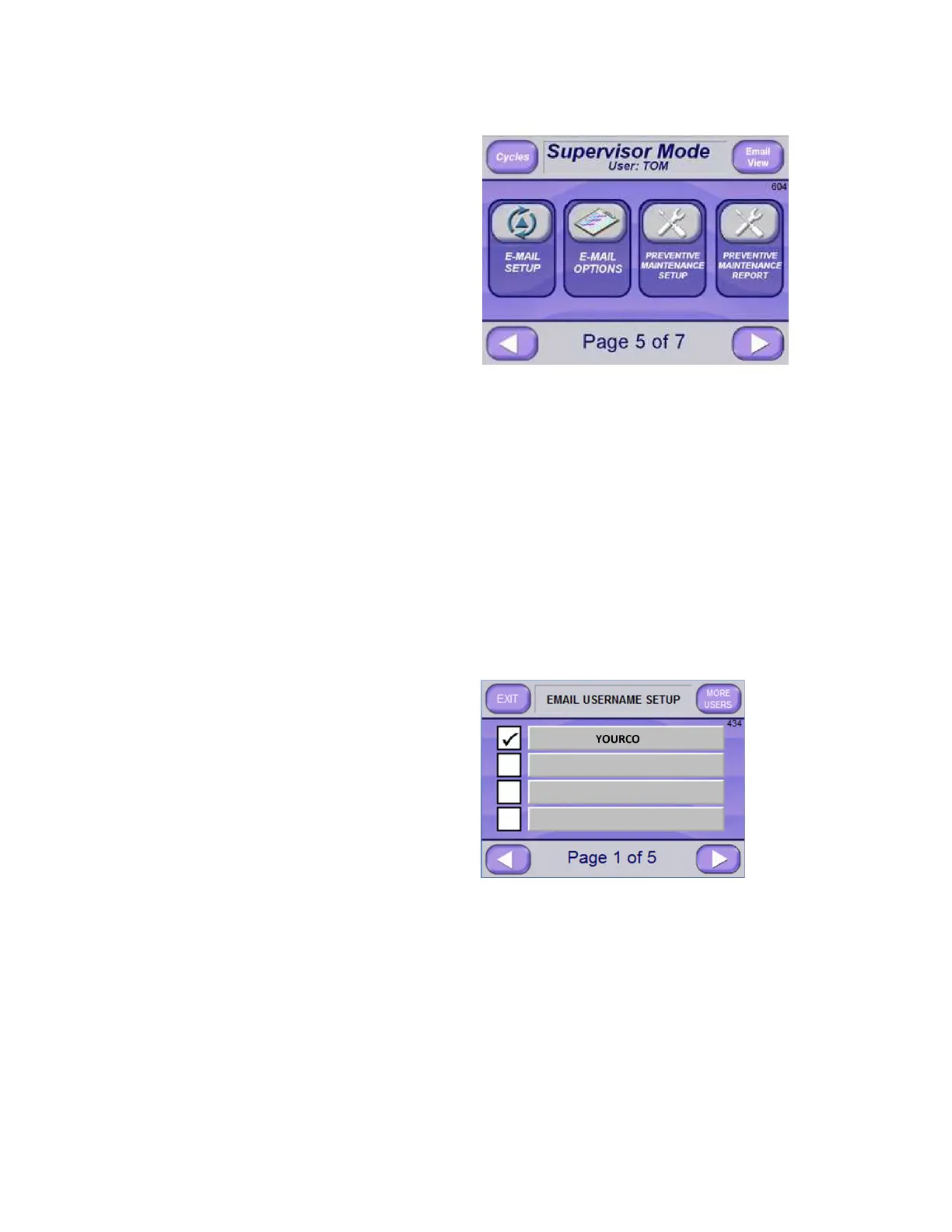
1. From Supervisor Mode Page 5 of 5 Screen (Screen 603), press
E-MAIL OPTIONS button. The Email Username Setup Screen
(Screen 434) appears.
NOTE: Screen 434 lists users currently setup to use sterilizer
email system.
2. The following options can be set for One user, multiple users or
all users:
NOTE: Pressing MORE USERS button (upper right) lists
additional users, if applicable.
a. Press RIGHT ARROW button to advance to Send Email
Conditions Screen Page 2 of 5 (Screen 430).






 To Next Page