6-84
387366-389 Operator Manual Sterilizer Operation
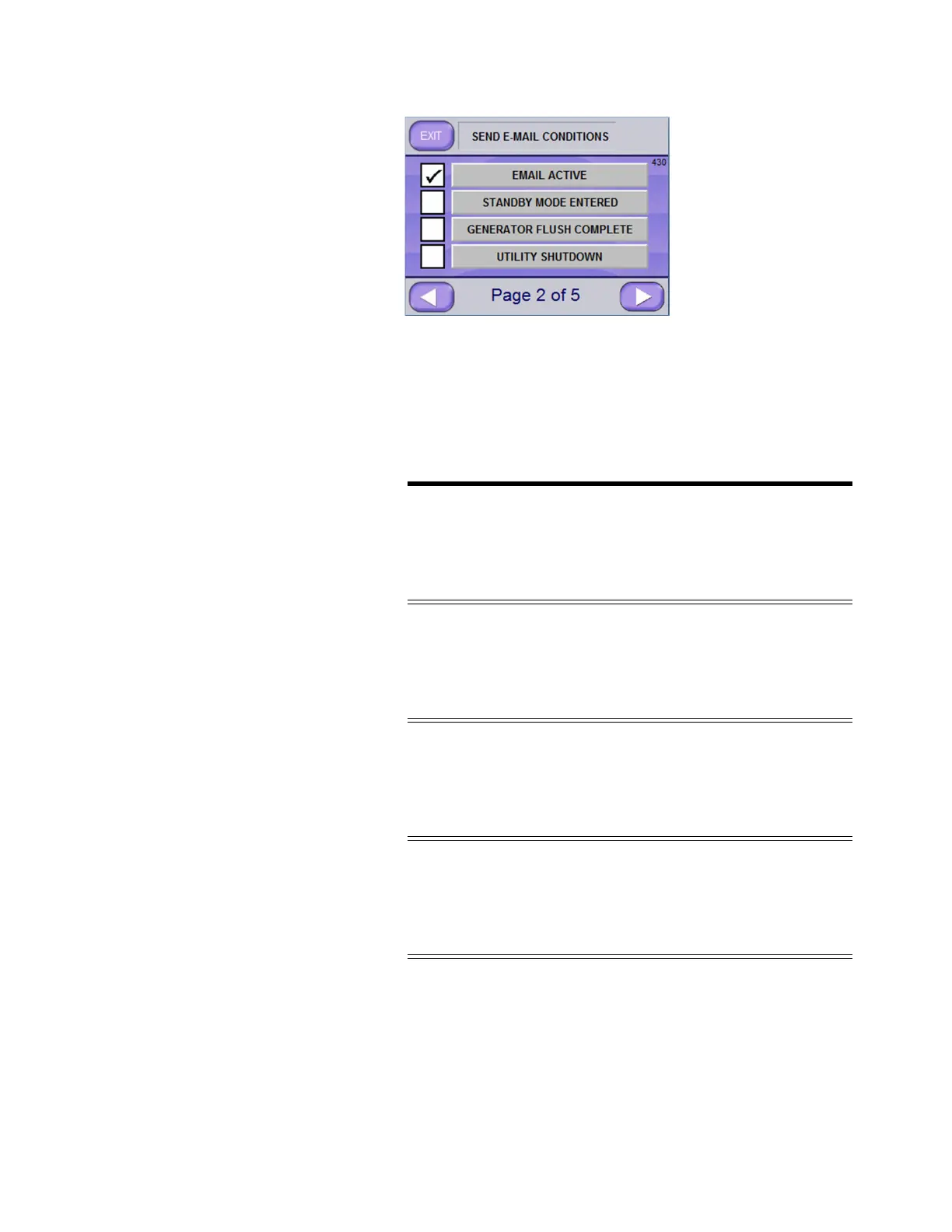
b. Select all desired conditions for which emails are to be sent.
Each recipient can have a different set of conditions. To
access additional conditions, push RIGHT ARROW button
NOTE: If EMAIL ACTIVE is selected, other selected conditions,
when the condition is triggered, result in email notifications of the
condition(s) being sent to associated recipients. If TO CELL was set
(during address setup), associated recipients receive a text message
regarding the triggered condition(s).
c. Press RIGHT ARROW button to advance to remaining
screen pages and select desired conditions.
Conditions available for selection, from the “Send E-mail
Condtions” screens are as follows:
E-MAIL CONDITION SCREEN PAGE
❑ EMAIL ACTIVE
❑ STANDBY MODE ENTERED Page 2 of 5
❑ GENERATOR FLUSH COMPLETE
❑ UTILITY SHUTDOWN
❑ START OR UTILITY RESTART
❑ CYCLE STARTED Page 3 of 5
❑ CYCLE ABORTED
❑ CYCLE COMPLETED
❑ ABORTING ALARMS
❑ NON-ABORTING ALARMS Page 4 of 5
❑ SUPERVISOR MODE ENTERED
❑ CYCLE VALUES CHANGED
❑ USERNAME, PASSWORD CHANGED
❑ SERVICE MODE ENTERED Page 5 of 5
❑ CALIBRATION CHANGED
❑ CONFIGURATION CHANGED
NOTE: E-mails are only
sent if EMAIL ACTIVE is
selected.






 To Next Page