6-85
Sterilizer Operation Operator Manual 387366-389
Preceding list shows all conditions currently available for
selection, as well as screen page on which they are located.
d. After making all selections, press EXIT button (upper left
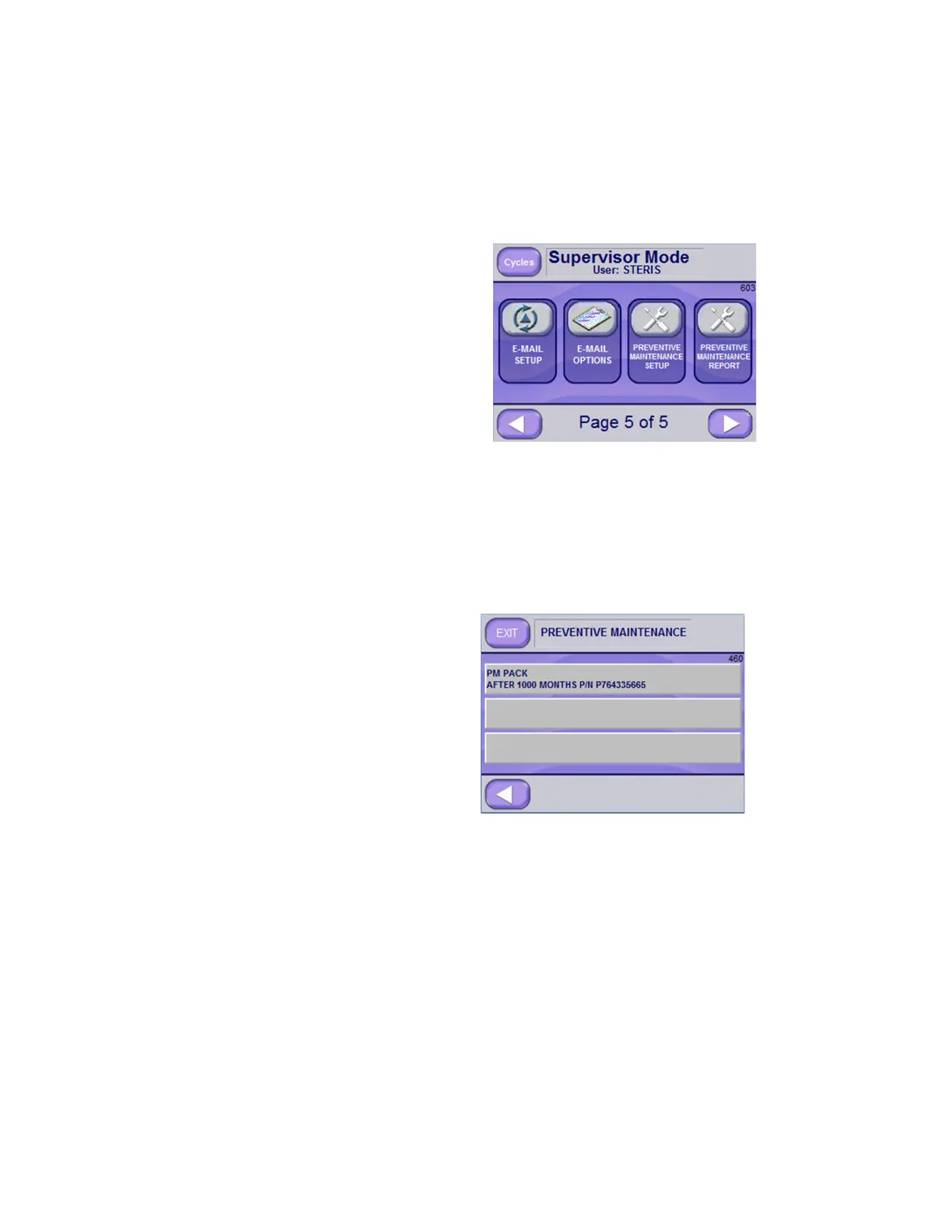
corner of screen) to access Supervisor Mode Page 5 of 5
Screen (Screen 603).
Setup for Preventive Maintenance Notification
Setup the email alert system to notifying recipients when preventive
maintenance is due.
1. From Supervisor Mode Page 5 of 5 Screen (Screen 603), press
PREVENTIVE MAINTENANCE REPORT button. A similar
screen displays:
NOTE: The system sends notice (by email and/or phone text)
when a PM Pack is due. Two additional notifications can be
added by pressing on the blank buttons and editing the resulting
screen parameters (see Screen 450).
2. Press PM Pack button (first line in above example) to modify
existing information or press on blank button to create a new
notification. When a PM Pack button is pressed, a similar screen
appears:






 To Next Page