6-86
387366-389 Operator Manual Sterilizer Operation
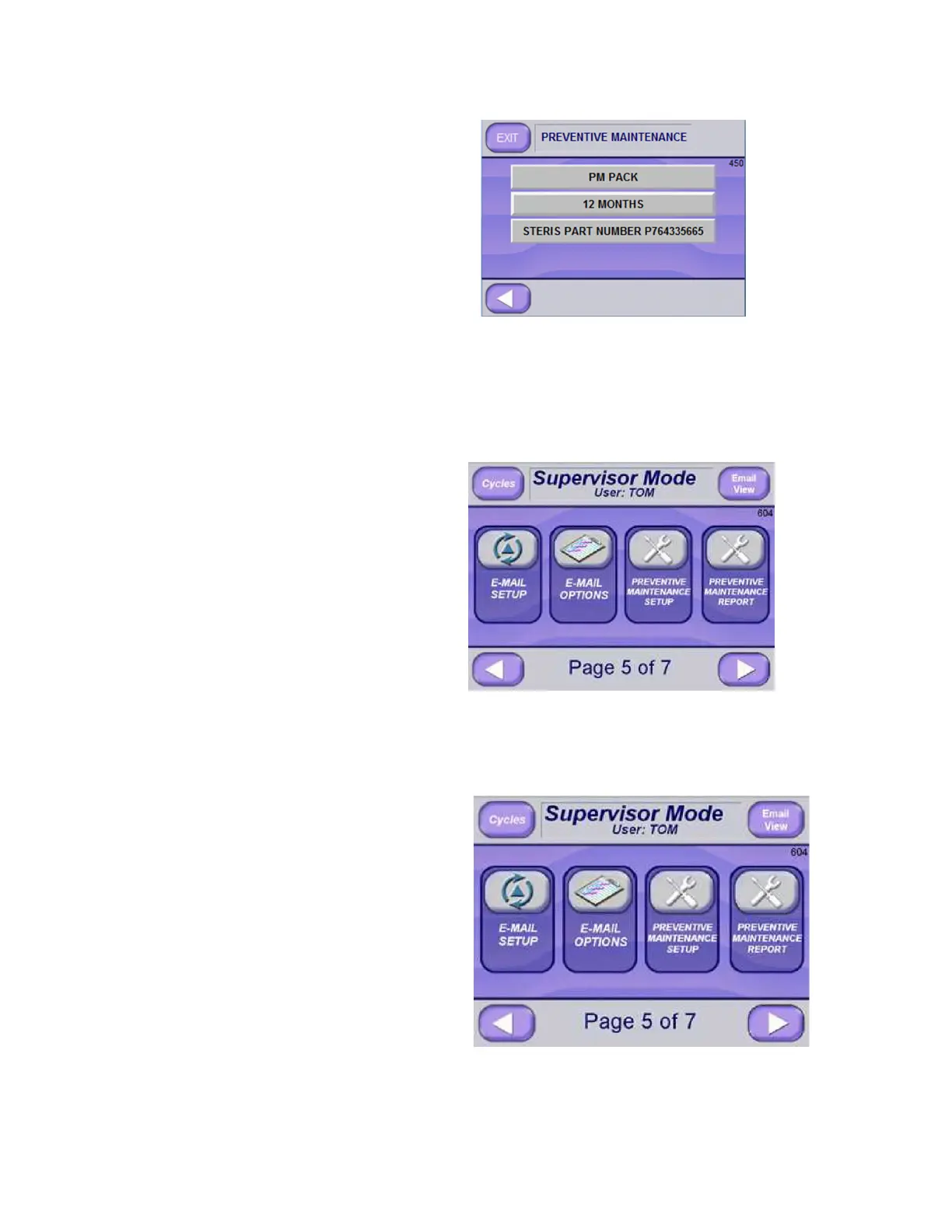
3. Press on applicable text button to edit information. In above
example 1000 MONTHS has been changed to 12 MONTHS.
4. If needed, press LEFT ARROW button to return to initial
Preventive Maintenance screen.
5. Press EXIT (upper left of screen) to return to Supervisor Mode
Screen Page 5 of 7 (Screen 604).
Supervisor Mode Email Setup






 To Next Page