7-19
Cycle and Control Value Programming Operator Manual 129390199
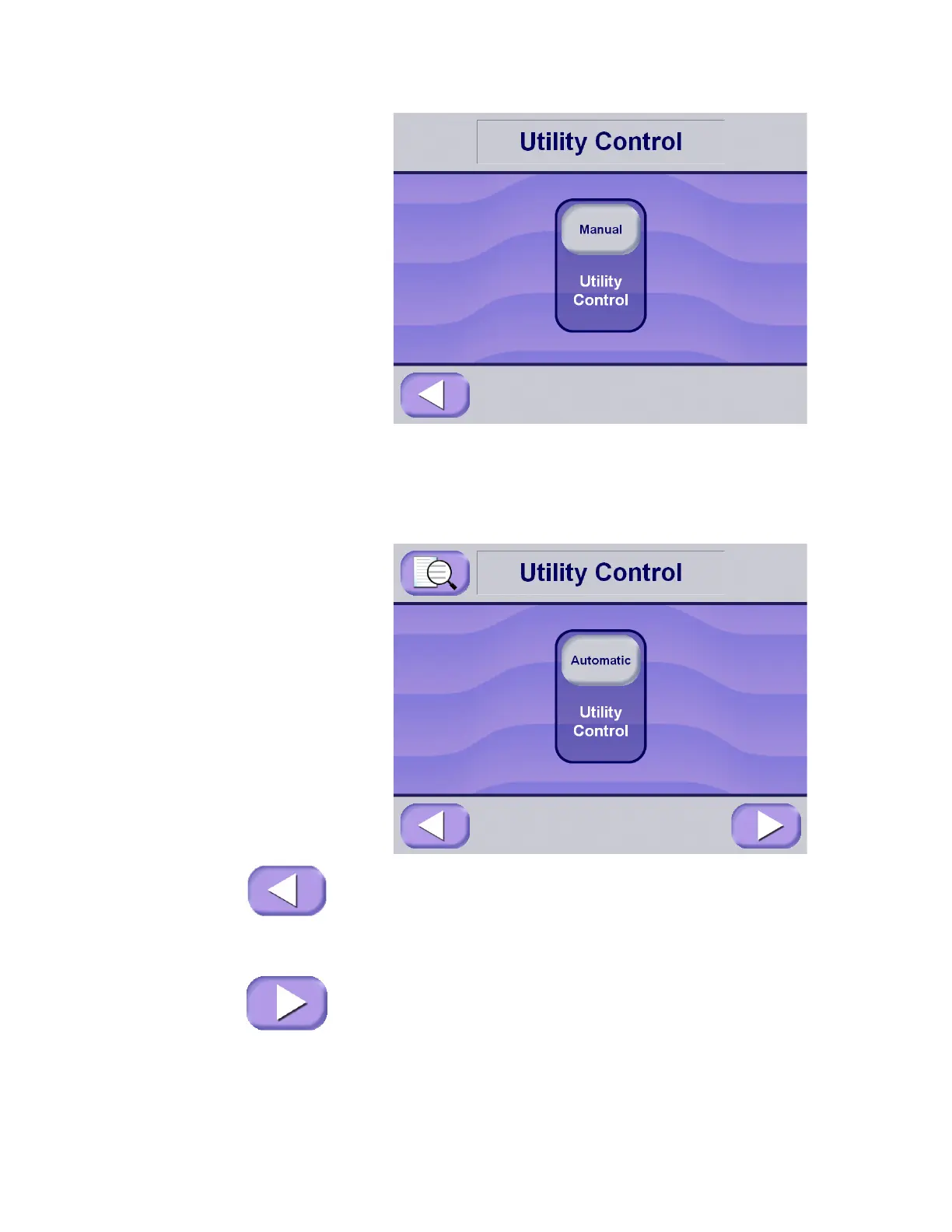
The setting on this screen is either Manual or Automatic. If the utility
control button displays Manual (and Automatic operation is
preferred), press the utility control button to change setting to
Automatic. If Automatic is displayed on the button (and Manual
operation is preferred), press the button to change to Manual.
Once the preferred operating mode is displayed (i.e., Manual or
Automatic), press Exit button to return to the setup machine screen.
If Restart and Shutoff times must be set, press the Next button to
advance to a screen where automatic utility Restart and Shutoff
times can be set up.






 To Next Page