7-21
Cycle and Control Value Programming Operator Manual 129390199
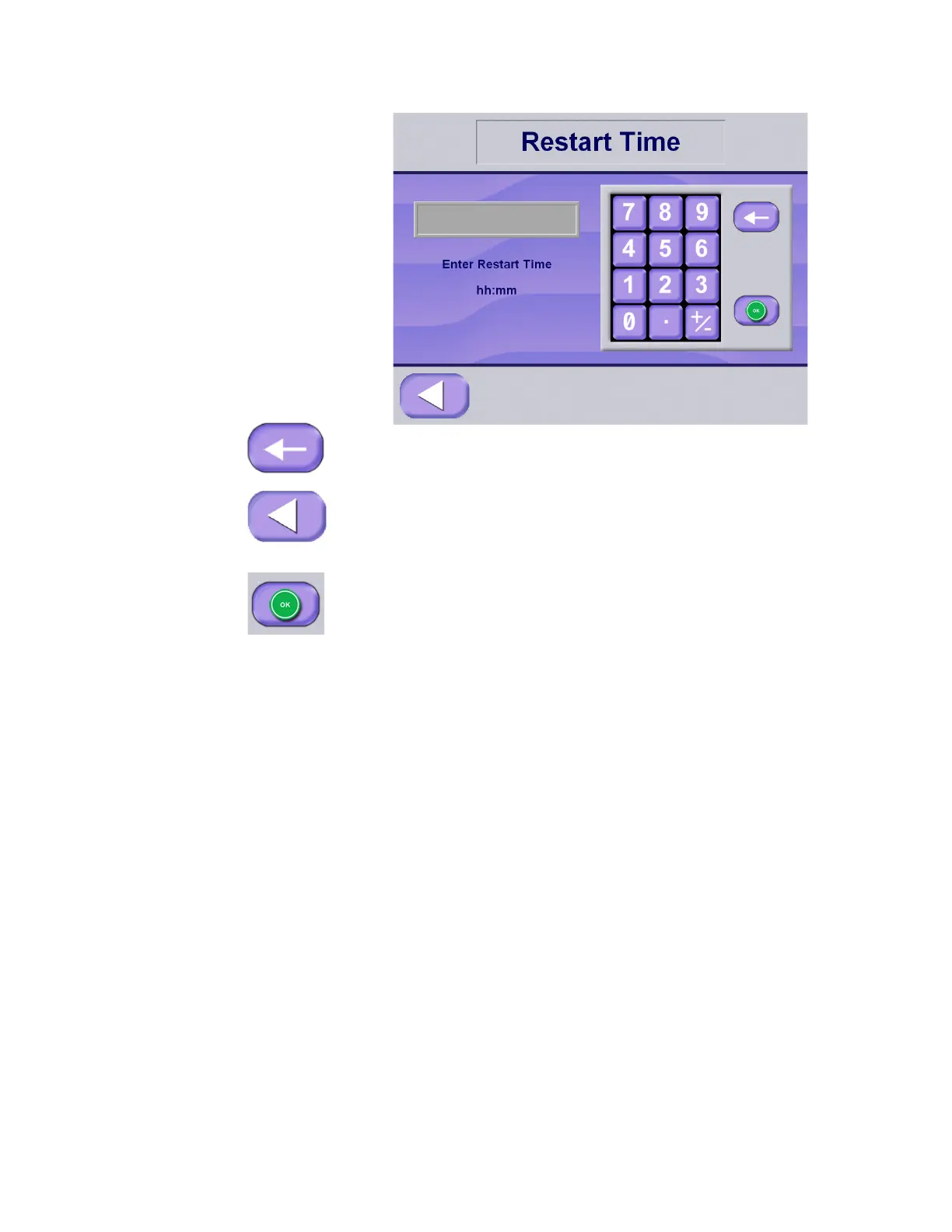
4. If an incorrect value is entered, press the backspace key to clear
the entry, then use the keypad to enter the correct value.
5. Press Exit to abandon changes and return to the Machine Setup
screen.
OR
Press OK to save utilities set up changes and return to Utility
Control screen.
6. Once the day of the week has been selected (and Restart times
have been selected), press Shutoff Time button to set up the
automatic Shutoff time.
7. Enter the correct Shutoff time value using the keypad.
• For utilities to be on all day, enter "12:00" in both
Restart Time and Shutoff Time.
• For utilities to be off all day, enter "12:01" in Restart Time
and "12:01" in Shutoff Time.
NOTE: Entering any two time values that are equal to each other,
except for 12:00 a.m., keeps the utilities OFF all day. Military time is
not required.






 To Next Page