4-69
4.3 CDMA Transmitter and Receiver Test --- TX and RX Tester Mode
(4) Setting the template: Setup Template screen
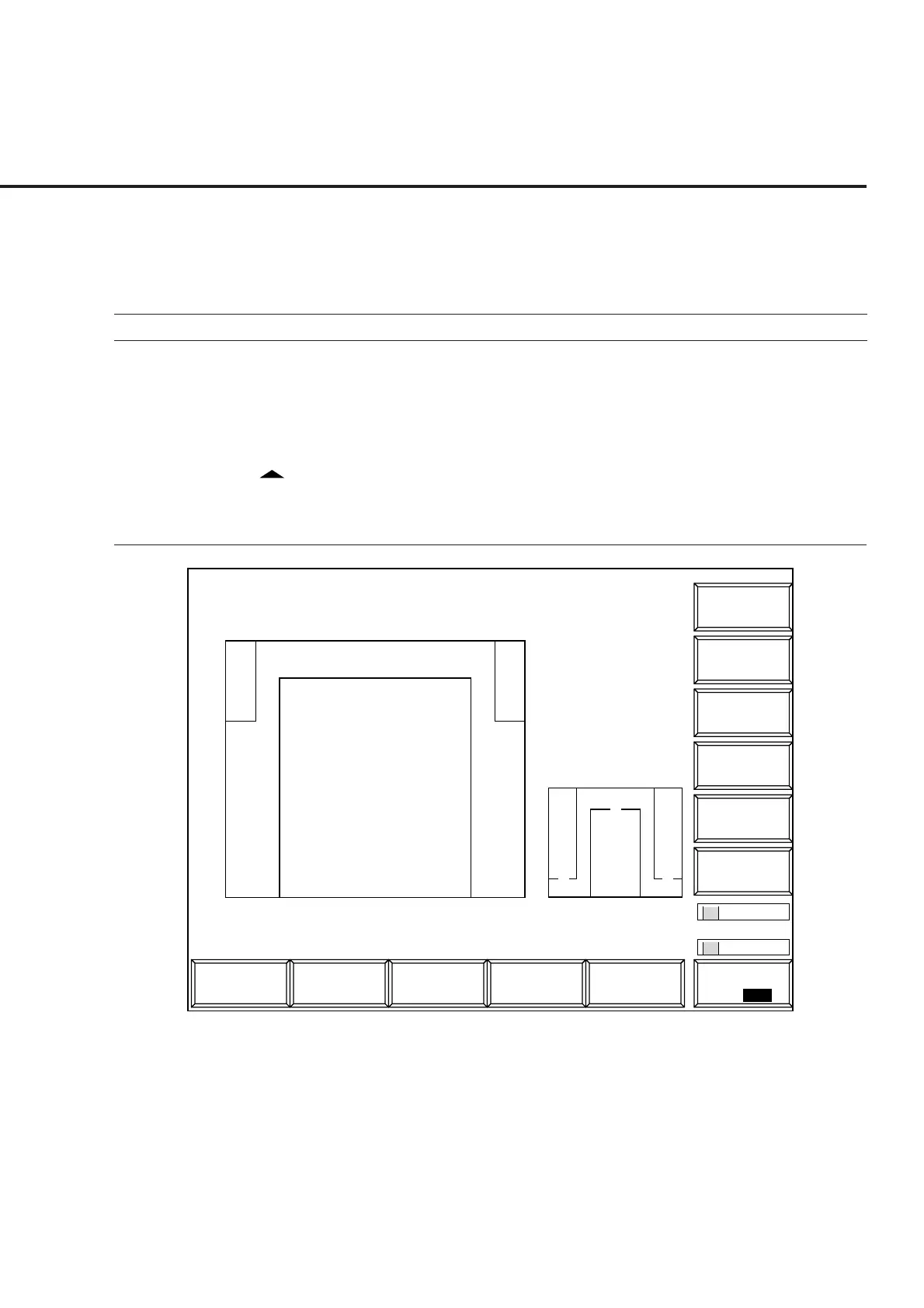
Sets the template of the Gated output power measurement.
• Display the Setup Template according to the following steps:
Step Key operation Description
1. [Main Func on off] F6 Sets the Main Func on to display the Main Menu on the bottom of the screen.
2. [TX&RX Tester] F1 Sets TX&RX Tester mode.
The Setup Common Parameter screen appears.
3. [TX Measure] F1 Displays the first page of the TX Measure menu.
4. Next Menu [ ] Displays the second page of the TX Measure menu.
5. [Setup Gated Power Template] F10
Displays the Setup Template screen.
1
Main Func
On Off
1
MT8801 99/12/31 12:00:00
<< Setup Template (CDMA) >>
Line Level
1) [-20.0 dB]
2) [ -3.0 dB]
->
Back
Screen
*
Setup Temp.
Recall
Template
Standard
Template : Standard
[dB]
0
-10
-20
-30
-40
-50
-60
-70
-80
-90
-80 s 1330 s
2
11
*
Save
Template
Fig. 4-8 Setup Template Screen (Standard)
Note:
When the template to be called is modified, the template name becomes “Not
Selected” indicating that the template is not saved in internal memory.













 To Next Page