4-89
4.3 CDMA Transmitter and Receiver Test --- TX and RX Tester Mode
(9) Measuring the occupied frequency bandwidth: Occupied Band-
width screen
Use the parameters set on the Setup Common Parameter screen (see paragraph
4.3.5) to measure an occupied frequency bandwidth of a send signal from the
transmitter.
• Display the Occupied Bandwidth screen according to the following steps:
Step Key operation Description
1. [Main Func on off] F6 Sets the Main Func on to display the Main Menu at the bottom of the screen.
2. [TX & RX Tester] F1 Sets TX Tester mode.
The Setup Common Parameter screen appears.
3. [TX Measure] F1 Displays the first page of the TX Measure menu.
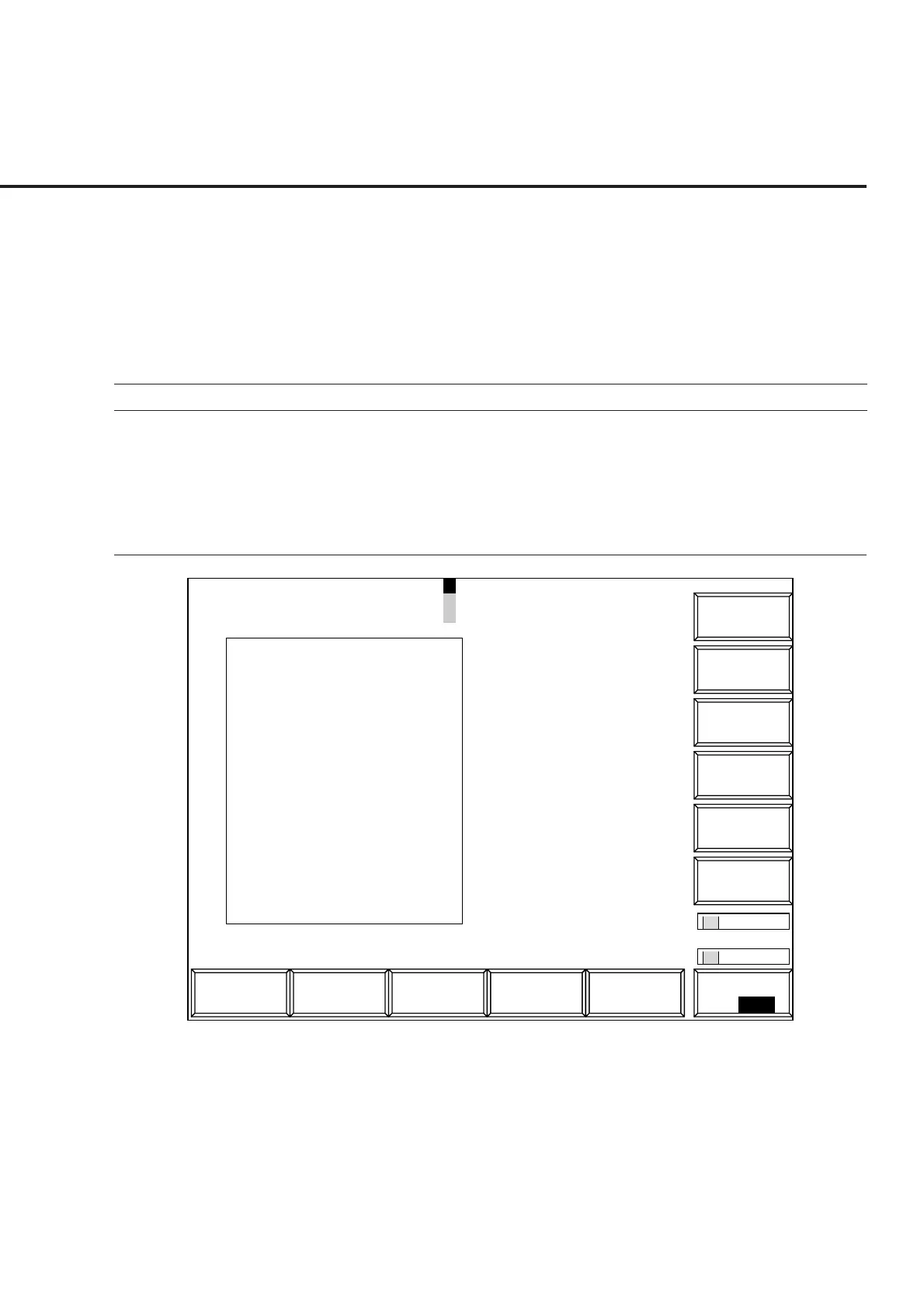
4. [Occupied Bandwidth] F11 Displays the Occupied Bandwidth screen.
1
Main Func
On Off
1
MT8801 99-04-30 12:00:00
Measure : Continuous
<< Occupied Bandwidth(CDMA) >>
OCC BW (99%) : 1.48 kHz
Lower Limit : -0.74 kHz
Center (Upper+Lower)/2 :
887.650 MHz
Upper Limit : 0.74 kHz
Channel
#
Reference
Level
#
OccBW
Ratio
#
Occ. BW
->
Back
Screen
Measure
*
Storage
Mode
*
Adjust
Calibration
*
Method
Range
-10
Span : 3.91 MHz RBW : 30 kHz
Channel : 1092CH Frequency : 887.650 000MHz Level : -10dBm
(dB)
M
C
U
-20
-30
-40
-50
-60
-70
-80
-90
-100
Storage : Average ( 1/9999)
Method : Spectrum
RBW
#
Fig. 4-13 Occupied Bandwidth Screen
Notes:
• A spectrum measurement waveform is displayed in the window.
• The vertical axis scale is fixed to 0 to –100 dB.
• The reference level is that set on the Setup Common Parameter screen. If
the set level is significantly different from the input signal level, use the
[Adjust Range] (F11) key to make it appropriate, then measure the occu-
pied frequency bandwidth.













 To Next Page