4-135
4.3 CDMA Transmitter and Receiver Test --- TX and RX Tester Mode
4.3.10 Call processing function
On the Setup Common Parameter screen, press the [Call Processing] F3 main function
key to set call processing function mode.
This paragraph describes how to set parameters (on the Setup Call Proc. Parameters
screen) to conduct the call processing function.
(1) Setting the parameters: Setup Call Proc. Parameters screen
The following describes how to set parameters (on the Setup Call Proc. Param-
eters screen) to conduct the call processing test.
Display the Setup Call Proc. Parameters screen according to the following steps,
then set the parameters.
Step Key operation Description
1. [Main Func on off] F6 Sets the Main Func on to display the Main Menu at the bottom of the screen.
2. [TX&RX Tester] F1 Sets TX&RX Tester mode.
The Setup Common Parameter screen appears.
3. [Call Processing] F3 Displays the first page of the Call Processing menu.
4. Next Menu [ ] Displays the second page of the Call Processing menu.
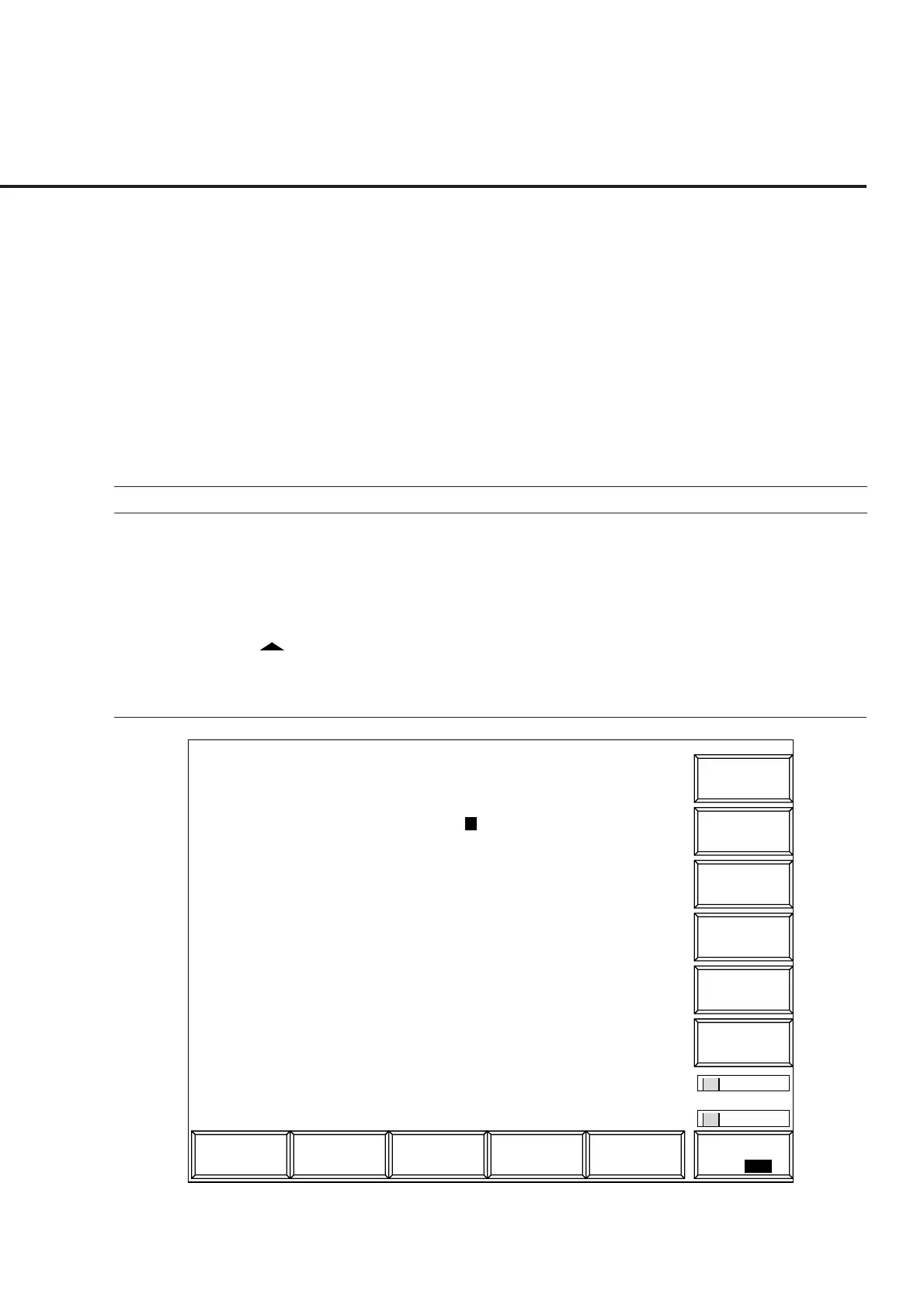
5. [Setup Call Proc. Parameter] F9
Displays the Setup Call Processing Parameter screen.
1
Main Func
On Off
1
->
Back
Screen
Setup Call.
MT8801 97-12-31 12:00:00
<< Setup Call Processing Parameter (CDMA) >>
Code BS1 BS2
Paging Channel Walsh Code : [ 1] : [ 1]
Traffic Channel Walsh Code : [ 8] : [ 8]
OCNS Channel Walsh Code : [55] : [55]
Sync Channel & Paging Channel Message
SID & Register SID : [ 1][ 12] : [ 1]
NID & Register NID : [ 1][ 12] : [ 1]
BASE_ID : [ 1] : [ 2]
PN_OFFSET : [ 0] : [128]
Slot Cycle Index : [0]
Default ESN : [FFFFFFFF]H
Default MSID
IDT : (MSIN)
MSID : [HEX][----3E7F9EBE7]H
Analog Channel Parameters
ACCH DCC : [0]
SCC(SAT Color Code) : [SAT2] = (6000Hz)
DSAT Sequence : [0] = (2556CB)
AF Osc. output to : [FM Mod ]
Signal : [Tone ]
Frequency : [ 1004.0Hz]
Deviation : [ 8.00kHz]
Default
Fig. 4-26 Setup Call Proc. Parameter Screen













 To Next Page