4-139
4.3 CDMA Transmitter and Receiver Test --- TX and RX Tester Mode
4.3.12 Saving and recalling parameter data:
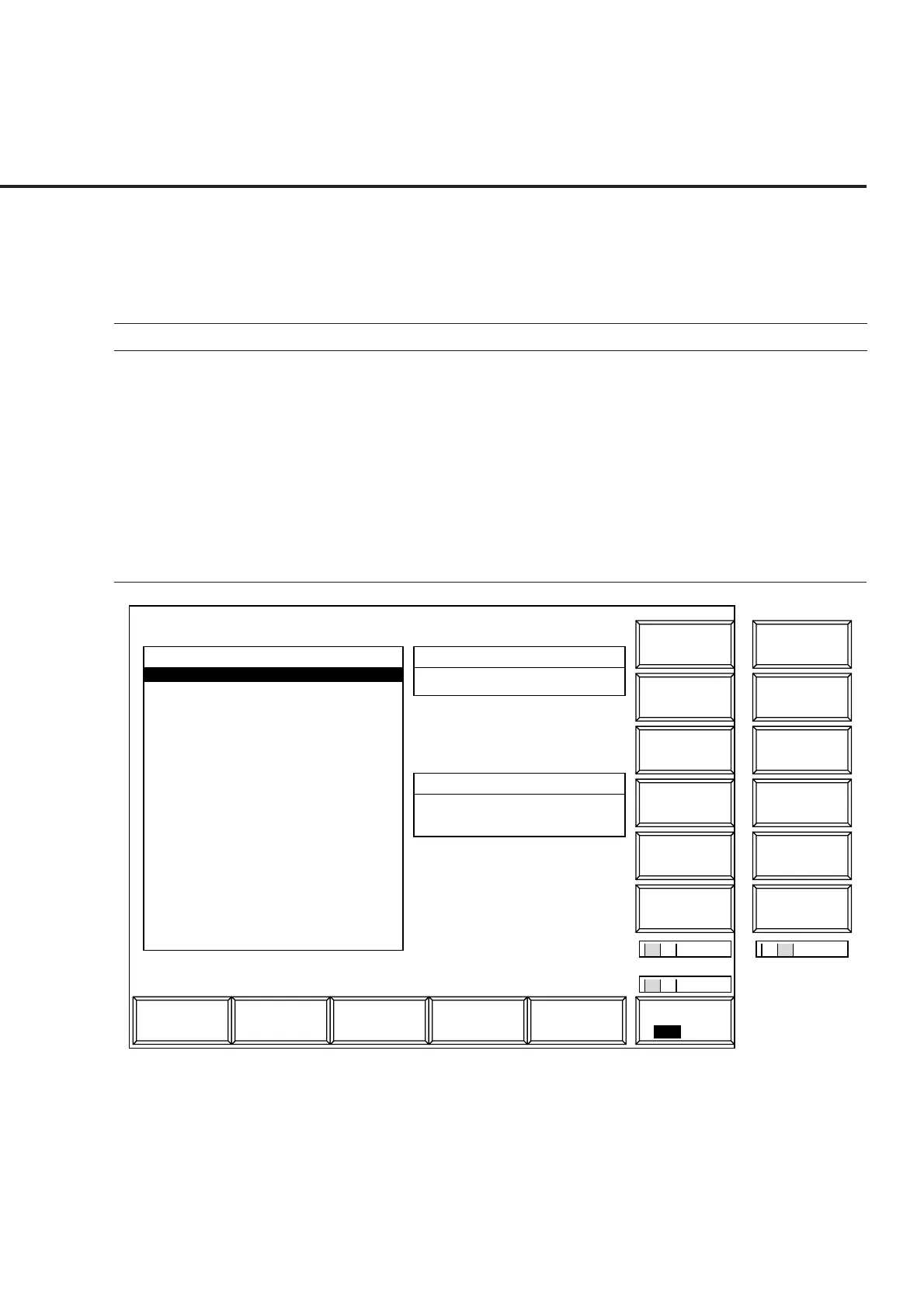
Save Parameter screen, Recall Parameter screen
Display the Save Parameter and Recall Parameter screens according to the following
steps to save or recall parameters set for the transmitter and receiver test.
Step Key operation Description
1. [Main Func on off] F6 Sets the Main Func on.
The first page of the Main Menu appears at the bottom of the screen.
2. [Recall] F4 Sets Recall Parameter mode.
[Display Dir.] F8 The Recall Parameter screen appears.
The Recall function key menu appears on F7 to F12.
2’ [Save] F5 Sets Save Parameter mode.
[Display Dir.] F8 The Save Parameter screen appears.
The Save function key menu appears on F7 to F12.
1
Main Func
On Off
Save
2
2
RecallAnalog
Tester
Spectrum
Analyzer
TX & RX
Tester
1
Previous
Page
Display Dir.
/Next Page
Recall
MT8801 99/12/31 12:00:00
<< Recall Parameter >>
Name Date Time
Recall File
PARAM00 .P00 99-10-10 12:12:12
PARAM01 .P01 99-10-10 12:12:12
#
File No.
1 2
*
Select
Display Mode
Recall
Recall Item : Parameter
Directory : CDMA Tester
FD Infomation
Volume Label : MT8801
Unused Area : 1048576bytes
Total Area : 1474560bytes
Fig. 4-27 Recall Parameter Screen













 To Next Page