Using the APP Recorder 6-50
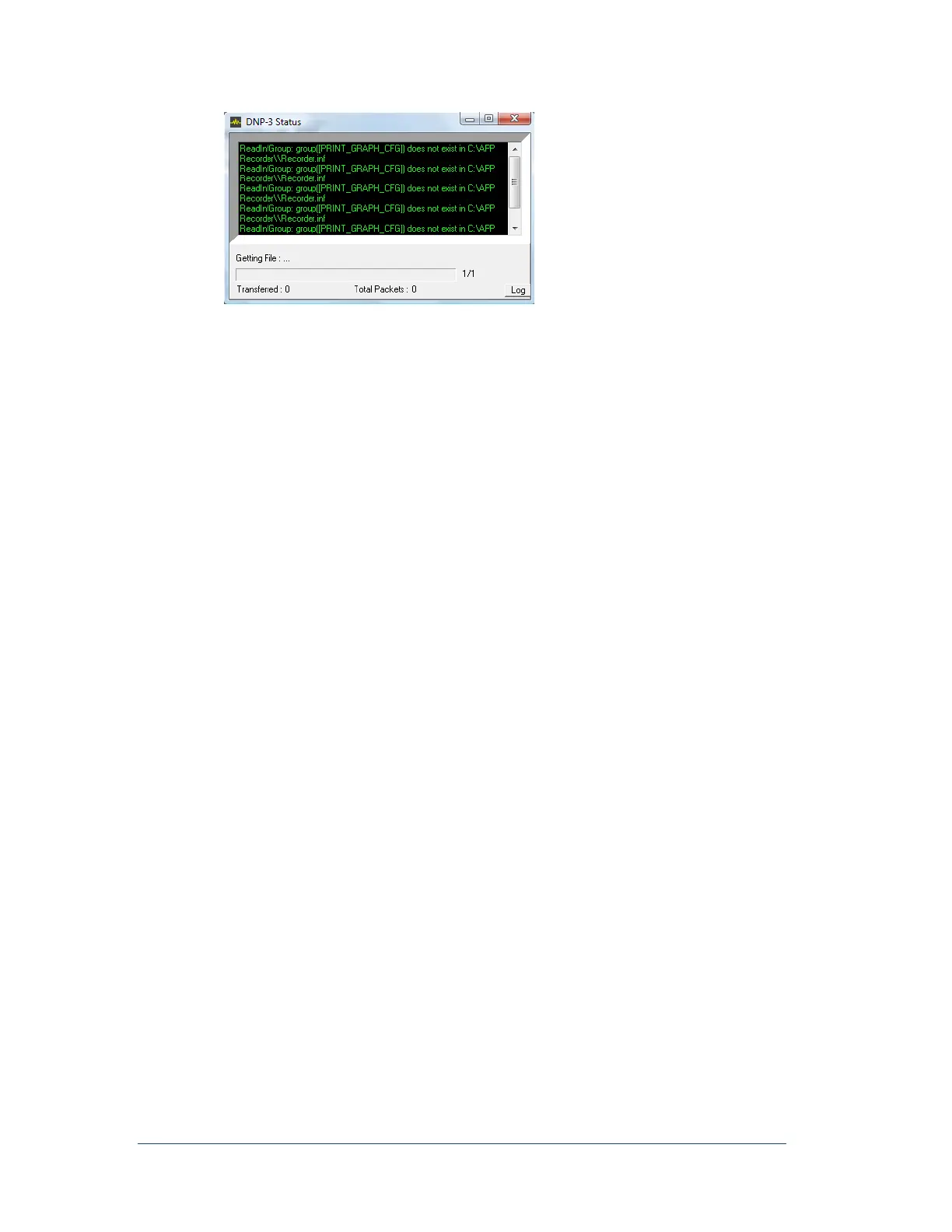
Figure 53: DNP-3/Modbus Status Window
6.13.5 Emailing a Fault Summary Record
You can email a Fault Summary record at any time to those email addresses that you configured to receive
it. For information on setting up these email addresses, see Configuring Email SettingsError! Reference
ource not found. on page Error! Bookmark not defined..
Note: The Fault Summary record is sent to all of the configured email addresses.
To Email a Fault Summary record
In the APP Recorder window, from the Tools menu, click Email FSum.
The Fault Summary record is immediately sent.
6.13.6 Showing the Email Settings Window
Email configuration settings, including the list of recipients who receive Fault Summary Reports, are
centrally managed in the Email Settings window. You can access this window when you configure the APP
Recorder (Edit menu, Configuration menu option). A more direct route is to access the Email Settings
window directly from the Tools menu.
To Show the Email Settings Window
In the APP Recorder window, from the Tools menu, click Show Email Window.
The Email Settings window appears. For information on these settings, see Configuring Email
SettingsError! Reference source not found. on page Error! Bookmark not defined..
6.13.7 FTP a Fault File
A fault file contains an individual fault record.
If a Fault file is stalled in the FTP buffer, you can manually send it via FTP to the host directory. The APP
Recorder uses the FTP settings that you configured. For information on the FTP configuration settings, see
Configuring FTP Settings on page 6-23.
To FTP a Fault File
In the APP Recorder window, from the Tools menu, click FTP Fault File.
The file is immediately sent.
6.13.8 Show FTP Window
FTP configuration settings are centrally managed in the FTP Settings window. You can access this window
when you configure the APP Recorder (Edit menu, Configuration menu option). A more direct route is to
access the FTP Settings window directly from the Tools menu.



 To Next Page