Using the APP Recorder 6-4
Triggers Tab
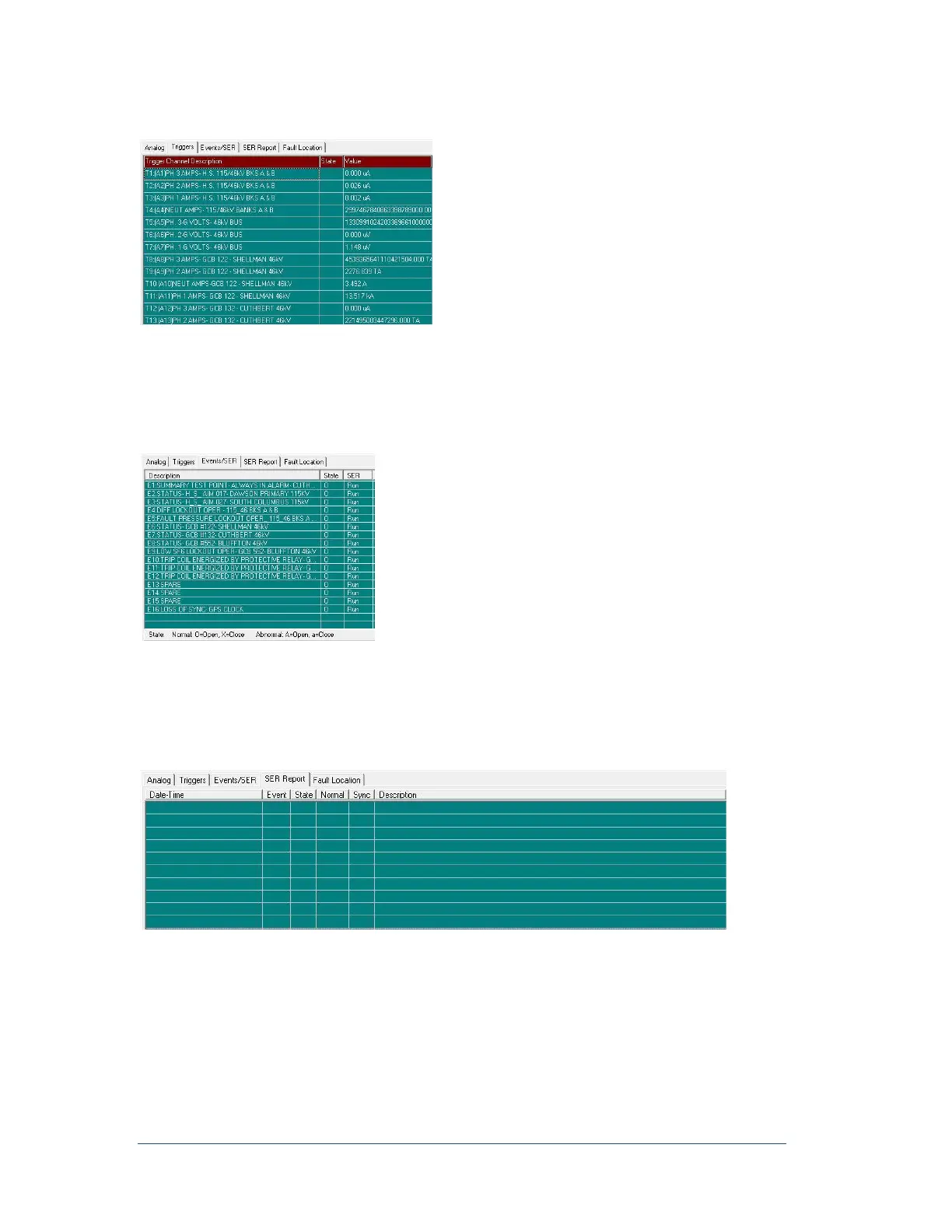
Figure 22: Triggers Tab
This tab appears if there are analog channels, however unlike the Analog Channel tab, this tab does not
require continuous recording to be turned on. The Triggers tab shows the value of the processed trigger
value in the DSP(s). It is a useful troubleshooting tool.
Events/SER Tab
Figure 23: Events/SER Tab
The Events/SER tab shows the configuration of the event/SER. If you highlight any of the row(s) and then
right click, a pop-up menu will display the options, Run SER and Stop SER. You can run or stop a
particular event channel SER without re-initializing the APP Recorder.
SER Report Tab
Figure 24: SER Report Tab
The SER Report tab displays channels that are in a stopped or abnormal state. The following table
explains the letters that appear on this tab.



 To Next Page