Using the OScope 8-3
8.2.2 Events Tab
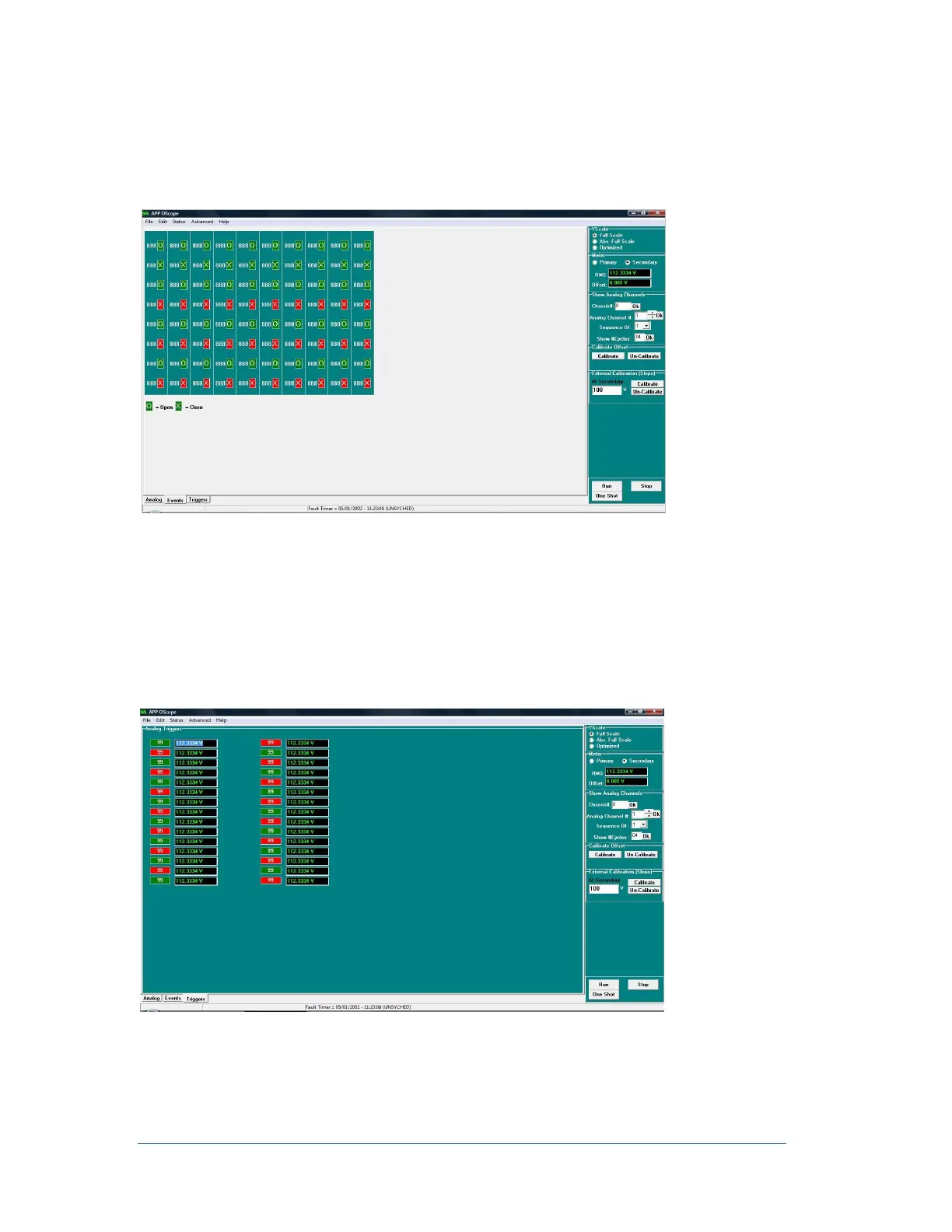
The Events tab shows the status of the event channels. An “O” indicates an open contact and an “X”
indicates a closed contact. If the box is green the channel is in a normal state. If the box is red the channel is
in an abnormal state.
Figure 59: Oscope Window, Event Status Tab
8.2.3 Triggers Tab
The Triggers tab indicates which analog channels are in a trip condition:
Green indicates a normal condition.
Red indicates a trip condition.
The analog channels that appear here are defined in the Point Assignment Record.
Figure 60: OScope Window, Analog Trigger Status Tab



 To Next Page