Using the APP Recorder 6-25
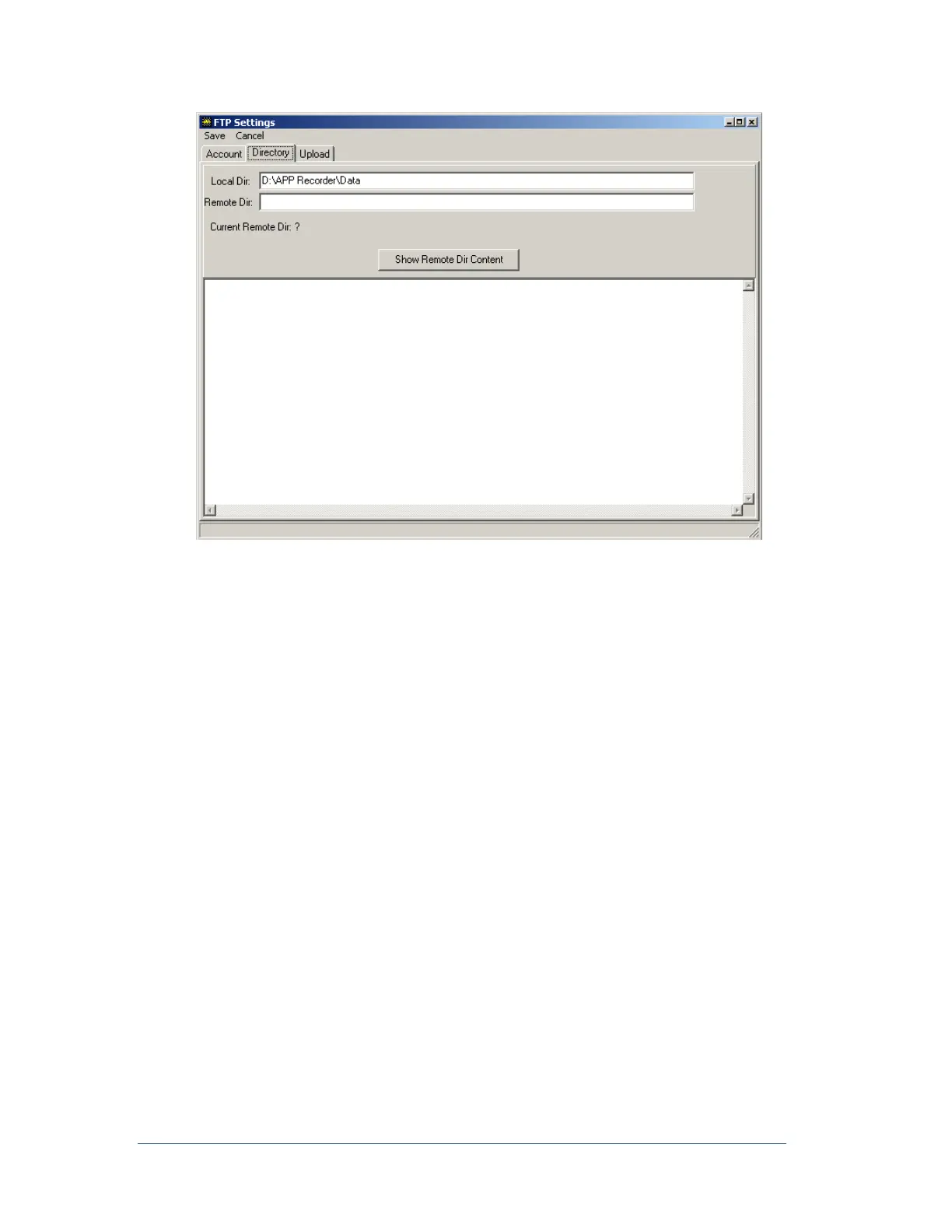
Figure 34: FTP Remote Directory Setup Window
15. The Local Dir. field automatically displays the value that was entered in the Data Path field on
the Main tab of the Recorder Configuration window. This setting tells the FTP program from
where to retrieve the new fault records that it will place in the host directory.
Note: You can change the path while testing the FTP function
16. (Required) In the Remote Dir. field, type the path to the remote directory that is located on the
host site to which the transient records will be sent (for example, \storage).
Note: The backward slash may need to be included in the path.
17. Do you want to test the connection to the remote directory?
If yes, click Show Remote Dir Content.
If communication is established you will see the remote directory in the message window. If
the FTP settings are incorrect, you will see nothing in the message window. In the tray below
the message window you might see error messages.
If no, skip to the next step.
18. From the menu bar, click Save.



 To Next Page