Using the APP Recorder 6-22
8. Auto Send Fault Summary, do you want the Auto Send Fault Summary function to limit what is
sent to the Master Station to any faults less than 1 day old?
If yes, then click the Don’t Auto Send Fault Summary if older than 1 day check box.
If no, skip to the next step
This function works only if Auto Send Fault Summary is also checked.
9. From the menu bar, click Save. At this point, you have completed configuring e-mail settings. It is
a good idea to send a test e-mail to ensure that messages will be sent properly. To do this,
complete the procedure, To Test the Email Function.
To Test the Email Function
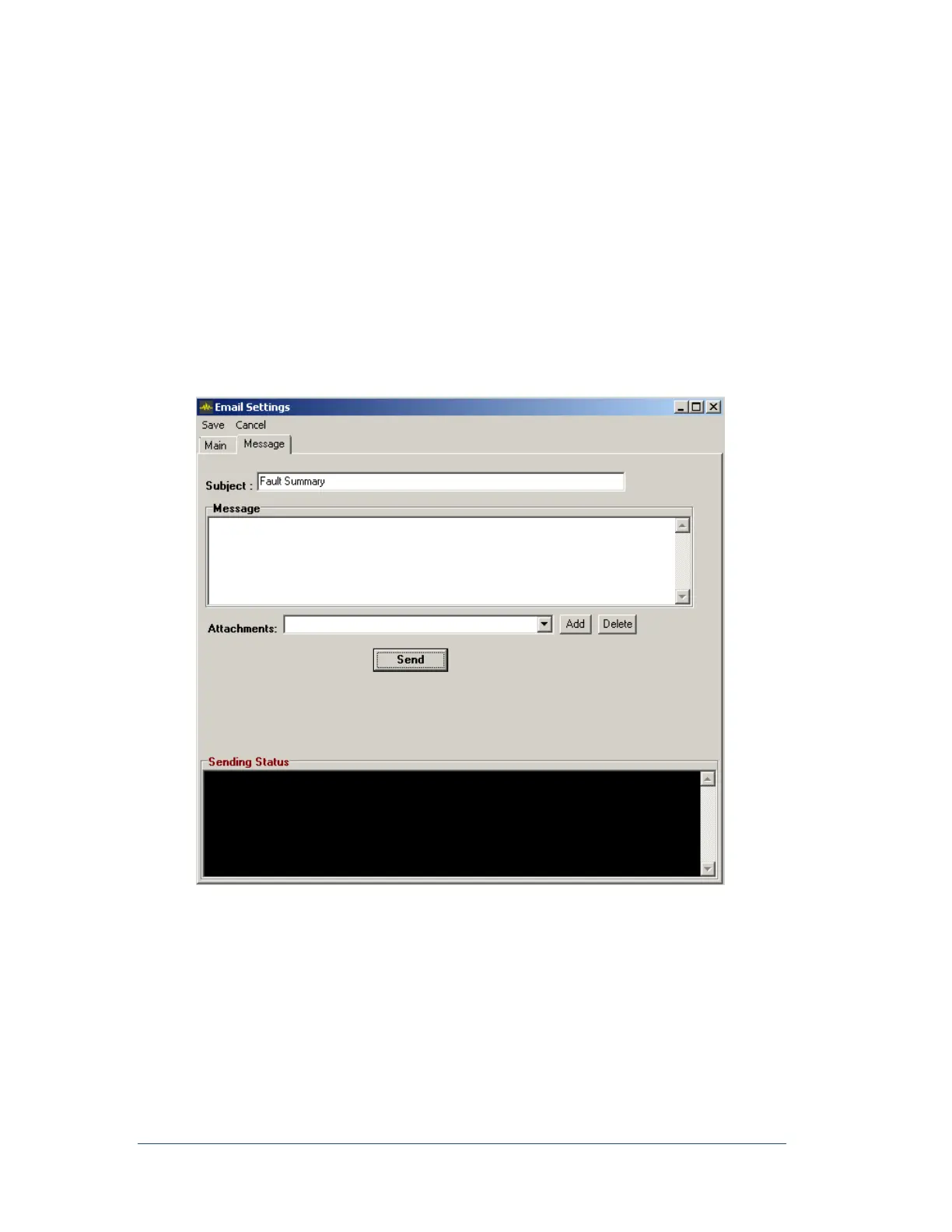
1. In the Send Email window, click the Message tab.
The Message tab appears, as shown in the following figure. From here, you can type an email and
manually send it to everyone in the Recipient list.
Figure 32: Manual Emailing Window



 To Next Page