4-30
Instruments and Programming
X6 - P/N 6525032M1
Auto PTO (automatic PTO)
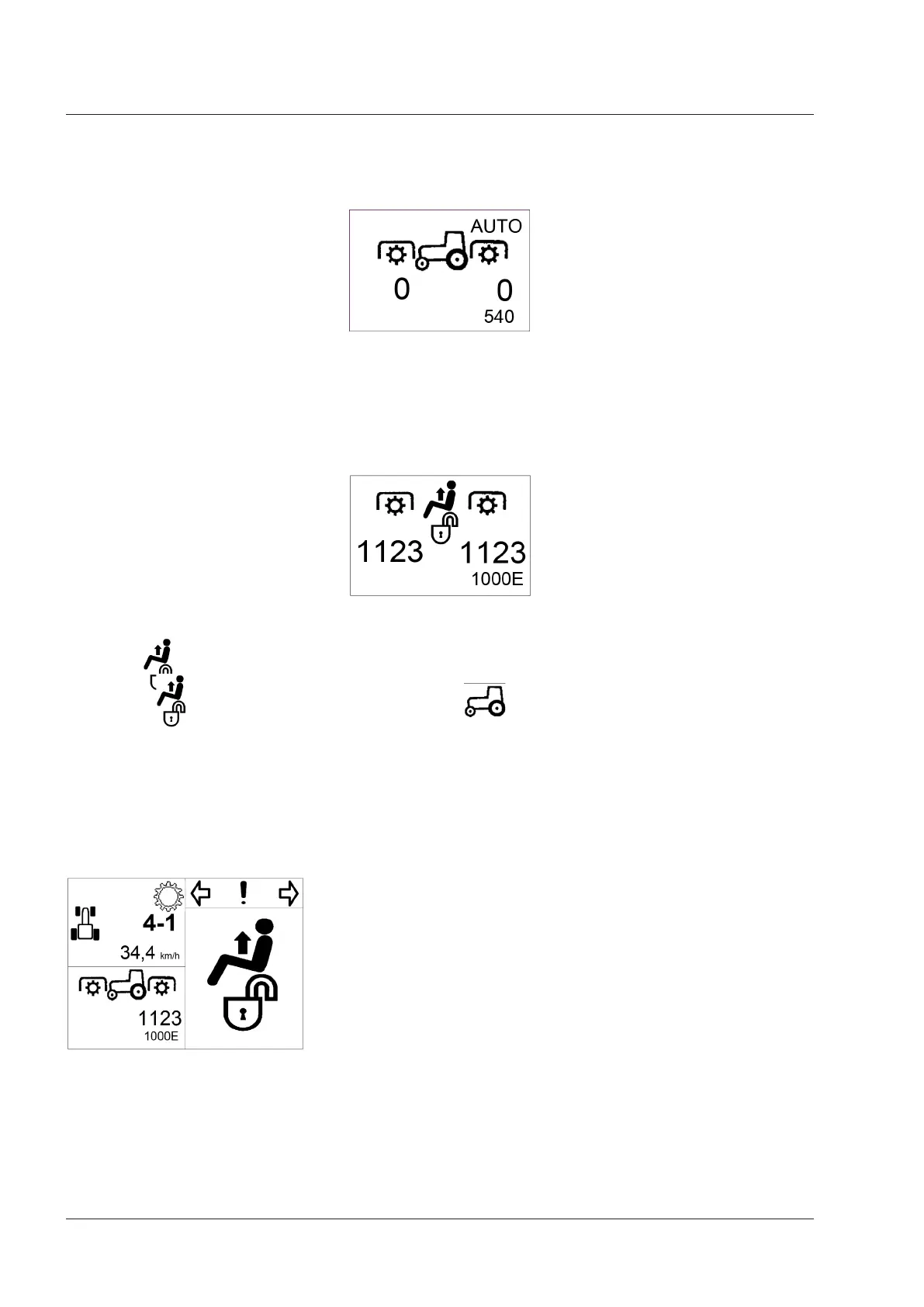
When the operator recalls the Auto PTO function, the PTO area in the display is refreshed as follows:
Refer to the “Operation” section in this manual for further information on the auto PTO function.
Stationary tractor
When the stationary tractor status is enabled, the PTO area in the display is refreshed as follows:
The symbol is displayed as long as the “Stationary tractor” mode is enabled. When the “Stationary tractor” mode
is quitted, the symbol is replaced by the tractor symbol .
IMPORTANT: The Stationary tractor function cannot be entered when the tractor is on the move.
NOTE: The Stationary tractor function is disengaged automatically as soon as the tractor starts moving.
When the "stationary tractor" work mode is activated, the instrument cluster display shows the following icon as a low
priority pop-up.



 To Next Page