9‐11
6-2. Downloading from the Download History
1. Press the Network key
to open the Network screen.
2. Press the A-key below the
icon.
3. Press the E-key below the
icon.
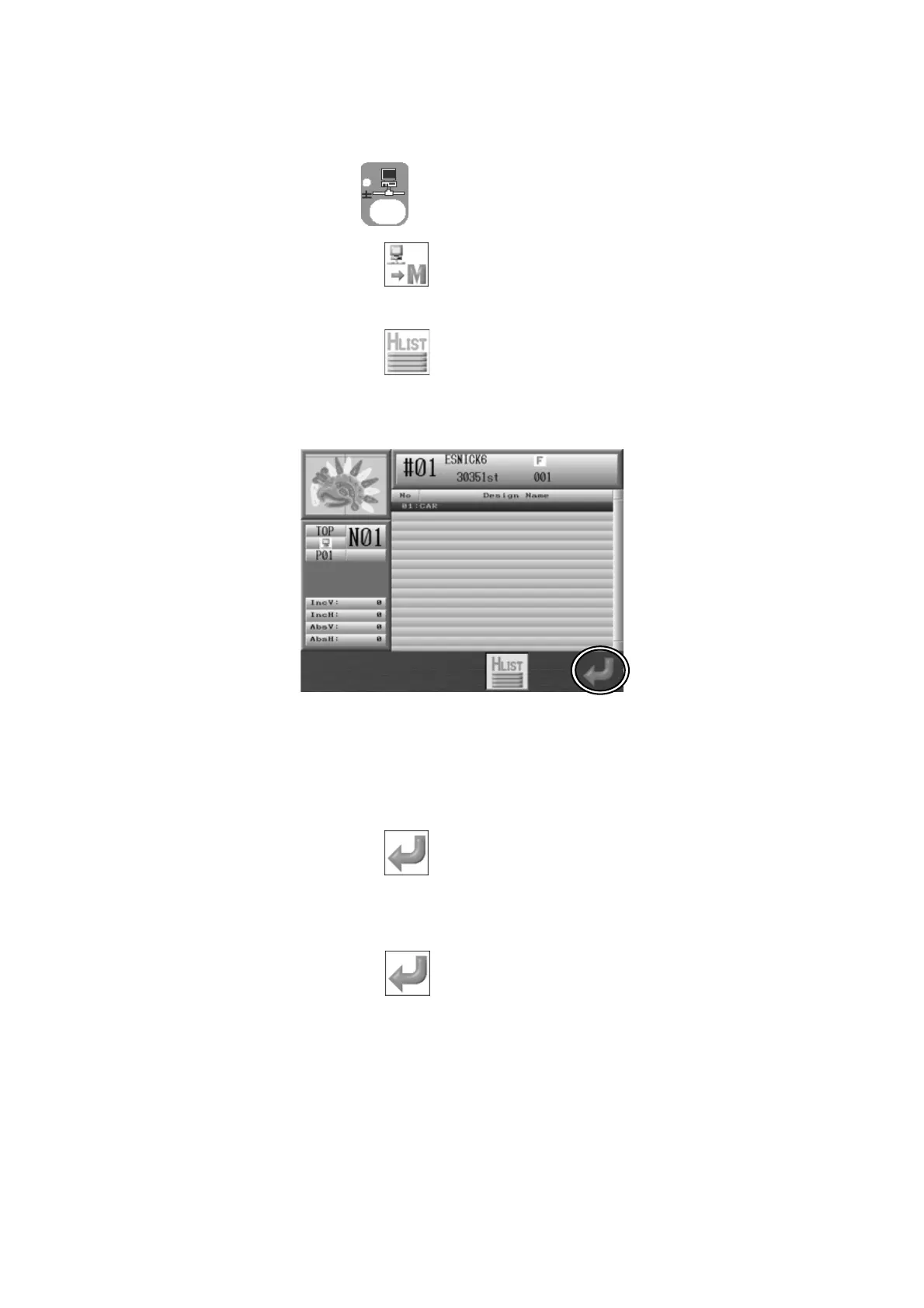
4. Download History displays.
5. Use the Jog keys and select the design to download from the history list in the Main
menu.
6. Press the G-key below the
icon to go back to the Direct downloading screen with
the selected design.
7. Press the G-key below the
icon to start downloading.



 To Next Page