All rights reserved
For technical and product improvement reasons, the sewing computer's features, parts and accessory are subject to
unannounced changes and alterations at any time. The accessory included can differ from country to country.
DANGER!
Very important!
Risk of injury!
ATTENTION!
Very important!
Risk of damage!
Tips!
Key to Signs
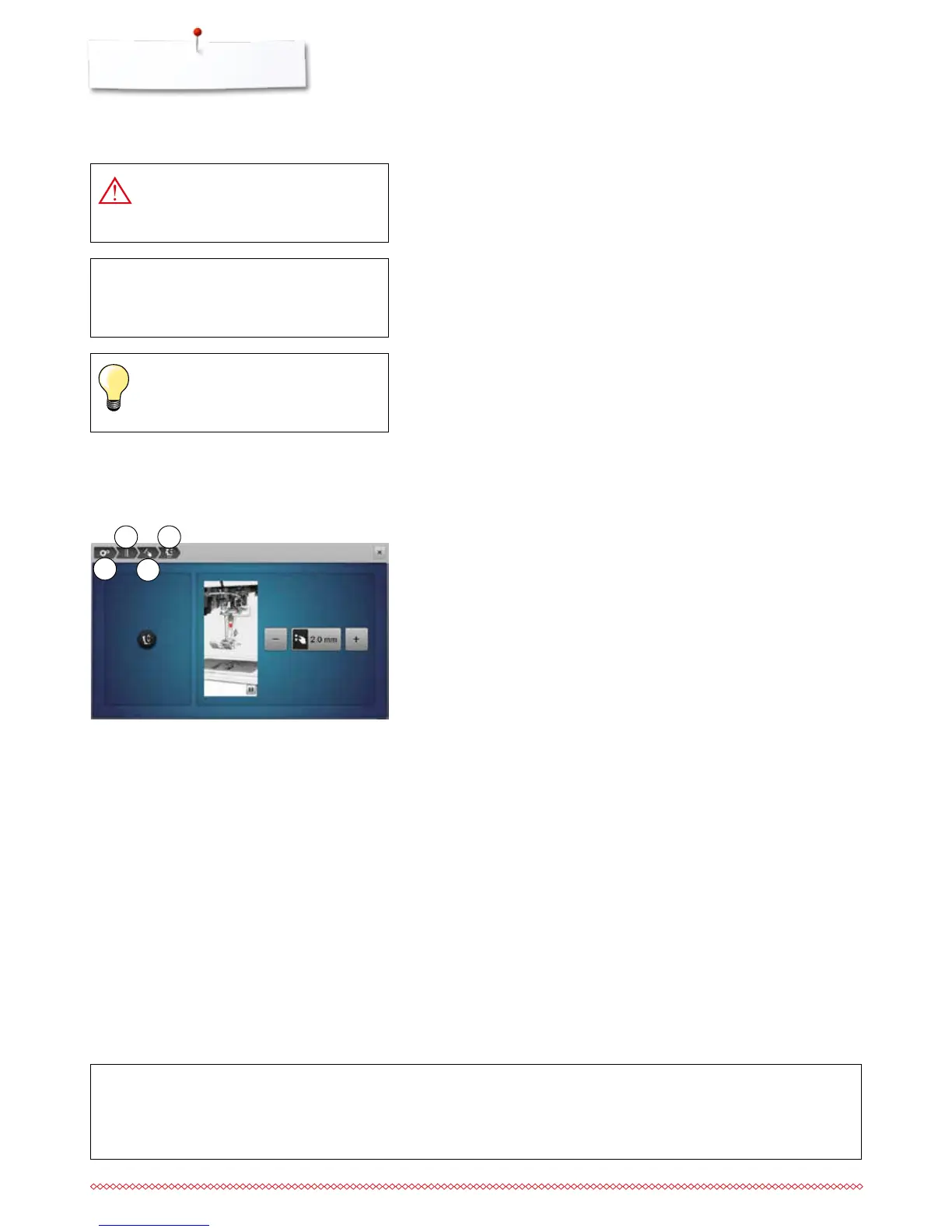
Breadcrumb navigation
1 Setup program is selected
2 Sewing settings are selected
3 Programming «Function»-button/«Function»-icon is selected
4 Programming hovering position of the presser foot is selected
⦁
having selected the corresponding icon (as for this example 1-3) the
desired display opens
1
2
3
4
Formatting the USB stick
USB stick must be inserted into the PC and be formatted as FAT 32 before
use.



 To Next Page