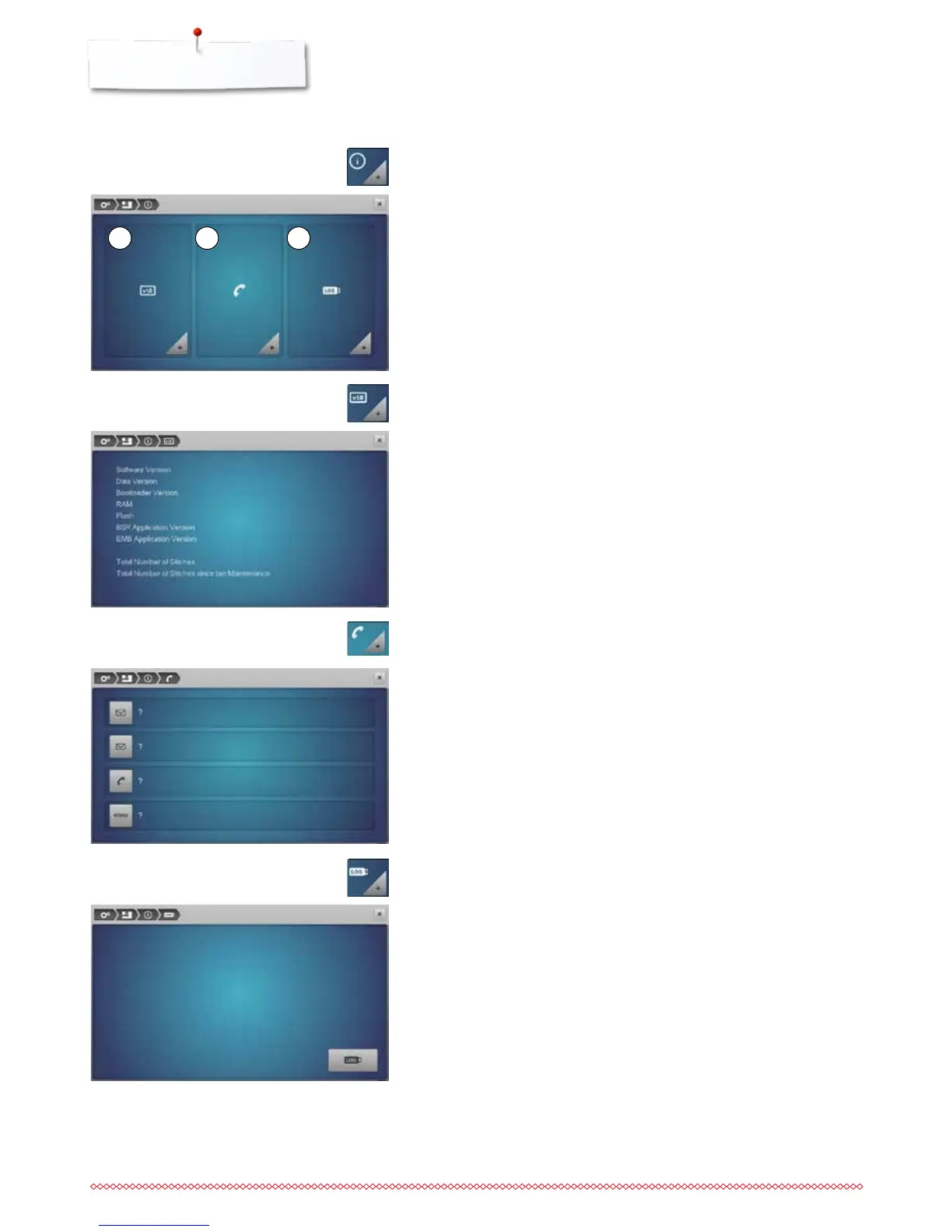
1 2 3
Information
1 Version
2 Dealer details
3 Service data
►
the present version of the sewing computer and the attached embroidery
module are visible
►
the total number of stitches and the number of stitches sewn since the last
servicing by the dealer are displayed
⦁
touch respective icon
Following details of the BERNINA-dealer can be registered:
⦁
store name
⦁
address
⦁
telephone number
⦁
website or e-mail address
⦁
touch the «Information»-icon
Version
⦁
touch the «Version»-icon
Dealer details
⦁
touch the «Dealer details»-icon
The service data of the present condition of the sewing-/embroidery computer
can be saved on a USB stick and sent to the BERNINA-dealer:
⦁
insert USB stick to sewing-/embroidery computer
⦁
touch the «LOG»-icon
►
data is saved on the USB stick
⦁
remove USB stick
Service data
⦁
touch «Service data»-icon



 To Next Page