Cleaning
Cleaning the Display and the sewing computer
Wipe with a soft, damp cloth.
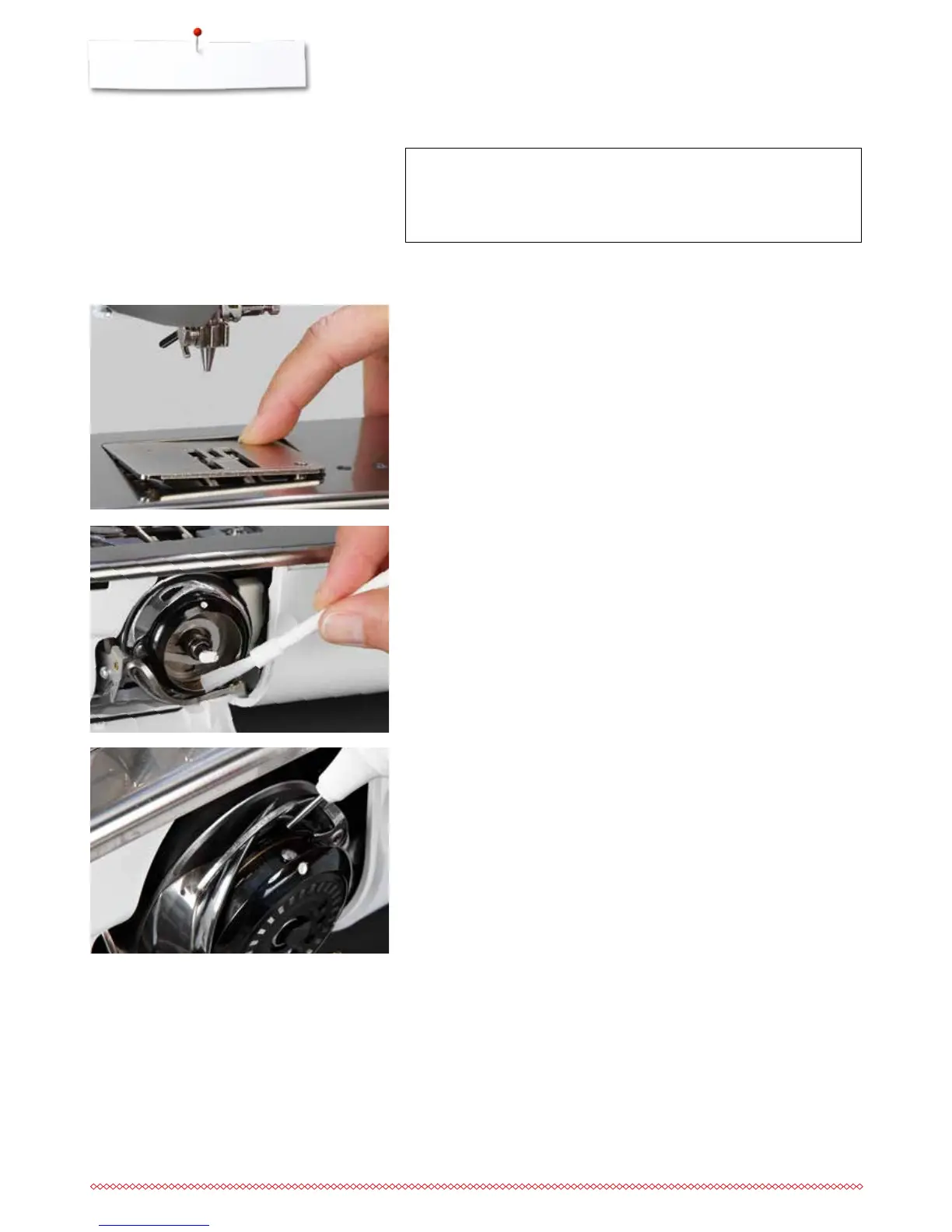
Cleaning the feed dog area and the hook
Clean the sewing computer after every use - remove any lint from under the
stitch plate and in the hook area.
⦁
open the bobbin door
⦁
turn power switch to «0» (off)
⦁
remove plug from electrical outlet
⦁
remove presser foot and needle
⦁
press the stitch plate down at the right back corner until it flips up
⦁
remove the stitch plate
⦁
clean the stitch plate and the lower thread indicator using a brush or the
vacuum cleaner
ATTENTION!
Disconnect plug from the socket before cleaning or lubricating!
Never use alcohol, petrol, white spirit or any type of solvent to
clean the sewing computer!
Lubricating
⦁
open the bobbin door
⦁
turn the power switch to «0» (off)
⦁
remove the plug from electrical outlet
⦁
removing the bobbin
⦁
hold the bobbin retainer with the left hand and turn the handwheel with the
right hand until the hook race can be seen
⦁
apply a minimal amount of BERNINA-oil in the hook race
⦁
insert the bobbin
⦁
plug in the power cable to the sewing computer
⦁
turn the power switch to «I»
⦁
close the bobbin cover
⦁
run the sewing computer at idle for a moment
►
no soiling of the sewing good
⦁
remove the bobbin
⦁
clean the hook and the hook race the with a brush; do not use any pointed
objects
⦁
insert the bobbin
⦁
replace the stitch plate
⦁
plug in the power cable to the sewing computer
⦁
turn the power switch to «I»
⦁
close the bobbin cover



 To Next Page