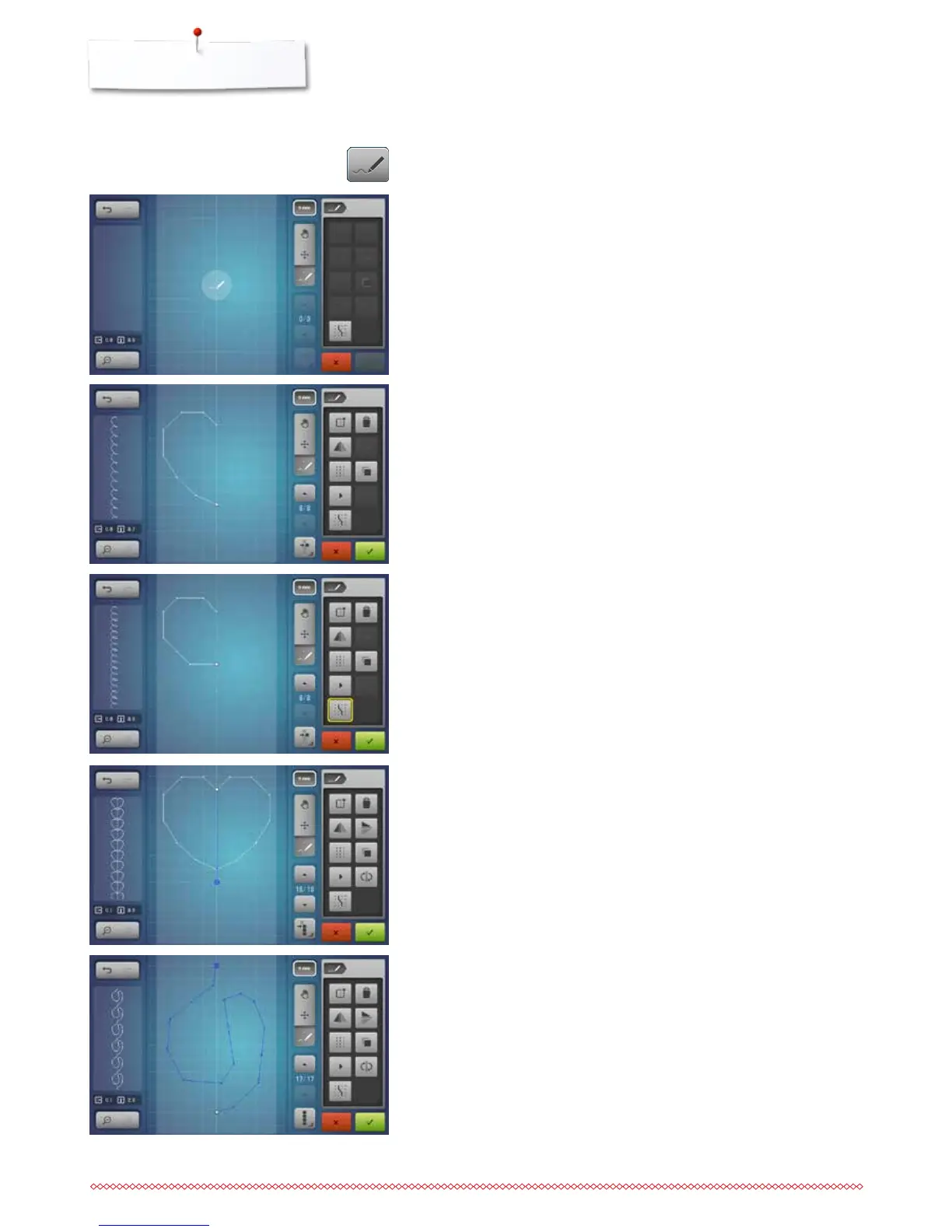
Creating or editing stitch design
Opening the Stitch Designer
⦁
touch the «Stitch Designer»-icon
►
the last active stitch pattern appears in the «Edit»-Display and can be
edited
⦁
touch the «Create new stitch design»-icon
►
the «Edit»-Display is empty
►
the guides are displayed, the spacing is 1 mm
►
the function «Insert a stitch» is activated
Creating a stitch design using the guides
⦁
insert the first point in the «Edit»-Display using the finger or the
Touchscreen pen
⦁
insert the second point etc. and create the desired stitch design
⦁
if a stitch design ends with reverse stitches or is a closed shape, a forward
stitch must be inserted on the same vertical axis as the first stitch so that
the design can be sewn continuously
►
in the preview window in the left display portion it can be seen whether or
not a stitch design is sewn continuously
Free hand drawing
⦁
using the finger or the Touchscreen pen, touch the «Edit»-Display and draw
a stitch design
►
if the distance between two dots is selected longer than 6 mm, the stitch is
downsized to the maximally acceptable length
Creating stitch designs using screen dots
⦁
touch the icon
►
in place of the guides, screen dots are displayed
►
the inserted point or stitch sequence when free-style drawing is aligned with
the nearest screen dot automatically



 To Next Page