174
All embroidery designs can either be embroidered as-is, or edited using the
various functions offered by the embroidery computer.
Motif Overview
⦁
touch the «My Designs»-icon
⦁
select the desired motif touching the icon or via the «0-9»-icon
My Designs
All BERNINA embroidery motifs can either be embroidered as-is, or edited
using the various functions offered by the embroidery computer.
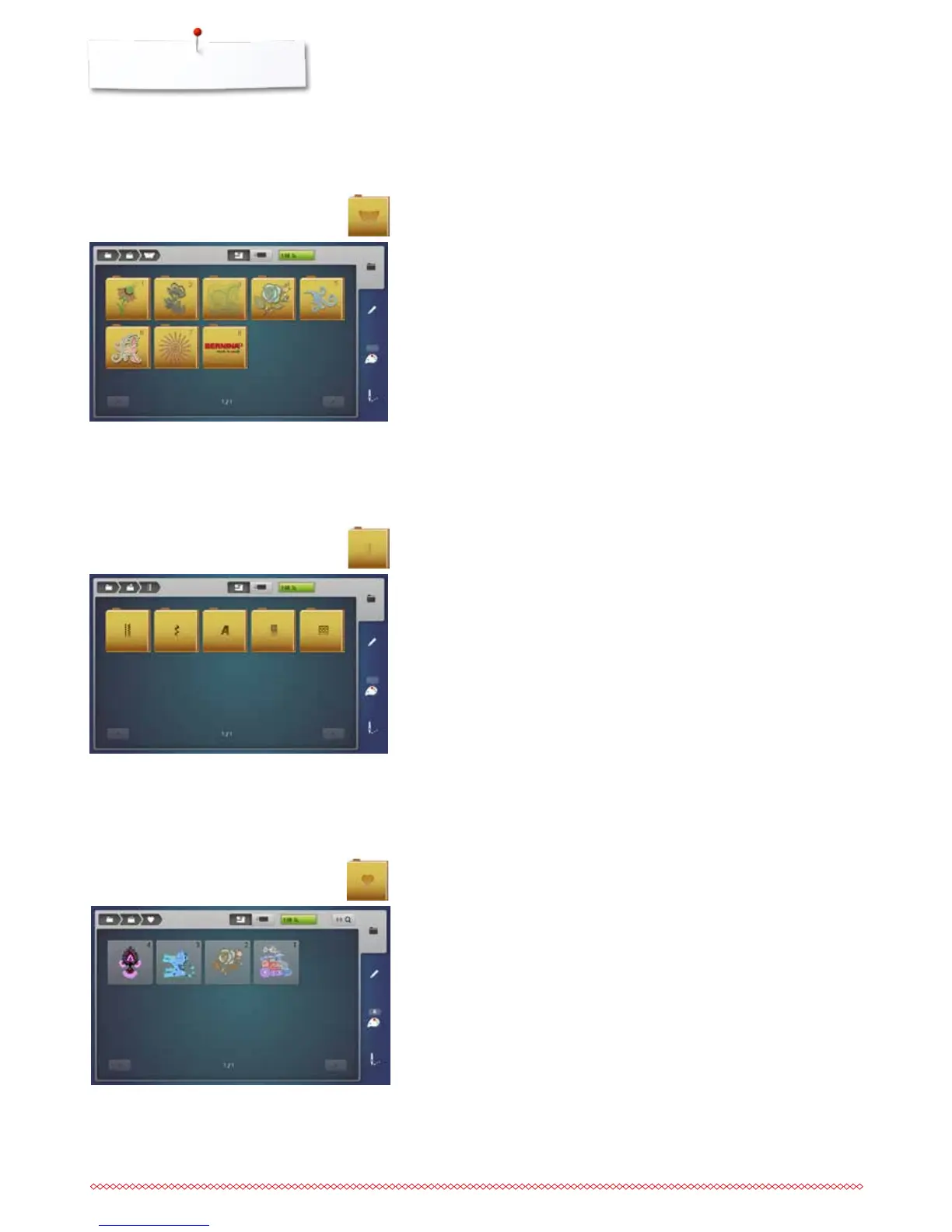
BERNINA embroidery motifs
Motif Overview
The motifs are displayed in folders according to topics.
⦁
touch the «Motif»-icon
⦁
select folder
⦁
select the desired motif
Stitch patterns
Stitch pattern overview
⦁
select folder
⦁
select the desired stitch pattern



 To Next Page