⦁
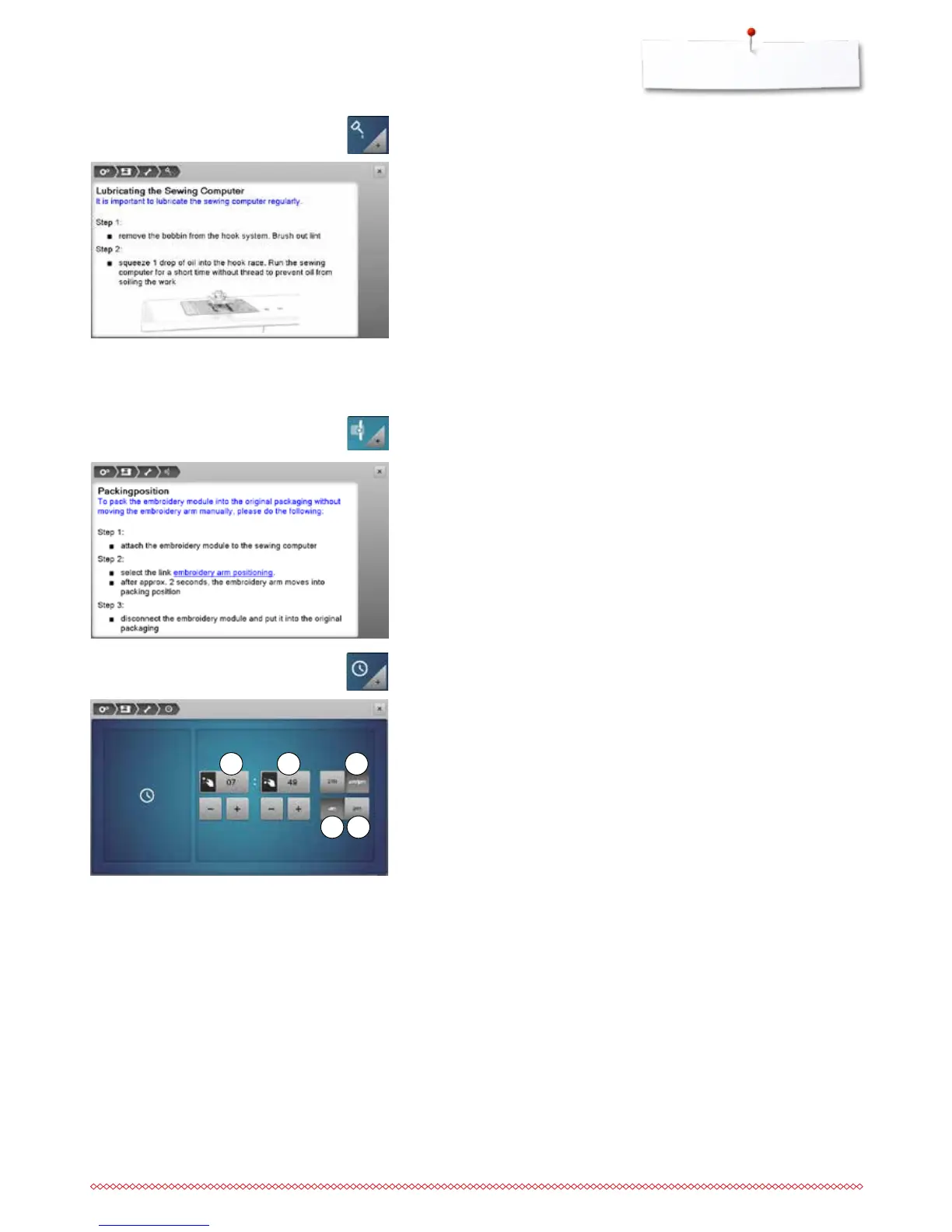
oil the sewing-/embroidery computer according to the instructions and the
animation
Packing position
Do not move the embroidery arm of the embroidery module by hand. Follow
the on-screen instructions to fit the embroidery module back into its original
packaging.
⦁
touch the «Packing position»-icon
Lubricating the sewing-/embroidery computer
⦁
touch the «Lubricating»-icon
1 2 3
Setting the clock
⦁
touch the «Clock»-icon
⦁
turn the stitch width knob or
⦁
touch the «+»/«-»-icon below the hour Display
►
the hours 1 are set
⦁
turn the stitch length knob or
⦁
touch the «+»/«-»-icon below the minute Display
►
the minutes 2 are set
Standard = hours are displayed on the scale of 0-24.
⦁
touch icon 3
►
hours are displayed on the scale of 0-12
⦁
touch icon 4
►
am = the displayed hours 0-12 ante meridiem
⦁
touch icon 5
►
pm = the displayed hours 0-12 post meridiem
4 5



 To Next Page