Sewing preparation
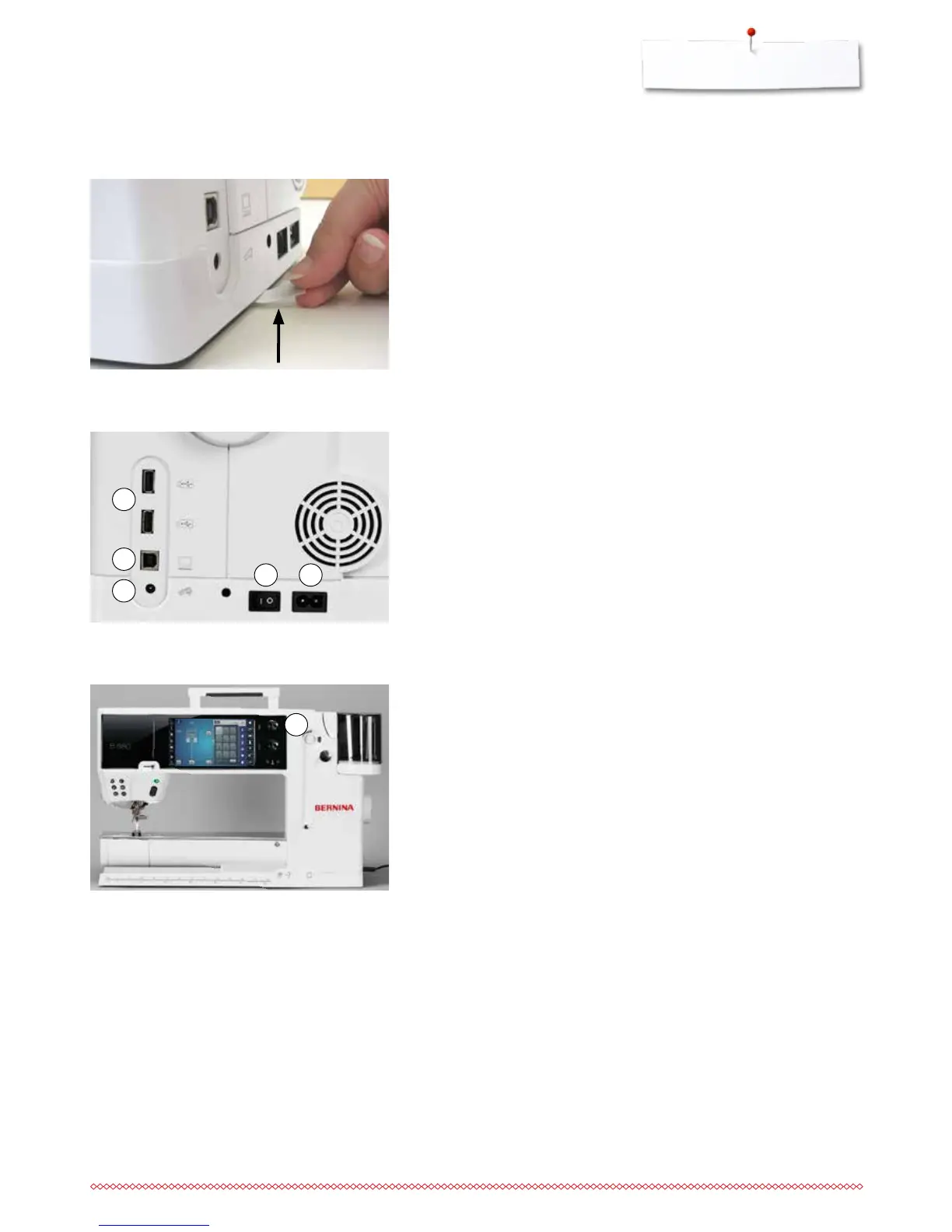
Power Switch/Power Cable
1 Power Switch
The sewing computer is switched on («I») and off («0») with the power switch.
I the sewing computer is switched on
0 the sewing computer is switched off
2 Power plug socket
3 Foot control socket
4 PC-connection
5 USB-connection
Magnetic holder for Touchscreen pen
The Touchscreen pen can be stored easily and securely at the two magnets 1.
Battery
⦁
please remove the protective sticker of the battery before taking the sewing
computer in use
1 2
3
4
5
1



 To Next Page