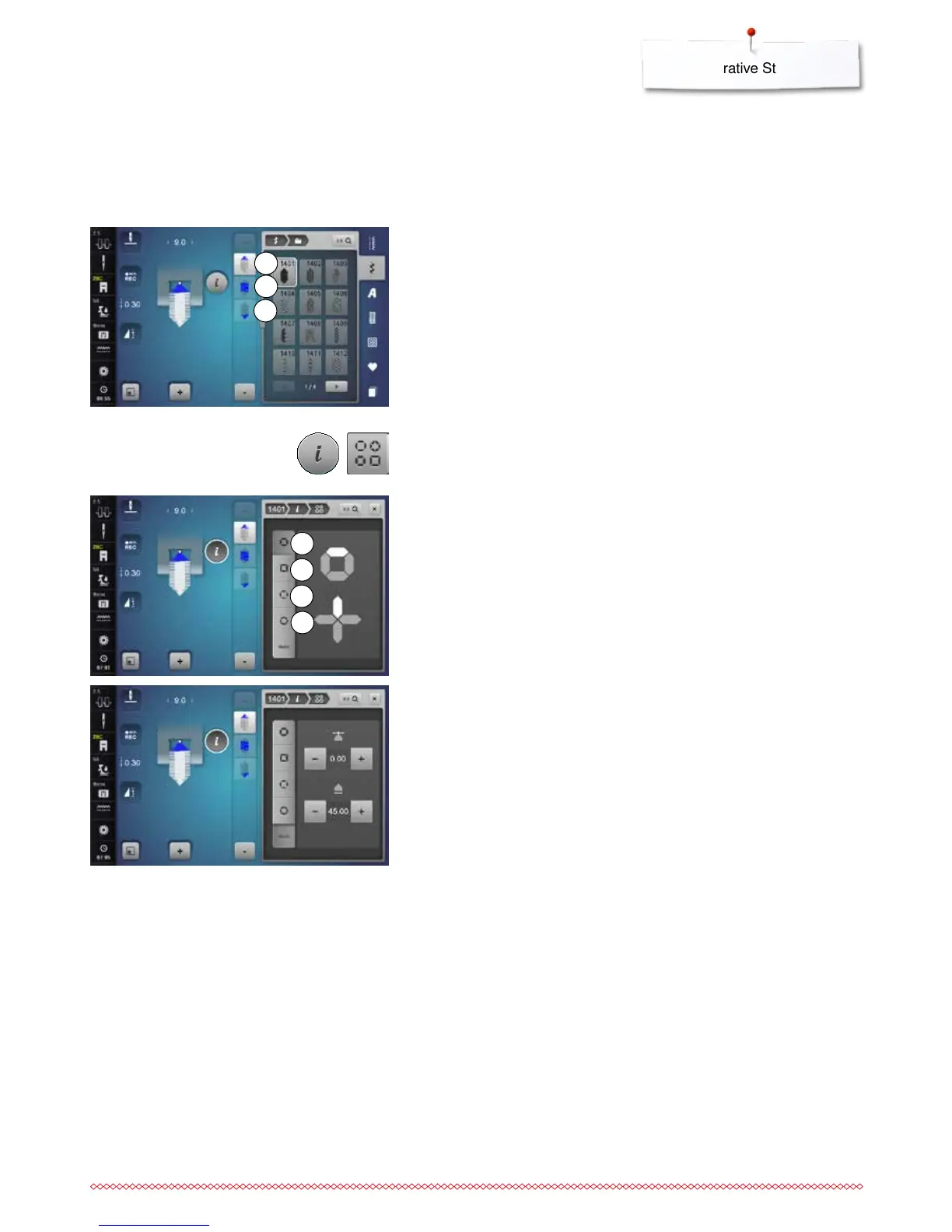
Tapering is a technique in which the stitch patterns come to a point at the
beginning and end. Four different angles are pre-programmed and another
angle can be determined manually.
No combinations can be created with tapering patterns.
2
3
1
5
6
4
7
Tapering
⦁
select stitch No. 1401
►
the first section 1 is active
►
section 1 and 3 have a programmed length; you can set the length of
section 2 yourself by pressing «Quick reverse»-button
Altering angle
⦁
touch the «i»-icon
⦁
touch the «Tapering»-icon
►
the Display showing the overview of prgrammed angles appears
►
angle 4 is active
⦁
select another angle by touching the icons 5, 6 or 7
⦁
touch the «man»-icon
⦁
use the top «+» and «-» icons to move the tips of the pattern from -1.00
(far left) to 1.00 (far right)
⦁
touch the yellow number in the center to place the tips in the center of the
pattern (0.00)
⦁
use the bottom «+» and «-» icons to set the angle of the tips between
0.00° and 90.00°
⦁
touch the yellow number in the center to set the angle to 45°



 To Next Page