⦁
touch the «Reverse stitch sequence»-icon
►
the stitch sequence of the active stitch design is reserved
This is an easy and quick way to create new stitch designs.
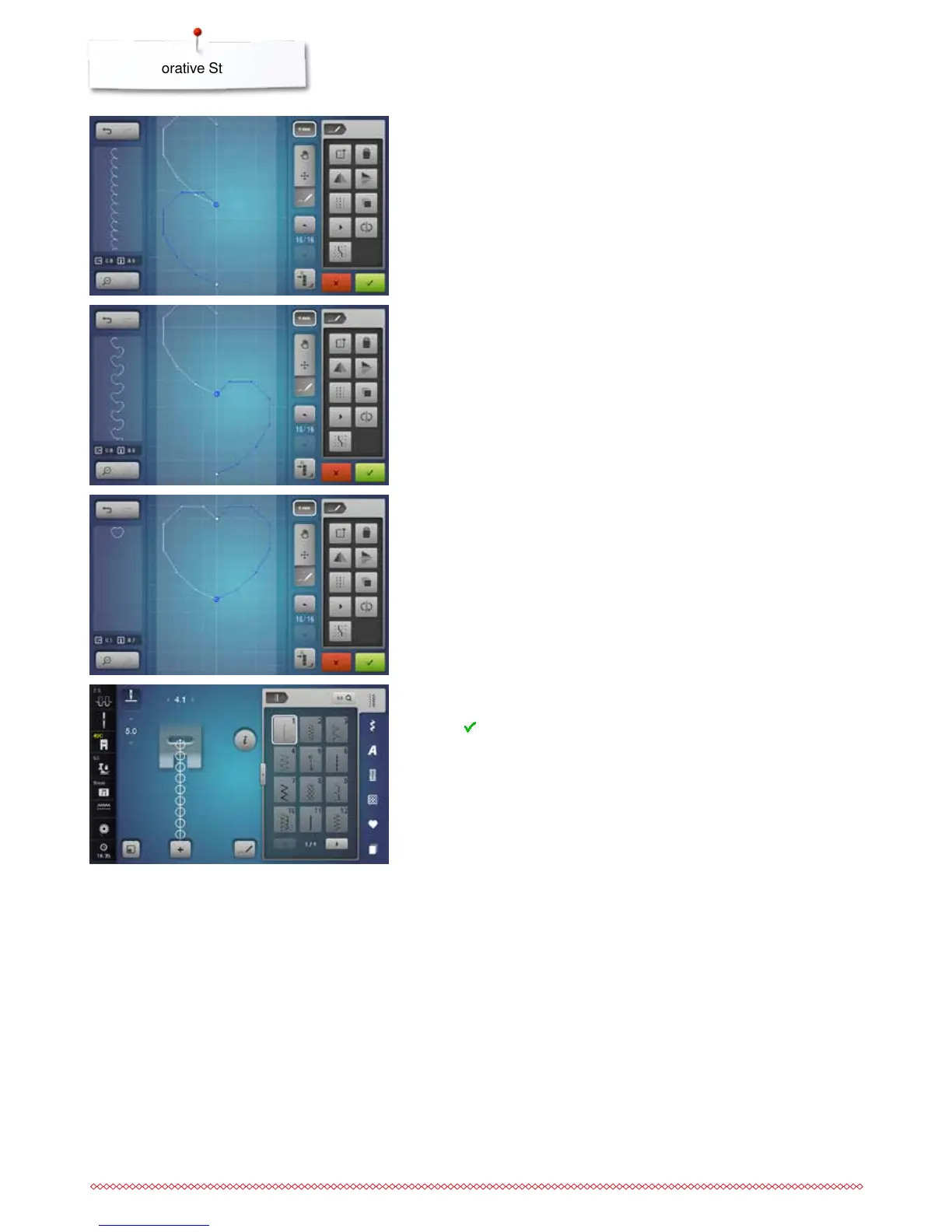
Sewing stitch designs
⦁
create a stitch design
⦁
touch icon
►
the «Edit»-Display closes
►
the stitch design is displayed in the stitch pattern area and can be sewn
Stitch designs, which were created in the stitch designer, can be stored in the
personal program, see on page 137.
⦁
touch the «Mirror Image left/right»-icon
►
the active stitch design is mirrored laterally
Reversing the stitch sequence
⦁
create a stitch design
⦁
touch the «Select all points»-icon
⦁
touch the «Duplicate»-icon
►
the stitch design is duplicated



 To Next Page