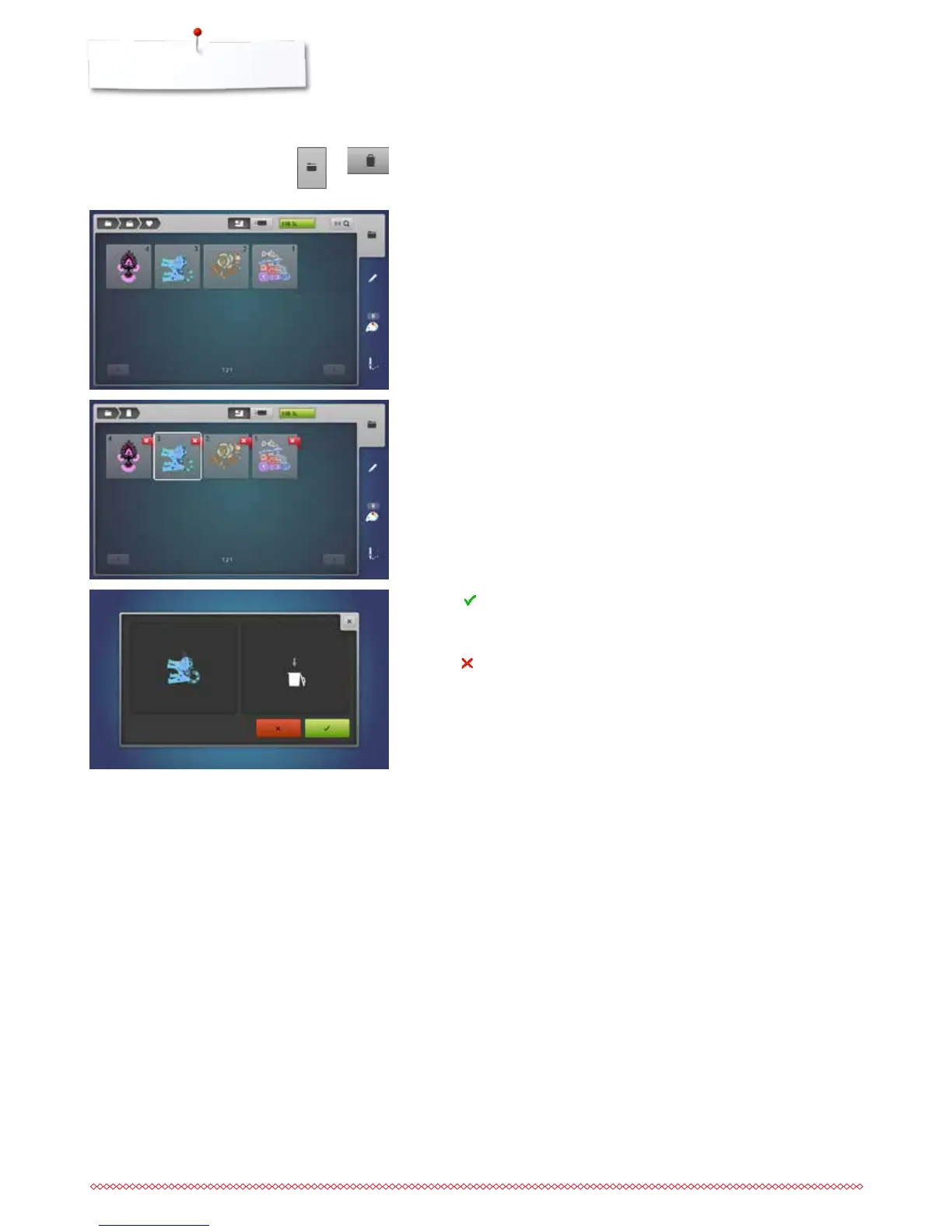
Deleting saved single motif
⦁
insert the USB stick
⦁
press the «Selection»-button
⦁
touch the «Delete»-icon
⦁
touch the «USB stick»-icon or
⦁
touch the «Embroidery computer»-icon
⦁
select the motif to be deleted
⦁
touch to confirm
►
the motif is deleted
Cancelling delete
⦁
touch
►
the deleting is cancelled, the previous screen appears



 To Next Page