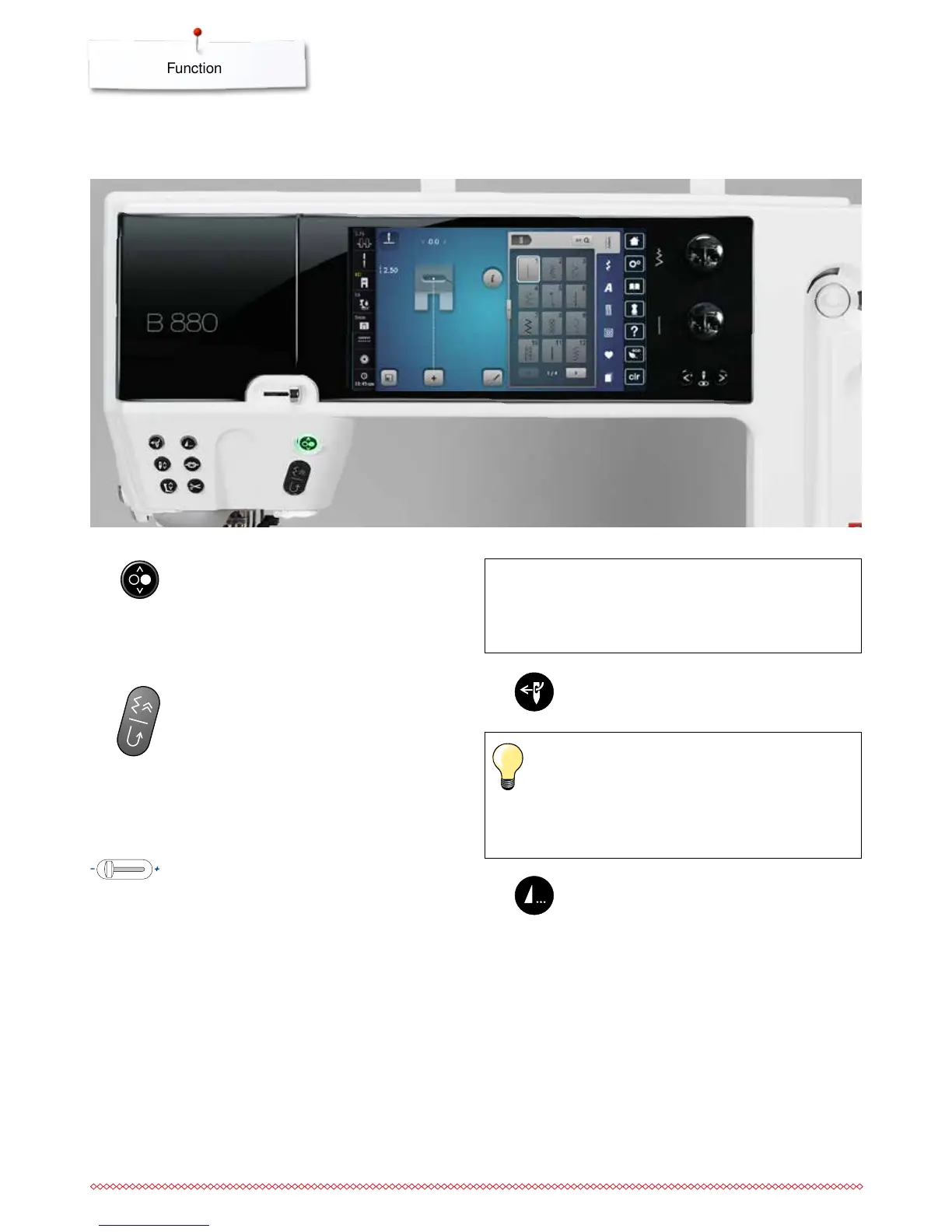
Functions
Overview «Function»-buttons
«Start/Stop/hover»-button
starts and stops the sewing computer when
operating with or without foot control
starts and stops the BSR-Function if the BSR
foot is attached and activated
raise the presser foot slightly quick press while
sewing to pivot or move the sewing work
Programmable «Pattern end-/Securing»-button
⦁
press button before or during sewing
►
single pattern is secured at the end, with the
selected number of stitches programmed
⦁
press button before or during sewing of a
combination
►
the active pattern of the combination is
secured at the end, with the selected number
of stitches programmed
⦁
the number and type of the securing stitches
can be programmed in the Setup-Program
►
a stop symbol which appears during sewing
indicates that the function is activated
«Quick reverse»/«Permanent reverse sewing»-
button
secures the seam beginning and end: sews in
reverse as long as the button is pressed
used to program the buttonhole length
used to program the darning length
used to determine end of stitching in straight
stitch Securing Stitch No. 5
used for securing in Quilters securing program
No. 1324
Slide speed control
the sewing and embroidering speed is infinitely
variable with the slide
«Automatic threader»-button
⦁
touch button = finishes the threading process
and threads the needle
Double, triple and wing needles require manual
threading after the button has been pressed.
Use the «Automatic needle threader»-button for needle
sizes 70-120. Metallic threads, thick threads like
cordonnet and difficult to work with threads should be
threaded by hand.
ATTENTION!
The «Automatic threader»-button mustn‘t be
activated with one of these presser feet attached
nos. 48, 50, 55, 85, 86, 93 and the cut'n'sew No. 80.



 To Next Page