⦁
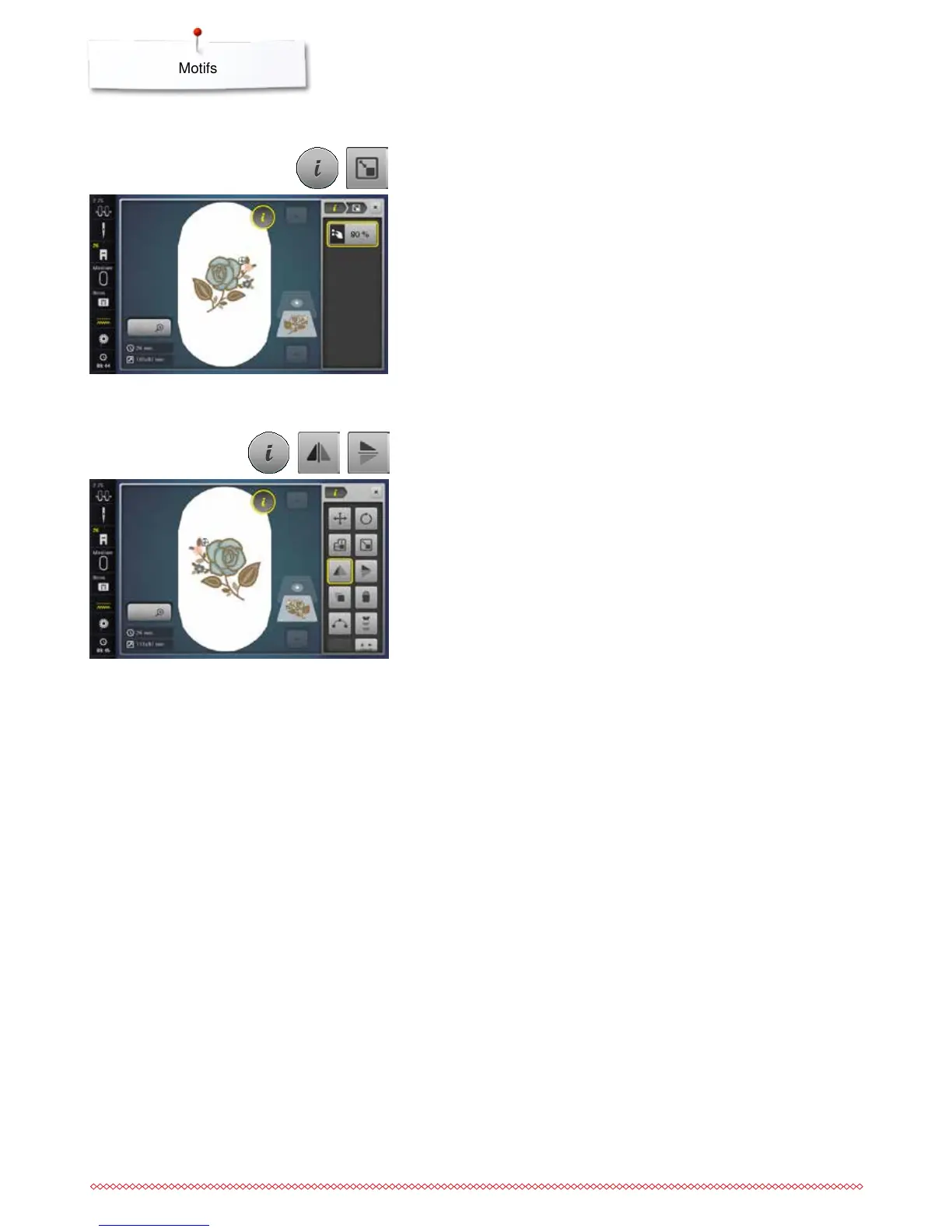
touch the «i»-icon
⦁
touch the «Mirror Image left/right»-icon
►
the motif will be mirrored horizontally
⦁
touch the «Mirror Image up/down»-icon
►
the motif will be mirrored vertically
Mirror motifs
⦁
turn width/stitch length knob to the right
►
the motif is enlarged
⦁
turn the stitch width/stitch length knob to the left
►
the motif is reduced
►
the alteration is displayed in the icon in percent (%)
⦁
touch the yellow-framed icon
►
the size of the motif is reset to basic setting
⦁
touch the «i»-icon
⦁
touch the «Rescale motif proportionally»-icon
Rescale motif proportionally



 To Next Page