►
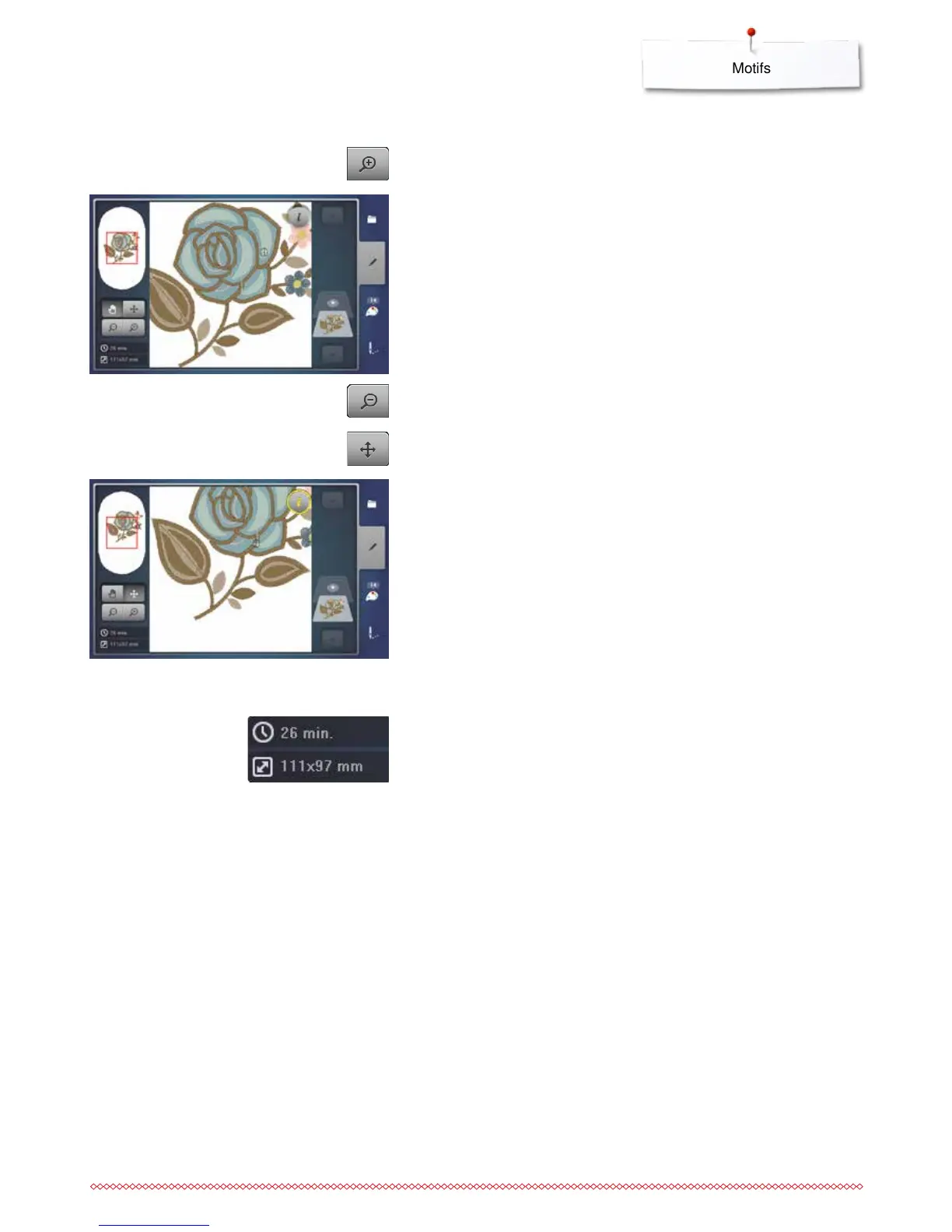
the view of the motif is enlarged by one step
⦁
touch the «Zoom+»-icon 1-5x
⦁
touch the «Zoom-»-icon 1-5x
►
the enlarged view of the motif is scaled-down by one step
Zoom
The «Edit»-Display at the bottom left shows the embroidery time in minutes,
width and height of the motif are displayed in mm.
Motif size and embroidery time
⦁
the position of the motif can be moved to any direction in the Display using
finger, the Touchscreen pen or the knobs
Moving the motif
⦁
touch the «Move»-icon



 To Next Page